WELCOME TO MOBILERELATION

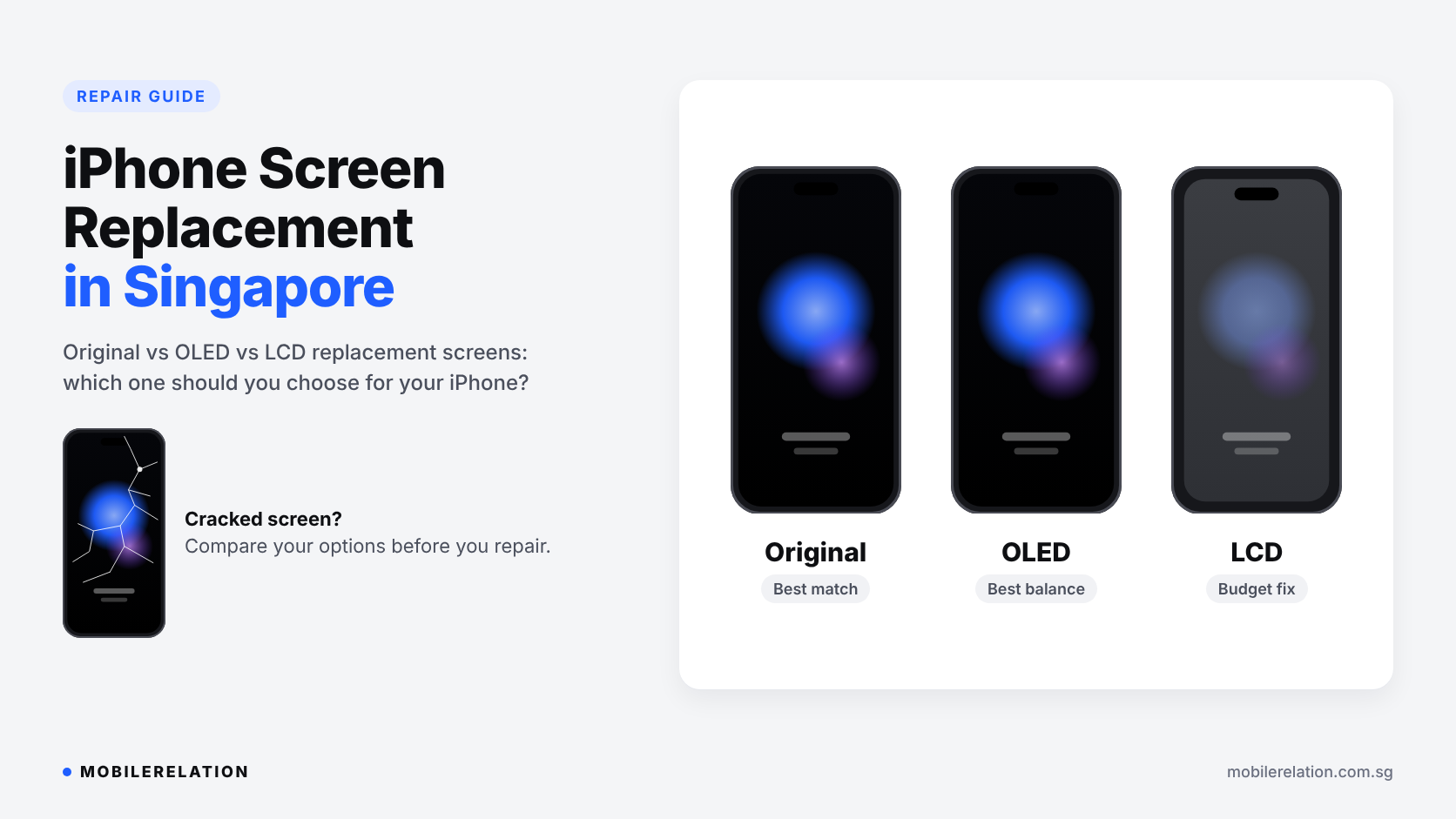
iPhone Screen Replacement in Singapore: Original vs OLED vs LCD Screens Explained
A cracked iPhone screen is one of the most common phone problems in Singapore.
Maybe it slipped out of your pocket at the MRT station. Maybe it fell face-down on the kitchen floor.
Either way, one question comes up quickly:
Should you replace the screen, and which type of replacement screen should you choose?
When you ask for an iPhone screen replacement in Singapore, you will usually be offered more than one screen option. The difference affects colour, brightness, battery life and how the phone feels to use every day.
In this guide, we explain the three main types of iPhone replacement screens, the signs that your screen needs replacing, what to check after a repair, and when trading in your iPhone may make more sense than repairing it.
Note:
iPhone screen replacement costs depend on your exact iPhone model and the screen type you choose. For current pricing, see our iPhone repair price list.
iPhone screen replacement costs depend on your exact iPhone model and the screen type you choose. For current pricing, see our iPhone repair price list.
📱 Signs Your iPhone Screen Needs Replacing
Not every screen problem is obvious. A screen can look fine from a distance but still have a fault underneath the glass.
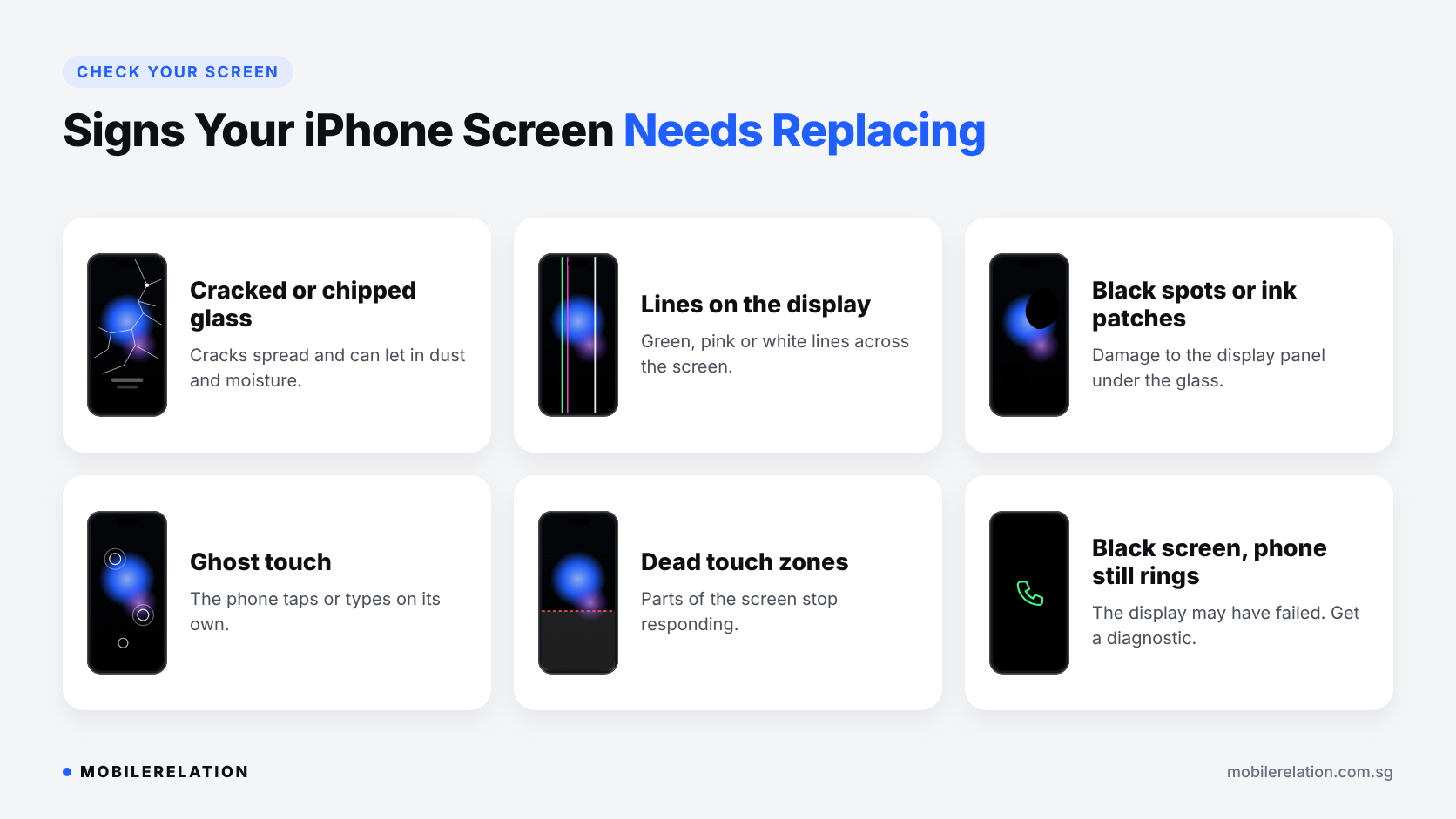
You may need a screen replacement if you notice:
• Cracks or chips in the glass
• Green, pink or white lines across the display
• Black spots or ink-like patches that spread over time
• Areas of the screen that no longer respond to touch
• “Ghost touch”, where the phone taps or types on its own
• Flickering, or a black screen while the phone still rings
• Glass lifting away from the frame
| Symptom | What It Usually Means |
|---|---|
| Cracked glass, display still works | The outer glass is damaged. Replacement helps stop the cracks spreading. |
| Lines or black spots | The display panel underneath is damaged. |
| Ghost touch or dead zones | The touch layer is faulty. |
| Black screen, phone still rings | The display may have failed, or there may be a connector issue. A diagnostic check is recommended. |
| Screen lifting from the frame | Possible impact damage, or a swelling battery pushing the screen out. |
Small cracks should not be ignored. Cracked glass can let in dust and moisture, and cracks often spread with daily use.
Important:
If your screen is lifting because the battery is swelling, stop charging the phone and have it checked as soon as possible.
If your screen is lifting because the battery is swelling, stop charging the phone and have it checked as soon as possible.
🔍 The 3 Types of iPhone Replacement Screens
This is the part most people don’t know before walking into a repair shop.
Screens used for an iPhone screen replacement come in different grades. At MobileRelation, you will usually see three options:
| Screen Type | What It Is | Best For |
|---|---|---|
| Original (ORI) | A genuine Apple display panel. | The closest match to your iPhone’s original look and feel. |
| OLED | A high-quality replacement OLED panel using the same display technology as newer iPhones. | A strong balance of picture quality and cost on OLED iPhones. |
| LCD (OEM grade) | A replacement LCD panel. | Budget repairs, or older iPhones that originally came with LCD screens. |
Original (ORI) Screens
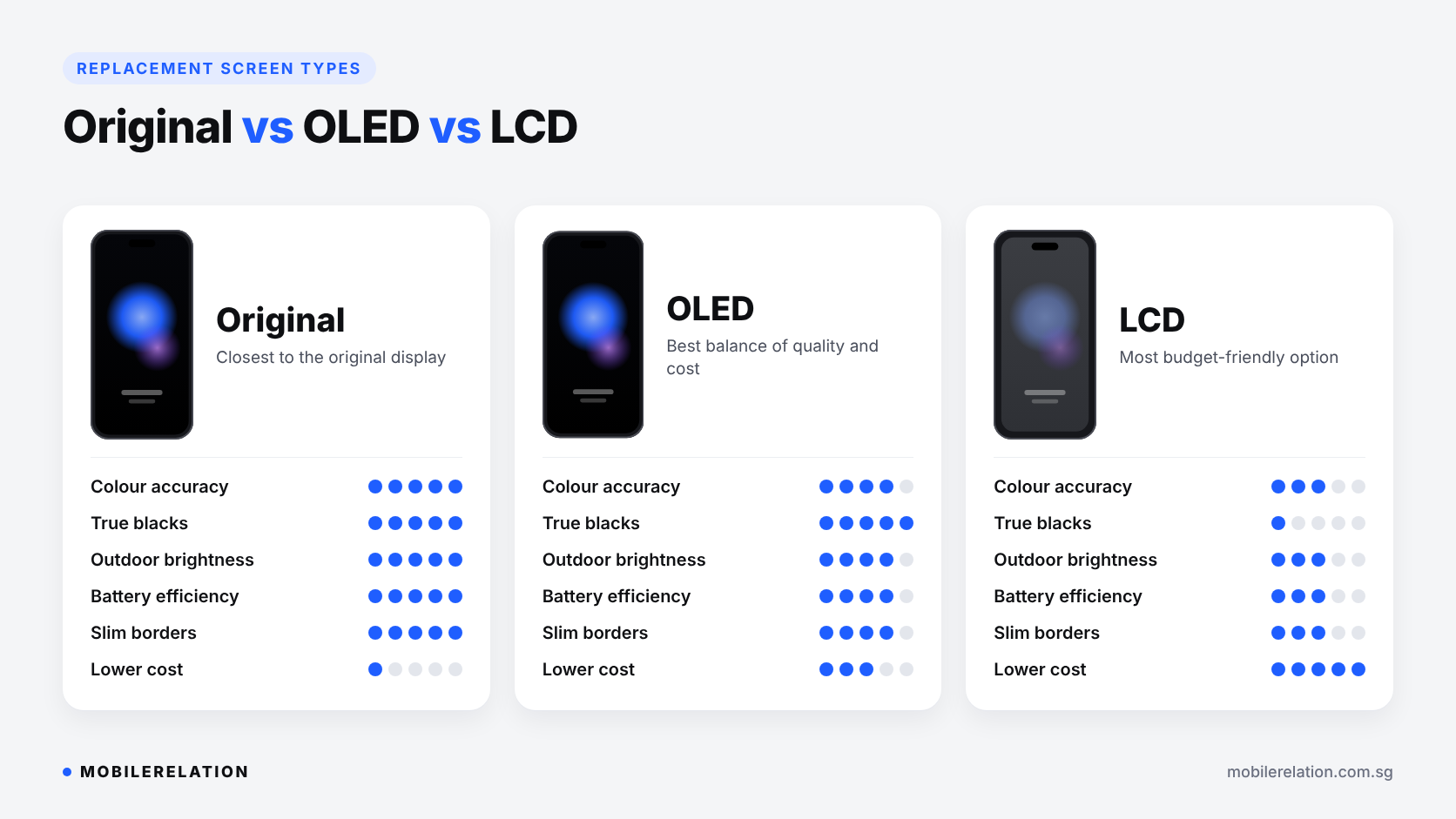
An original screen gives you the display quality your iPhone was designed with: accurate colours, full brightness, deep blacks on OLED models and the same touch response.
If you use your phone heavily for photos, videos or watching content, or plan to keep it for several more years, an original screen is usually the best long-term choice.
OLED Replacement Screens
From iPhone X onwards, most iPhone models use OLED displays. iPhone XR, iPhone 11 and iPhone SE are the exceptions and use LCD.
An OLED replacement screen keeps the same core technology, so you still get true blacks, good contrast and slim borders. Colours and peak brightness may differ slightly from an original panel, but most everyday users find it a comfortable middle option.
LCD Replacement Screens
LCD replacements are the most affordable option.
On iPhones that originally came with LCD screens, such as iPhone 8, iPhone SE, iPhone XR and iPhone 11, an LCD replacement uses the same type of technology the phone was built with.
On OLED iPhones, however, an LCD replacement comes with trade-offs:
• Blacks look dark grey instead of truly black
• The screen may look less bright, especially outdoors
• Borders around the display can be slightly thicker
• It may use more battery, because an LCD backlight is always on
If you only need the phone to keep working for a short time, for example before upgrading, an LCD screen can still be a practical choice.
⚖️ Original vs OLED vs LCD: Side-by-Side Comparison
| Factor | Original | OLED | LCD |
|---|---|---|---|
| Colour accuracy | Best | Very good | Fair |
| Blacks and contrast | True blacks | True blacks | Greyish blacks |
| Outdoor brightness | Best | Good | Lower |
| Battery impact | Normal | Close to normal | Can be higher on OLED iPhones |
| Border thickness | Original | Close to original | Can be thicker |
| Relative cost | Highest | Middle | Lowest |
Not every screen type is available for every model. Older LCD iPhones, for example, do not need an OLED option.
See the options for your iPhone:
🤔 Which Replacement Screen Should You Choose?
Choose Original If You Are Keeping the Phone Long Term
If your iPhone is recent and you plan to use it for another two or three years, an original screen protects the experience you paid for.
Choose OLED for the Best Balance
If you own an OLED iPhone and want good picture quality without paying for an original panel, OLED is usually the sweet spot.
Choose LCD If You Need a Budget Fix
LCD makes sense for older iPhones, backup phones, phones for children or elderly family members, or if you plan to upgrade soon.
Not sure? Tell us your iPhone model and how you use your phone, and we can recommend an option.
⚠️ Will a Replacement Screen Affect Face ID or True Tone?
These are two of the most common worries.
Face ID
The Face ID sensors are not part of the display panel. With careful handling, Face ID should continue to work after a screen replacement. It is still a good idea to test it before you leave.
True Tone
True Tone adjusts the screen’s colour temperature to your surroundings. Depending on your iPhone model and the replacement part, True Tone may or may not be available after the repair. Ask about this beforehand if it matters to you.
“Unknown Part” Message
On newer iOS versions, iPhones can show a message in Settings › General › About if a display is not recognised as a genuine Apple part. This is a notice, not a fault. The phone continues to work normally.
🛠️ Before Your iPhone Screen Replacement
A few minutes of preparation can save you trouble:
| Step | Why It Matters |
|---|---|
| Back up your iPhone | Protects your photos and data, especially if the screen is still usable. |
| Check whether you have AppleCare+ | If you do, compare your options first. A third-party repair can affect future Apple service for that part. |
| Remove your case and screen protector | Lets the damage be assessed properly. |
| Note any other problems | Camera, speaker or charging issues can be checked at the same time. |
| Ask how testing will be done | You can test the phone together with the technician at the counter. |
If your screen is too damaged to use, a backup may not be possible before the repair. That is another reason to keep iCloud backups switched on.
Planning to sell your iPhone instead? Read:
How to Prepare Your iPhone Before Trade-In in Singapore →
✅ What to Check After the Repair
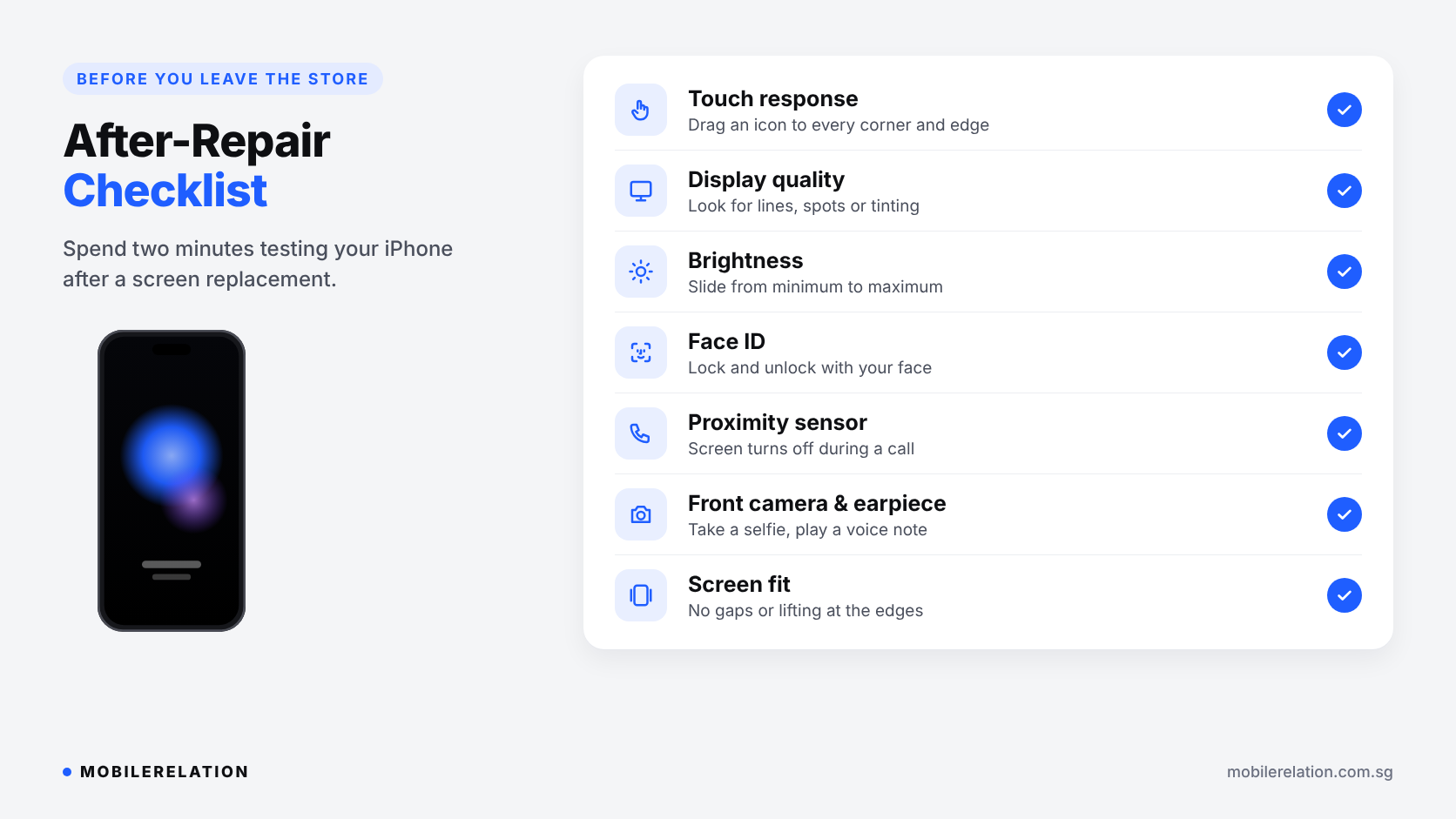
Before you leave the store, spend two minutes checking:
| Check | How to Test |
|---|---|
| Touch response | Drag an app icon slowly to every corner and edge of the screen. |
| Display quality | Open a white page and a black image. Look for lines, spots or tinting. |
| Brightness | Move the brightness slider from minimum to maximum. |
| Face ID | Lock the phone and unlock it with your face. |
| Proximity sensor | Make a call. The screen should turn off when held to your ear. |
| Front camera and earpiece | Take a selfie and play a voice note through the earpiece. |
| Screen fit | Run a finger around the edges. There should be no gaps or lifting. |
🔄 Repair or Trade In Your iPhone?
An iPhone screen replacement is not always the best decision.
If your iPhone is older, also has a weak battery, or you were already planning to upgrade, trading it in as it is may make more sense than paying for a new screen.
| Repair the Screen If… | Consider Trading In If… |
|---|---|
| Your iPhone is still recent and fast | Your iPhone is several generations old |
| The screen is the only problem | The battery, camera or charging port also has issues |
| You plan to keep it for another year or more | You were already planning to upgrade soon |
| Everything else is in good condition | The repair would cost a large share of the phone’s value |
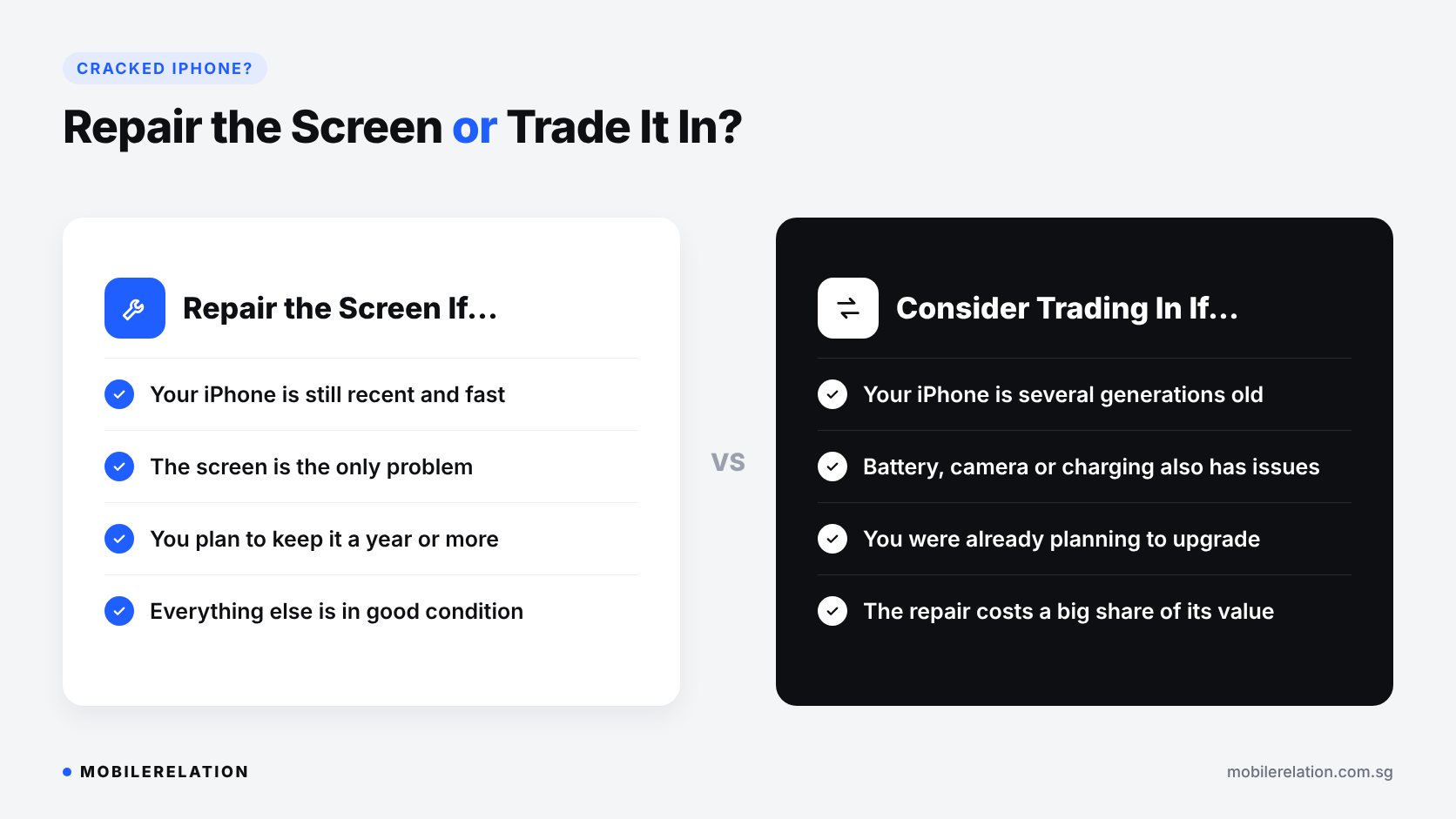
A cracked iPhone can still be traded in. The damage will affect the quotation, but it may still put meaningful value toward your next phone.
Read:
Can You Trade In a Damaged Phone in Singapore? →
Does Battery Health Affect iPhone Trade-In Value in Singapore? →
🛡️ How to Protect Your iPhone Screen After the Repair
• Use a tempered glass screen protector
• Choose a case with a raised edge around the screen
• Avoid keeping the phone in the same pocket as keys or coins
• Do not leave the phone face-down on rough surfaces
• When you buy your next new phone, consider adding a protection plan
Read:
Gadget Care+ Protection Plans →
Get Your iPhone Screen Fixed
See the screen options and pricing for your exact iPhone model, or message us for a quick quote and repair time.
View iPhone Repair Prices❓ Frequently Asked Questions
How long does an iPhone screen replacement take?
Repair time depends on your iPhone model, the screen type and whether the part is in stock. Message us on WhatsApp with your model for an estimated repair time.
What is the difference between an original and an OLED replacement screen?
An original screen is a genuine Apple display panel. An OLED replacement uses the same type of display technology but is not made by Apple, so colours and brightness may differ slightly.
Is an LCD replacement screen bad for my iPhone?
No, it will not damage your iPhone. On models that originally used OLED, an LCD screen shows greyer blacks, can look less bright and may use slightly more battery. On iPhones that originally came with LCD, the difference is much smaller.
Will I lose my data during a screen replacement?
A screen replacement does not normally erase your data. However, backing up your iPhone before any repair is always recommended.
Will Face ID still work after a screen replacement?
Face ID sensors are separate from the display panel, so Face ID should continue to work when the repair is done carefully. Test it before you leave the store.
Why does my iPhone show an “Unknown Part” message after a screen repair?
Newer versions of iOS show this message when a display is not recognised as a genuine Apple part. It is a notice, and the phone continues to work normally.
Can I trade in an iPhone with a cracked screen?
Yes. A cracked screen will reduce the quotation, but the phone can still be traded in. Check your iPhone’s trade-in value.
🏁 Final Thoughts
A cracked iPhone screen does not mean you need a new phone.
The key decision in any iPhone screen replacement is which type of replacement screen fits how you use your iPhone and how long you plan to keep it:
• Original for the closest match to your iPhone’s original display
• OLED for a balance of quality and cost on newer iPhones
• LCD for older iPhones or a budget-friendly fix
And if your iPhone has other problems, or you were planning to upgrade anyway, compare the repair against its trade-in value before deciding.
See iPhone screen replacement options and prices at MobileRelation →