WELCOME TO MOBILERELATION

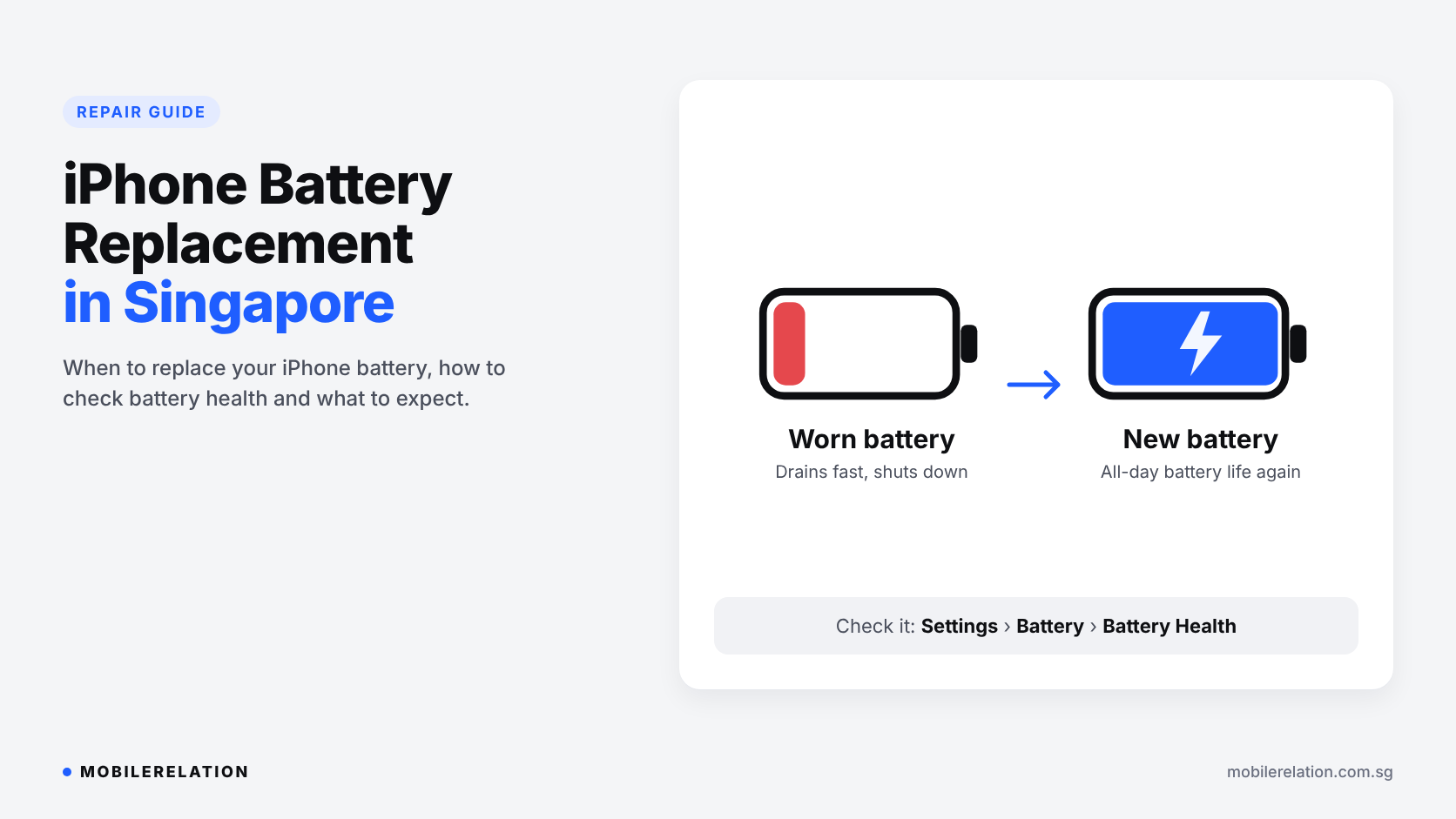
iPhone Battery Replacement in Singapore: When to Replace and What to Expect
Your iPhone used to last the whole day. Now it needs a top-up before lunch.
Maybe it shuts down at 20%. Maybe it feels slower than it used to.
These are classic signs of a worn-out battery, and the good news is that an iPhone battery replacement can often make your phone feel almost new again.
In this guide, we explain how to check your iPhone’s battery health, the signs that it is time for a replacement, what to expect from the repair, and when upgrading may make more sense.
Note:
iPhone battery replacement costs depend on your iPhone model. For current pricing, see our iPhone repair price list.
iPhone battery replacement costs depend on your iPhone model. For current pricing, see our iPhone repair price list.
🔋 Why iPhone Batteries Wear Out
iPhones use lithium-ion batteries. Every battery slowly loses capacity as it goes through charge cycles. This is normal chemical ageing, not a fault.
According to Apple, iPhone batteries are designed to keep about 80% of their original capacity after a certain number of complete charge cycles, under ideal conditions:
| iPhone Models | Designed to Keep ~80% Capacity After |
|---|---|
| iPhone 14 and earlier | 500 complete charge cycles |
| iPhone 15 and later | 1,000 complete charge cycles |
Real-world results depend on how you use and charge your phone. Heat speeds up battery ageing, which matters a lot in Singapore’s warm climate.
Source: Apple Support: iPhone battery and performance
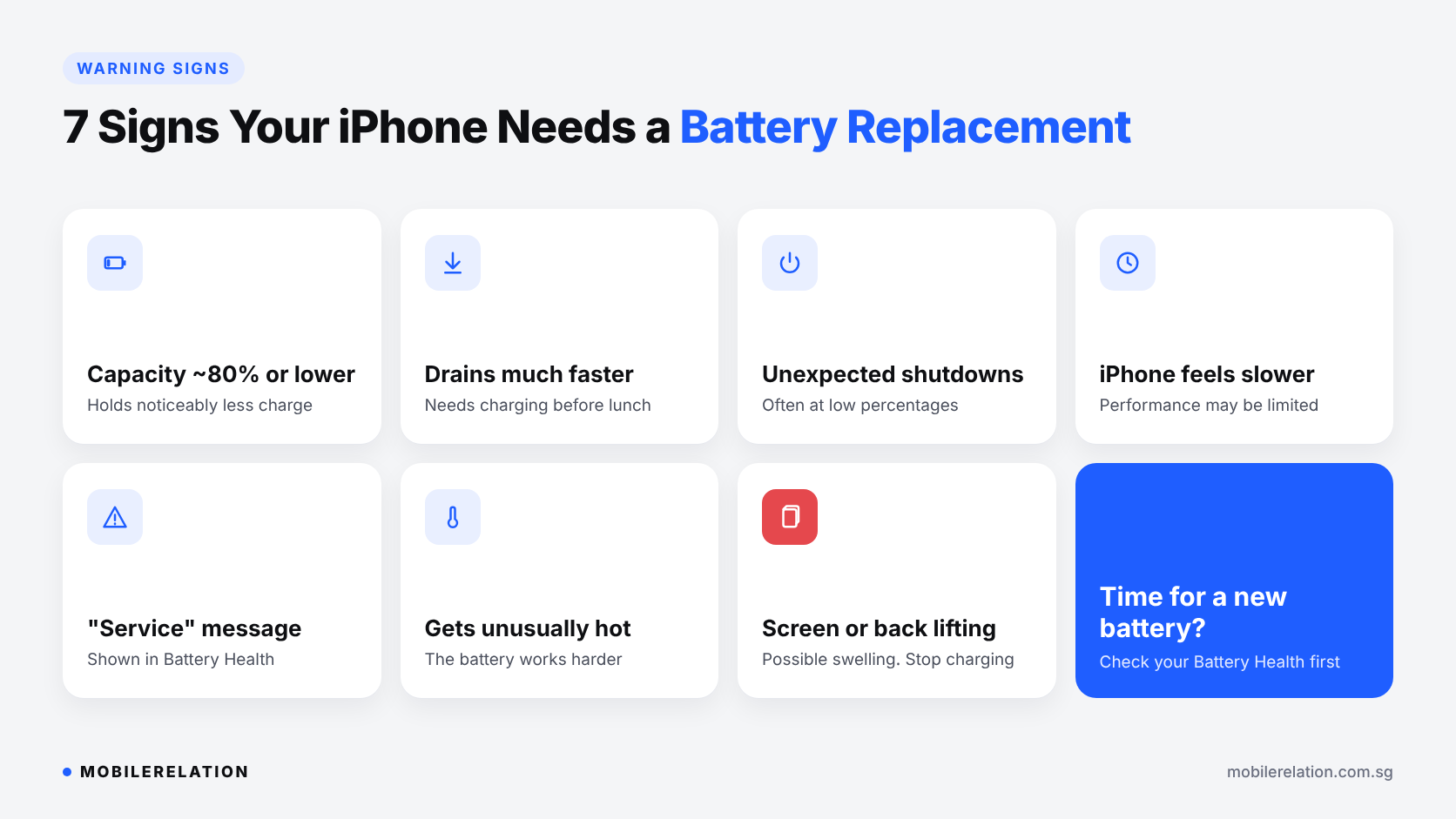
⚠️ 7 Signs Your iPhone Needs a Battery Replacement
You may need an iPhone battery replacement if you notice:
| Sign | What It Usually Means |
|---|---|
| 1. Maximum Capacity around 80% or lower | The battery holds noticeably less charge than when new. |
| 2. Battery drains much faster than before | Less capacity means fewer hours between charges. |
| 3. Unexpected shutdowns | The battery cannot deliver enough peak power, often at low percentages or in the cold. |
| 4. iPhone feels slower | iOS may reduce performance after an unexpected shutdown to prevent another one. |
| 5. “Service” message in Battery Health | iOS has detected that battery health is significantly degraded. |
| 6. Phone gets unusually hot | An ageing battery can work harder and warm up more. |
| 7. Screen or back lifting | The battery may be swelling. Stop charging and have it checked as soon as possible. |
Important:
A swollen battery can push the screen or back glass outwards. If you see this, stop charging your iPhone, avoid pressing on it, and bring it in for a check.
A swollen battery can push the screen or back glass outwards. If you see this, stop charging your iPhone, avoid pressing on it, and bring it in for a check.
📱 How to Check Your iPhone Battery Health
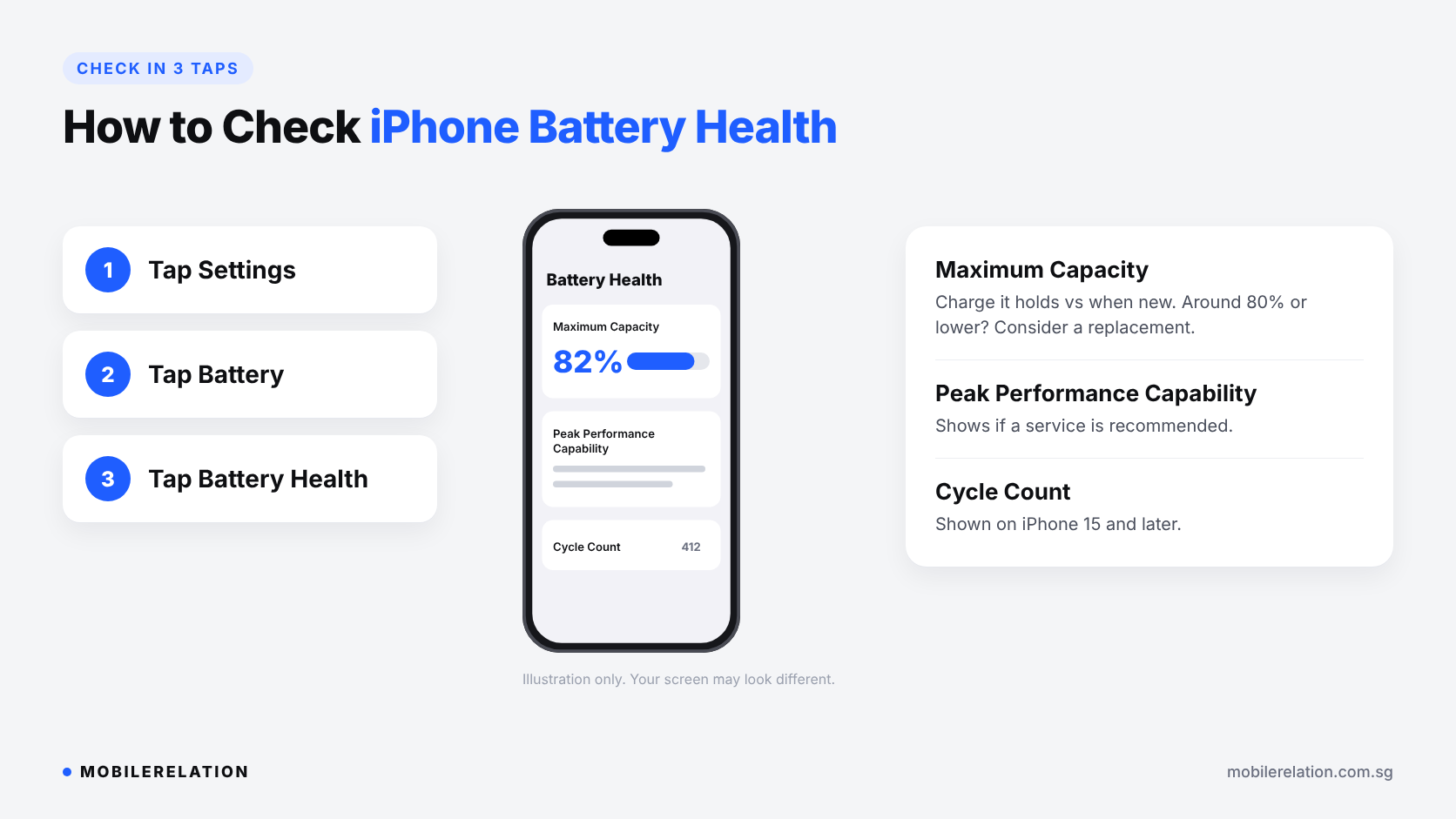
You can check your battery’s condition in a few taps:
1. Open Settings
2. Tap Battery
3. Tap Battery Health
There, you will see:
| Item | What It Tells You |
|---|---|
| Maximum Capacity | How much charge the battery can hold compared with when it was new. |
| Peak Performance Capability | Whether the battery can still deliver normal peak performance, or whether a service is recommended. |
| Cycle Count (iPhone 15 and later) | How many complete charge cycles the battery has gone through. |
A new iPhone may show slightly below 100% when you first set it up. That is normal.
🛠️ What to Expect From an iPhone Battery Replacement
A battery replacement is one of the most common and cost-effective iPhone repairs. Here is what typically happens:
• The technician checks your iPhone and confirms the battery is the issue
• The old battery is removed and a new one is fitted
• The phone is tested before you collect it
Genuine vs OEM-Grade Batteries
At MobileRelation, iPhone battery replacements use high-quality OEM-grade batteries. They restore battery life and performance for everyday use.
On iPhone XS and later, iOS may show a message in Battery Health saying the battery cannot be verified as a genuine Apple battery. When this appears, the health percentage shown in Settings may not be accurate. The battery itself continues to work normally.
Will I Lose My Data?
A battery replacement does not normally erase your data. Backing up your iPhone before any repair is still recommended.
Check AppleCare+ First
If your iPhone is covered by AppleCare+ and the battery is below Apple’s service threshold, compare your options before choosing a third-party repair.
Also cracked your screen? Read:
iPhone Screen Replacement in Singapore: Original vs OLED vs LCD →
🔄 Replace the Battery or Upgrade Your iPhone?
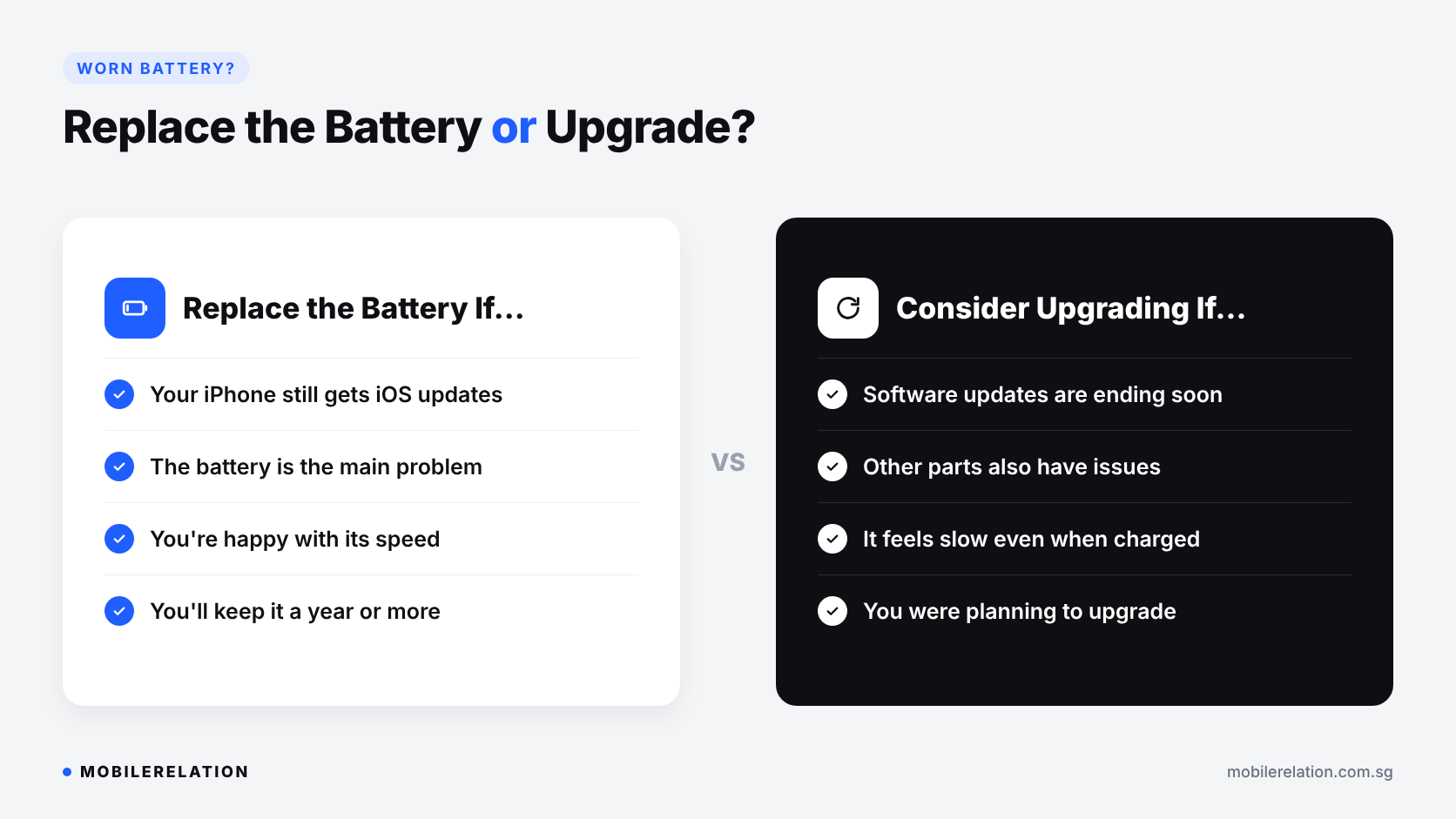
A new battery fixes battery problems. It does not make an old iPhone new in every other way.
| Replace the Battery If… | Consider Upgrading If… |
|---|---|
| Your iPhone still gets iOS updates | Software updates are ending soon |
| The battery is the main problem | The screen, camera or charging port also has issues |
| You are happy with its speed and features | It feels slow even with a healthy battery |
| You want to keep it for another year or more | You were already planning to upgrade |
Planning to upgrade? Your battery health can affect your trade-in quote.
Read:
Does Battery Health Affect iPhone Trade-In Value in Singapore? →
Repair or Trade In? What to Do With a Broken Phone →
When Is the Best Time to Trade In Your iPhone? →
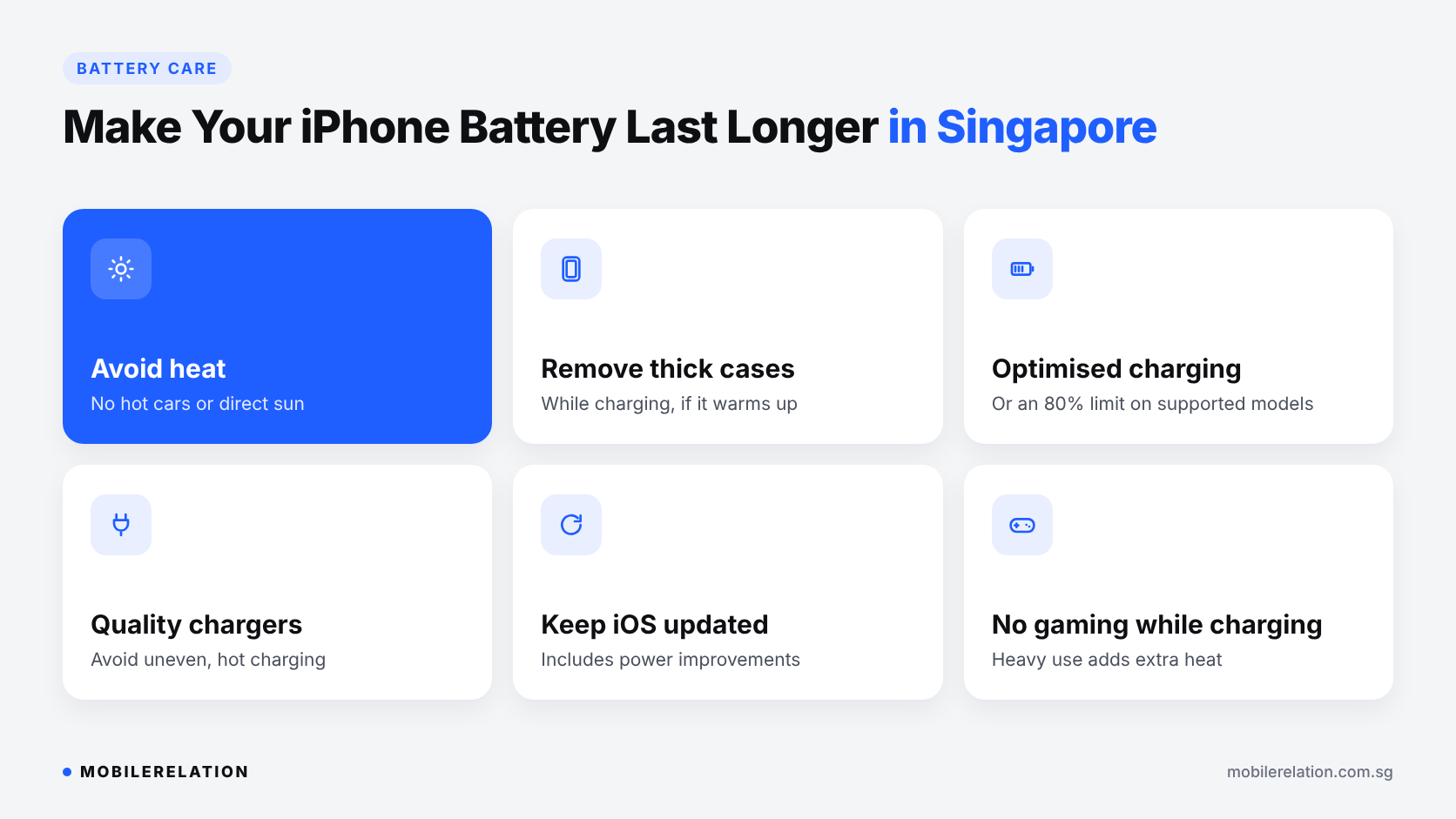
☀️ How to Make Your iPhone Battery Last Longer in Singapore
Whether your battery is new or a few years old, these habits help slow down battery ageing:
| Tip | Why It Helps |
|---|---|
| Avoid heat | Don’t leave your iPhone in a hot car or in direct sun. Heat is one of the biggest causes of battery wear. |
| Take off thick cases while charging | Helps the phone stay cooler if it warms up. |
| Turn on optimised charging | iOS can delay charging past 80% or set a charging limit on supported models. |
| Use good-quality chargers and cables | Poor accessories can charge unevenly or overheat. |
| Keep iOS updated | Updates can include battery and power improvements. |
| Avoid gaming while charging | Heavy use while charging creates extra heat. |
Give Your iPhone a New Battery
See battery replacement pricing for your iPhone model, or message us for a quick quote and repair time.
View iPhone Repair Prices❓ Frequently Asked Questions
When should I replace my iPhone battery?
Consider an iPhone battery replacement when Maximum Capacity drops to around 80% or lower, when your iPhone shuts down unexpectedly, or when Battery Health shows a service recommendation.
Is 85% battery health bad?
Not necessarily. Many iPhones work well at 85%. If battery life still fits your day, you may not need a replacement yet.
Will a new battery make my iPhone faster?
If your iPhone was slowed down because of an ageing battery, a new battery can restore normal performance. If it is slow for other reasons, such as an older processor, a battery alone will not change that.
Why does my iPhone say it cannot verify the battery?
On iPhone XS and later, iOS shows this message when it cannot confirm the battery is a genuine Apple part. The health information shown may not be accurate, but the battery works normally.
Will I lose my data during a battery replacement?
A battery replacement does not normally erase your data. Backing up before any repair is always recommended.
How long does an iPhone battery replacement take?
It depends on your model and parts availability. Message us on WhatsApp with your iPhone model for an estimated repair time.
Should I replace the battery before trading in my iPhone?
Usually not. The increase in trade-in value is often smaller than the cost of the battery. Check your iPhone’s trade-in value and compare before deciding.
🏁 Final Thoughts
A tired battery is one of the most common reasons people think they need a new iPhone.
But if your iPhone still gets updates and everything else works well, an iPhone battery replacement is often the simplest way to get more years out of it.
Check your Battery Health, look out for the warning signs, and keep your phone cool to help the new battery last longer.