WELCOME TO MOBILERELATION

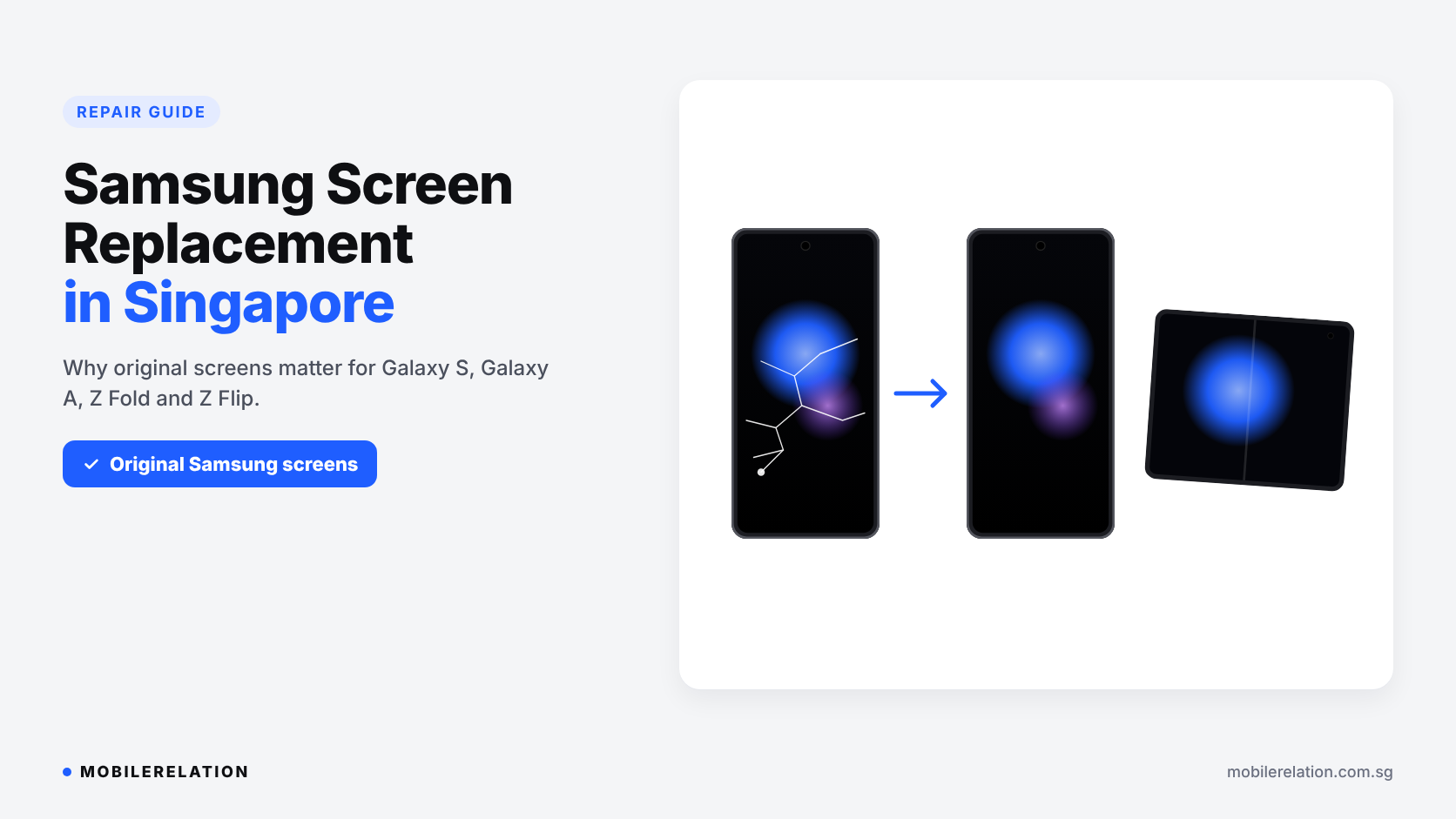
Samsung Screen Replacement in Singapore: Why Original Screens Matter
A cracked Galaxy screen is never a good start to the day.
Maybe your Galaxy S slipped while you were getting off the bus. Maybe a green line suddenly appeared across the display. Or maybe the inner screen of your Z Fold is no longer responding properly.
Whatever happened, the type of screen you choose for a Samsung screen replacement matters more than many people think. Galaxy phones rely on the display for colour, brightness, touch, the in-display fingerprint sensor and, on Ultra models, the S Pen.
In this guide, we explain the signs that your Galaxy screen needs replacing, why original screens matter, what to know about Z Fold and Z Flip screens, and what to check after the repair.
Note:
At MobileRelation, Samsung screen replacements use original screens. Pricing depends on your Galaxy model. See our repair price list, or WhatsApp us if your model is not listed.
At MobileRelation, Samsung screen replacements use original screens. Pricing depends on your Galaxy model. See our repair price list, or WhatsApp us if your model is not listed.
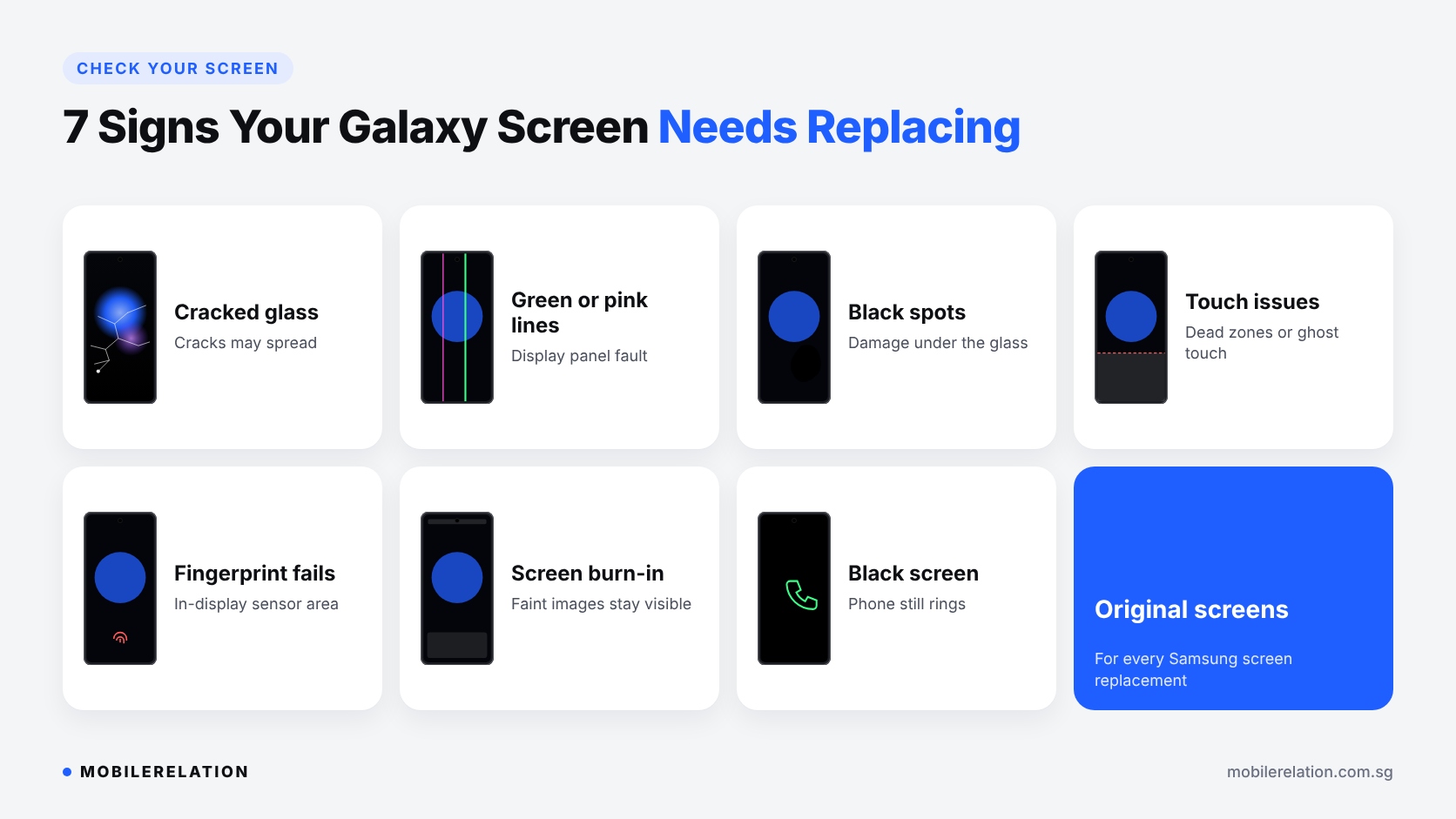
📱 7 Signs Your Galaxy Screen Needs Replacing
| Sign | What It Usually Means |
|---|---|
| 1. Cracked or shattered glass | The outer glass is damaged and cracks may spread. |
| 2. Green, pink or white lines | The AMOLED display panel is damaged or failing. |
| 3. Black spots or ink patches | Damage under the glass, often after a drop or pressure. |
| 4. Touch not responding or ghost touch | The touch layer is faulty. |
| 5. Fingerprint sensor stops working | The in-display fingerprint area may be damaged. |
| 6. Screen burn-in | Faint images, such as the keyboard or status bar, stay visible on the screen. |
| 7. Black screen, phone still rings | The display may have failed. A check is recommended. |
About the Green Line Problem
A thin green or pink vertical line is one of the most searched Samsung screen problems. It usually points to a fault in the display panel itself, so restarting or updating the phone rarely fixes it for good. If the line stays, a Samsung screen replacement is usually the solution.
✅ Why Original Screens Matter on Samsung
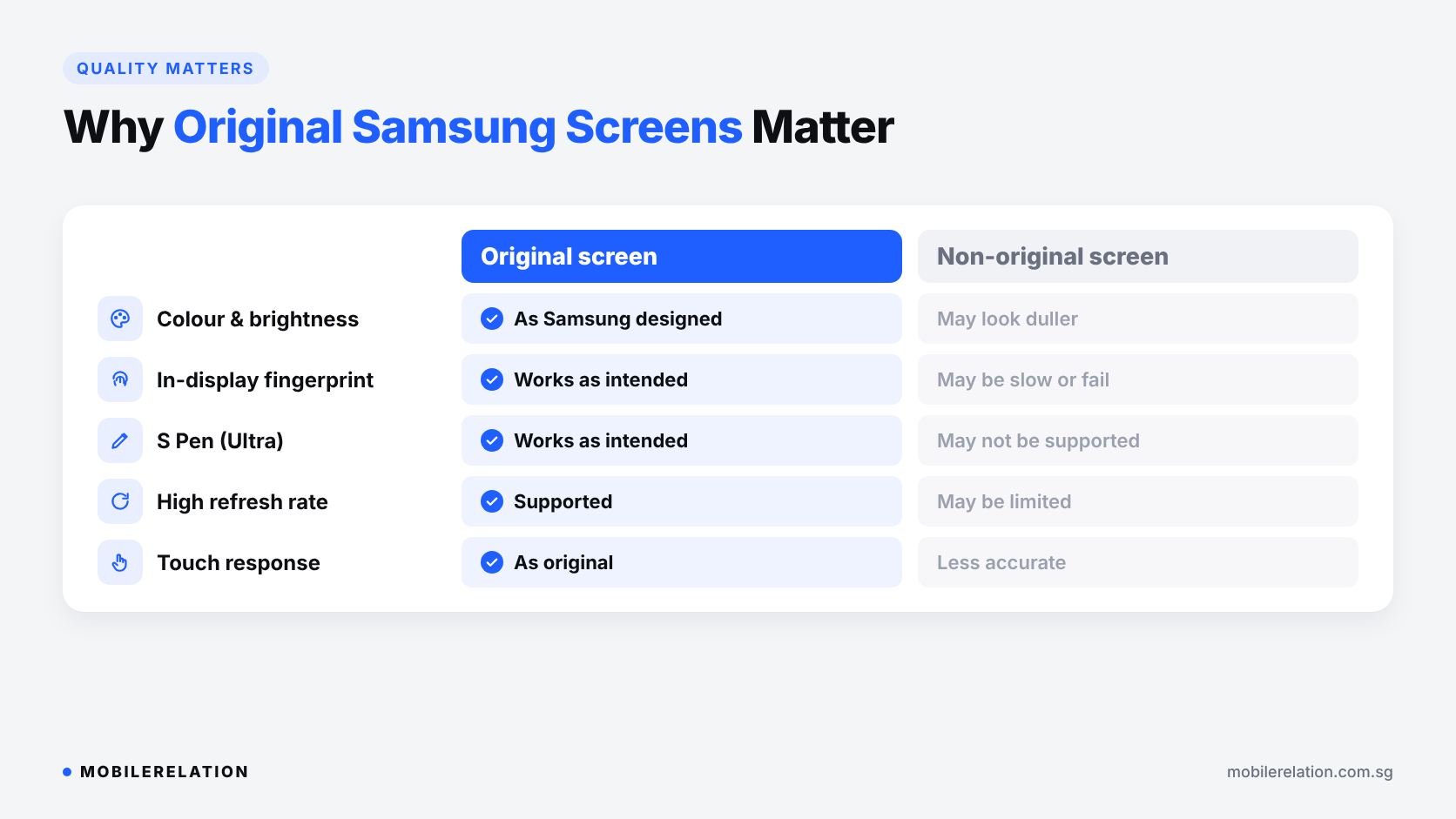
Samsung’s displays do much more than show an image. On many Galaxy models, the screen also handles the fingerprint sensor and, on Ultra models, S Pen input.
| Feature | Original Screen | Non-Original Screen |
|---|---|---|
| Colour and brightness | As Samsung designed | May look duller or less accurate |
| In-display fingerprint | Designed to work as intended | May be slower or may not work |
| S Pen on Ultra models | Designed to work as intended | May not be supported |
| Smooth high refresh rate | Supported | May be limited |
| Touch response | As original | Can feel less accurate |
That is why MobileRelation uses original screens for Samsung screen replacements.
Comparing with iPhone? iPhone screen repairs offer several screen grades. Read:
iPhone Screen Replacement in Singapore: Original vs OLED vs LCD →
📖 Galaxy Z Fold and Z Flip Screen Replacement
Foldables have two screens, and either one can need replacing:
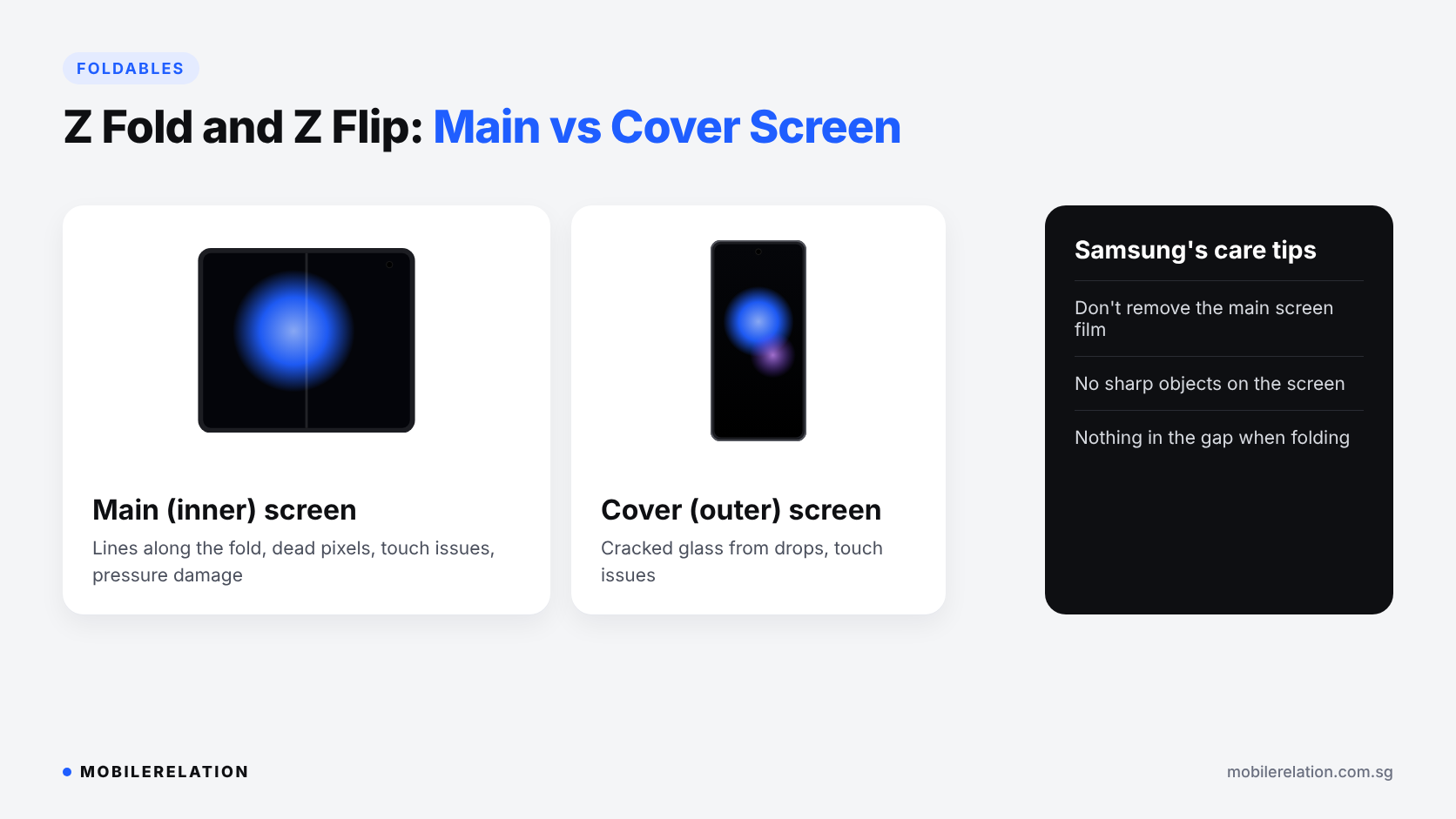
| Screen | Where It Is | Common Problems |
|---|---|---|
| Main (inner) screen | The large folding display inside | Lines along the fold, dead pixels, touch issues, damage from pressure |
| Cover (outer) screen | The display on the outside | Cracked glass from drops, touch issues |
How to Protect Your Foldable Screen
Samsung’s official precautions for foldables include:
• Don’t remove the protective film on the main screen
• Don’t press the screen with sharp objects such as pens or fingernails
• Keep cards, coins and keys out of the gap before folding
• Fold the phone before putting it in a bag or pocket
Source: Samsung: Precautions when using Galaxy foldable devices
Bubbles on the main screen protector?
Lifting or bubbles on the factory protector is not always screen damage. Don’t peel it off yourself. Bring it in so we can check the screen properly.
Lifting or bubbles on the factory protector is not always screen damage. Don’t peel it off yourself. Bring it in so we can check the screen properly.
🛠️ Before Your Samsung Screen Replacement
| Step | Why It Matters |
|---|---|
| Back up your phone | Use Samsung Cloud, Google or Smart Switch while the screen still works. |
| Check your warranty or Samsung Care+ | Compare your options before any third-party repair. |
| Remove your case and screen protector | Lets the damage be assessed properly. On foldables, leave the main screen film on. |
| Note any other issues | Charging, camera or speaker problems can be checked at the same time. |
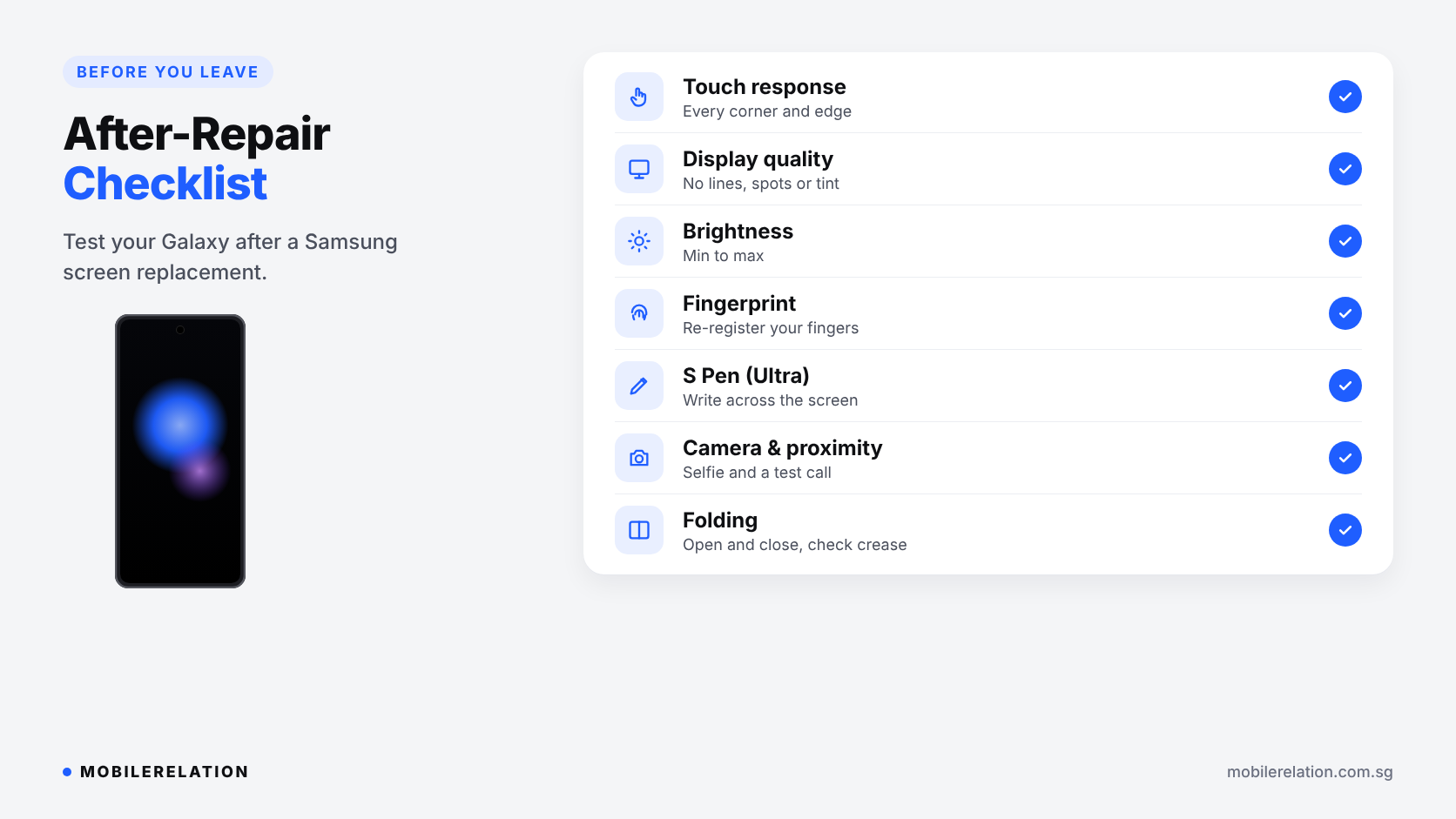
🔍 What to Check After the Repair
| Check | How to Test |
|---|---|
| Touch response | Drag an app icon to every corner and edge. |
| Display quality | Open white and black images. Look for lines, spots or tinting. |
| Brightness | Slide brightness from minimum to maximum. |
| Fingerprint | Delete and re-register your fingerprints for best recognition. |
| S Pen (Ultra models) | Write across the whole screen, including the edges. |
| Front camera and proximity | Take a selfie and make a call to check the screen turns off. |
| Folding (Z Fold and Z Flip) | Open and close the phone a few times and check the crease area. |
Samsung recommends re-registering your fingerprints after changing a screen protector, and it is a good habit after a screen replacement too. See Samsung’s fingerprint tips.
🔧 Other Samsung Repairs at MobileRelation
Screen not the only issue? We can also help with:
| Repair | What It Fixes |
|---|---|
| Foldable main and cover screens | Inner and outer screen replacement for selected Galaxy Z Fold and Z Flip models. |
| Charging port | Slow charging, a loose cable or a phone that won’t charge. |
| Camera repair | Blurry photos, a black camera screen or autofocus problems. |
| Diagnostics | A full device check to find hidden hardware or software issues. |
Pricing for your model:
Model not listed? WhatsApp us for a quote.
🔄 Repair or Trade In Your Galaxy?
| Repair the Screen If… | Consider Trading In If… |
|---|---|
| Your Galaxy is still recent and fast | Your Galaxy is several generations old |
| The screen is the only problem | Other parts also have issues |
| It still gets software updates | Software updates are ending soon |
| You plan to keep it for a while | You were already planning to upgrade |
Read:
Can You Trade In a Samsung Phone With a Cracked Screen? →
Repair or Trade In? What to Do With a Broken Phone →
What Affects Samsung Galaxy Trade-In Value? →
🛡️ How to Protect Your New Screen
• Use a screen protector that supports the in-display fingerprint sensor
• Choose a case with a raised edge
• Keep keys and coins in a different pocket
• When you buy your next new phone, consider adding a protection plan
Gadget Care+ Protection Plans →
Get Your Galaxy Screen Fixed
Original Samsung screens. See pricing for your Galaxy model, or WhatsApp us for a quote and repair time.
View Samsung Repair Prices❓ Frequently Asked Questions
Does MobileRelation use original Samsung screens?
Yes. Samsung screen replacements at MobileRelation use original screens.
How much is a Samsung screen replacement in Singapore?
It depends on your Galaxy model. See our repair price list, or WhatsApp us if your model is not listed.
Can a green line on a Samsung screen be fixed?
A green line that stays on the screen usually comes from the display panel, so replacing the screen is normally the fix.
Will my fingerprint still work after a screen replacement?
With an original screen, the in-display fingerprint sensor is designed to work as intended. Re-register your fingerprints after the repair for the best results.
Can you replace the inner screen of a Galaxy Z Fold?
Yes. Foldable main and cover screens can be replaced. Pricing depends on the model and which screen is affected.
Will I lose my data during a screen replacement?
A screen replacement does not normally erase your data, but backing up first is always recommended.
Should I repair or trade in a cracked Samsung?
If the phone is recent and the screen is the only problem, repairing is usually worth it. If it is older or has other issues, compare with its trade-in value.
🏁 Final Thoughts
On a Galaxy phone, the screen does more than just display. It handles touch, the fingerprint sensor and, on Ultra models, the S Pen.
That’s why choosing an original screen for your Samsung screen replacement helps your phone look and work the way Samsung intended.