WELCOME TO MOBILERELATION

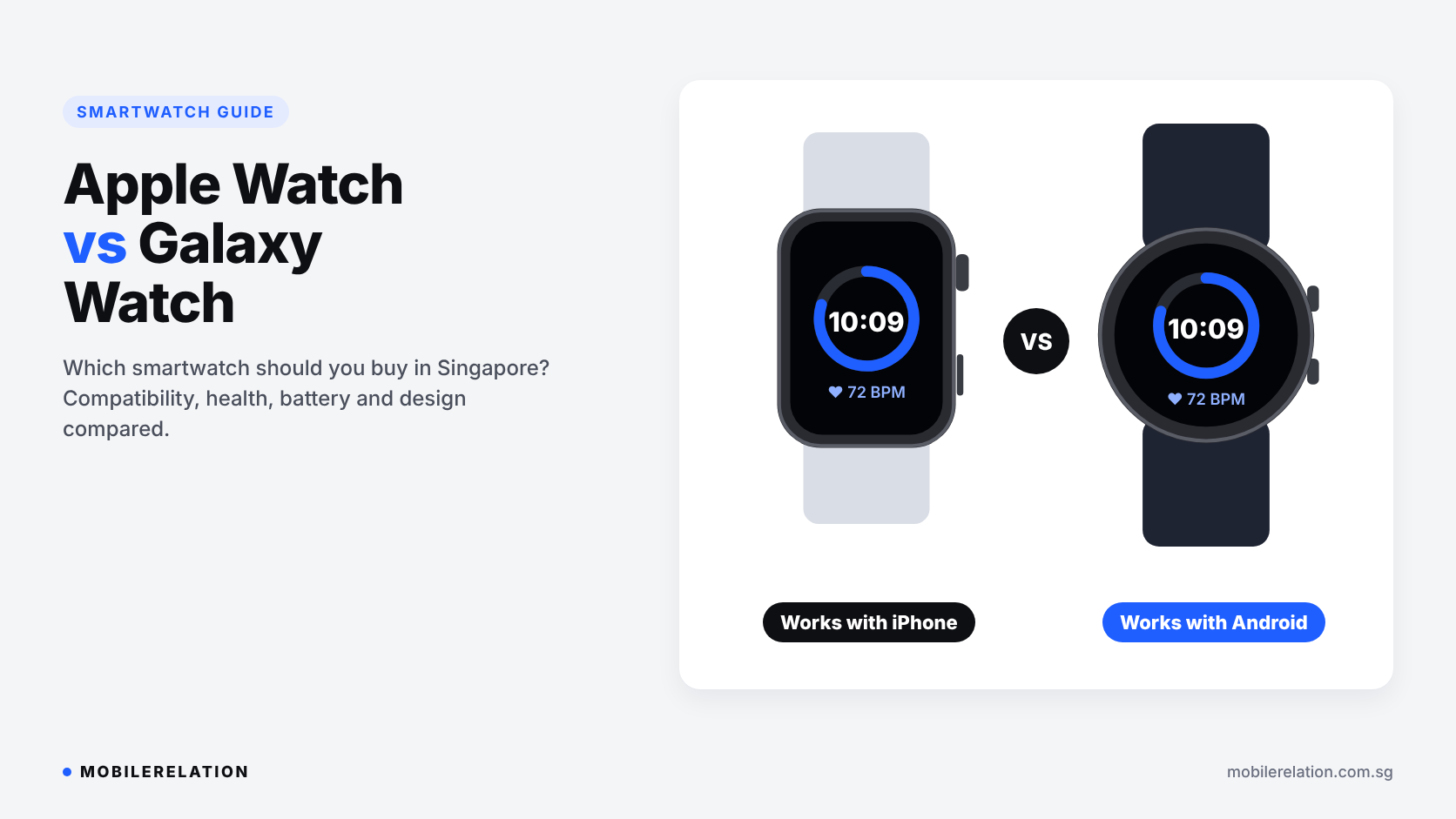
Apple Watch vs Galaxy Watch: Which Smartwatch Should You Buy in Singapore?
Apple Watch and Galaxy Watch are the two most popular smartwatches in Singapore.
Both track your workouts, sleep and heart rate. Both show your messages and let you tap to pay at the MRT gantry or the hawker stall. And both look great on the wrist.
So which one should you buy?
In this Apple Watch vs Galaxy Watch guide, we compare phone compatibility, health tracking, battery life and design, and help you choose the right smartwatch for the phone you already use.
The most important rule:
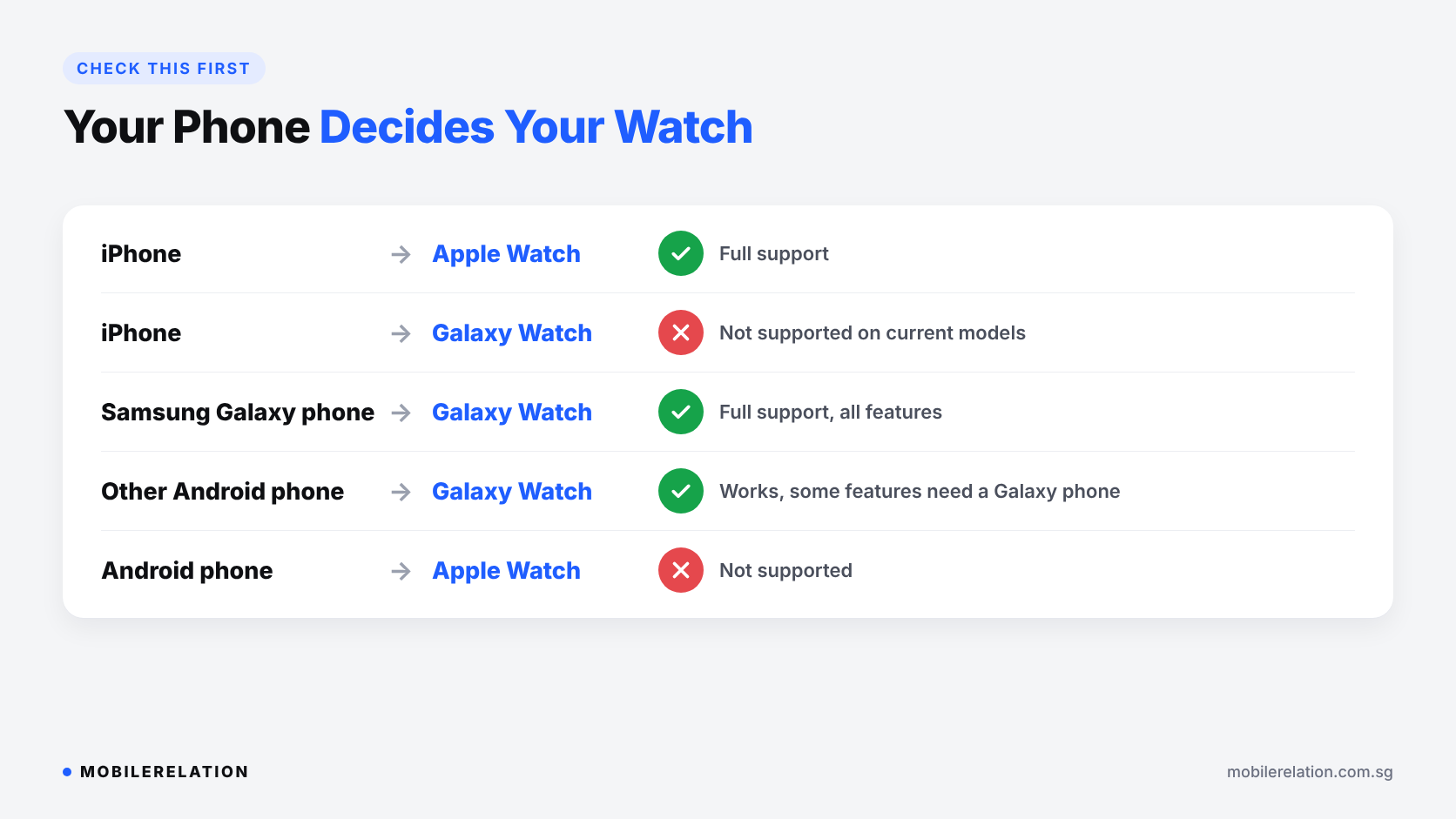
Your phone decides your watch. Apple Watch only works with iPhone. Current Galaxy Watch models only work with Android phones. Check your phone first, before you compare anything else.
Your phone decides your watch. Apple Watch only works with iPhone. Current Galaxy Watch models only work with Android phones. Check your phone first, before you compare anything else.
⚡ Quick Answer: Apple Watch or Galaxy Watch?
| You Use… | Better Choice |
|---|---|
| An iPhone | Apple Watch |
| A Samsung Galaxy phone | Galaxy Watch, with full feature support |
| Another Android phone (Oppo, Xiaomi, Honor, vivo and others) | Galaxy Watch works, but a few health features need a Galaxy phone |
| A Google Pixel | Galaxy Watch or Pixel Watch |
| Planning to switch phones soon | Choose your next phone first, then the watch |
📱 Phone Compatibility: The Deciding Factor
This is where most Apple Watch vs Galaxy Watch buying mistakes happen, so it is worth getting right.
Apple Watch needs an iPhone. You set it up, update it and manage it from the Watch app on your iPhone. It cannot be paired with an Android phone. Each watchOS version also needs a recent iPhone and iOS version, so check Apple’s compatibility page if your iPhone is older.
Galaxy Watch needs an Android phone. Current Galaxy Watch models run Wear OS and do not support iPhone. They pair with most Android phones through the Galaxy Wearable app.
A Samsung phone gets the most out of a Galaxy Watch. Some health features, such as ECG and blood pressure through the Samsung Health Monitor app, need a Samsung Galaxy phone. Feature availability can also vary by country.
Still deciding between iPhone and Android? Start there, because your watch will follow.
Read:
iPhone vs Android in Singapore: Which Should You Buy? →
⚖️ Apple Watch vs Galaxy Watch: Side by Side
| Feature | Apple Watch | Galaxy Watch |
|---|---|---|
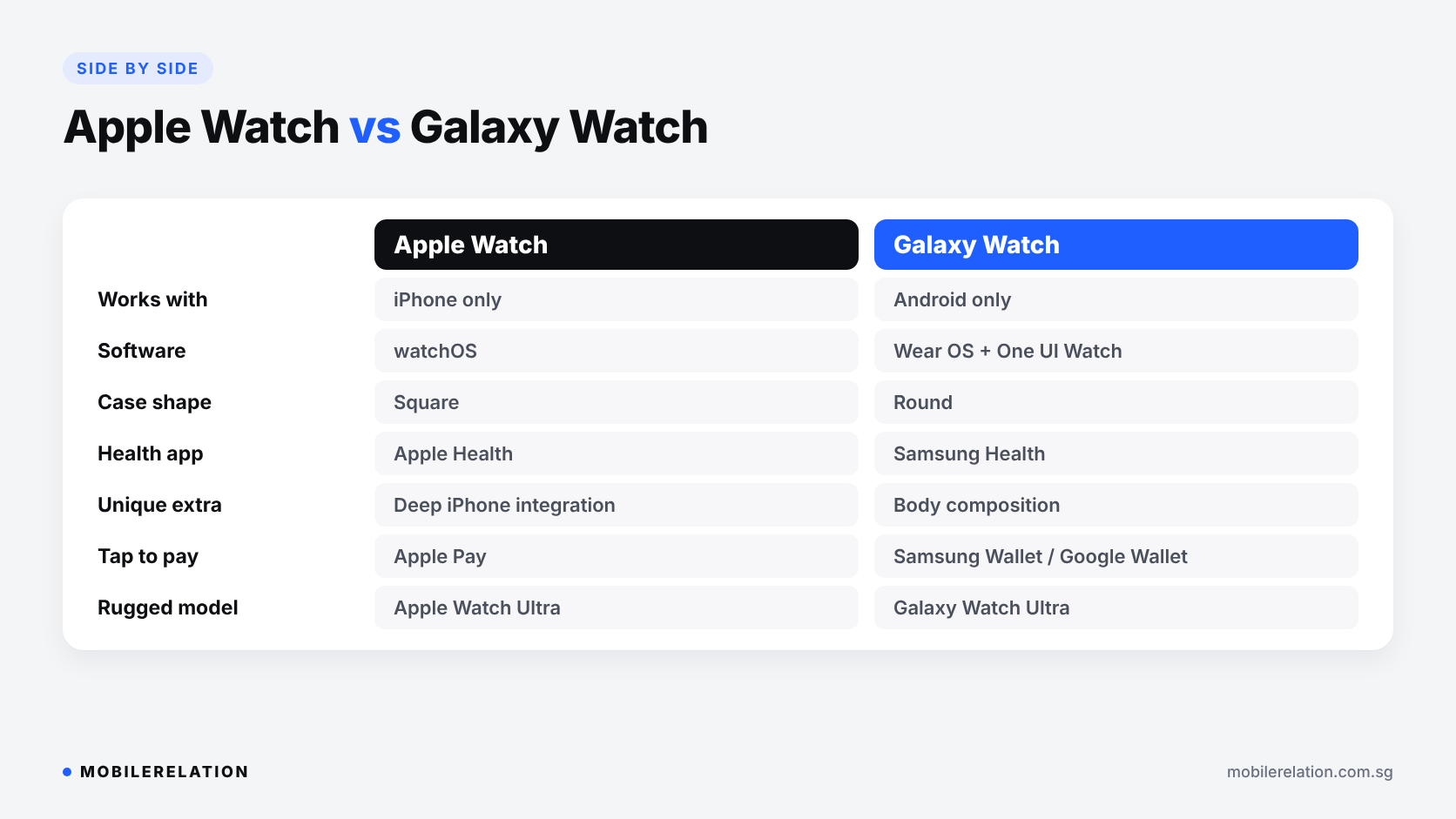
| Works with | iPhone only | Android phones only |
| Software | watchOS | Wear OS with Samsung’s One UI Watch |
| Case shape | Square, rounded corners | Round, like a traditional watch |
| Health app | Apple Health on iPhone | Samsung Health |
| Heart rate, ECG, blood oxygen, sleep | Yes | Yes |
| Standout extra | Seamless iPhone integration | Body composition measurement |
| Tap to pay | Apple Pay | Samsung Wallet or Google Wallet |
| Apps | Large watchOS app selection | Google apps and the Wear OS Play Store |
| Cellular models | Yes | Yes (LTE models) |
| Rugged option | Apple Watch Ultra | Galaxy Watch Ultra |
❤️ Apple Watch vs Galaxy Watch: Health and Fitness
Both watches are excellent fitness companions. You get all-day heart rate, ECG, blood oxygen readings, sleep tracking, workout tracking with GPS, and safety features like fall detection and Emergency SOS.
Apple Watch is known for its simple Activity rings, accurate workout tracking and tight integration with the Health app on iPhone. If your family also uses iPhone, features like activity sharing are easy to set up.
Galaxy Watch stands out with body composition measurement, which estimates skeletal muscle, body fat and body water right from your wrist. Samsung Health also gives detailed sleep insights and coaching.
Health features differ between models and can depend on your region, so check the specific model you are buying. And remember that a smartwatch is a wellness tool, not a replacement for a doctor.
🔋 Apple Watch vs Galaxy Watch: Battery Life
For most people, battery life is similar on both sides.
• Standard models usually last about a full day,
so most people charge them every night or every morning
• Low power or power saving modes can stretch that further
• Ultra models have bigger batteries
and are the better choice for long runs, hikes and trips
• Always-on display, GPS workouts and Cellular use
drain the battery faster
If you hate charging every day, look at the Ultra models from either brand.
⌚ Everyday or Ultra: Which Model Line?
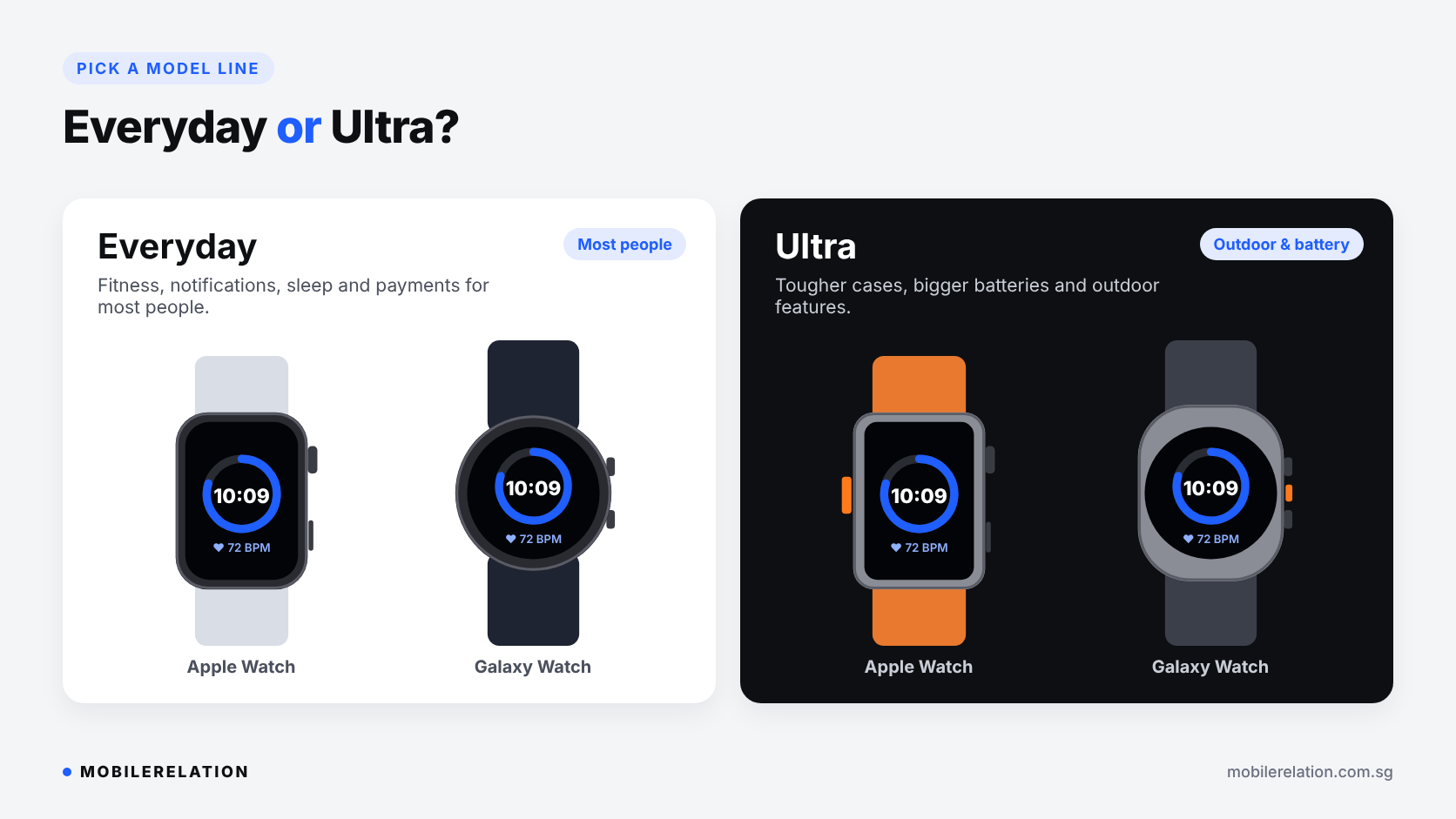
When comparing Apple Watch vs Galaxy Watch models, note that both Apple and Samsung offer an everyday model and a rugged Ultra model.
| Model Line | Apple | Samsung | Best For |
|---|---|---|---|
| Everyday | Apple Watch Series | Galaxy Watch | Most people: fitness, sleep, notifications and payments |
| Rugged | Apple Watch Ultra | Galaxy Watch Ultra | Outdoor sports, diving, hiking and longer battery life |
🎨 Design, Size and Comfort
Design is personal, and it often settles the Apple Watch vs Galaxy Watch decision.
Apple Watch has a square display that fits more text on screen, which is handy for messages and apps. Galaxy Watch has a round display that looks more like a classic watch.
Both come in two case sizes. The smaller size suits slimmer wrists and is lighter for sleep tracking. The bigger size has a larger screen and usually a bigger battery. If you can, try both sizes on your wrist at one of our outlets.
📶 GPS or Cellular?
Both brands sell GPS-only and Cellular versions.
• GPS models use your phone’s connection
for messages and calls.
They still track runs with built-in GPS.
• Cellular models have their own eSIM,
so you can take calls, stream music
and get messages without your phone nearby.
If you want a Cellular model, check that your telco supports eSIM plans for your watch. For most people who always carry their phone, GPS is enough.
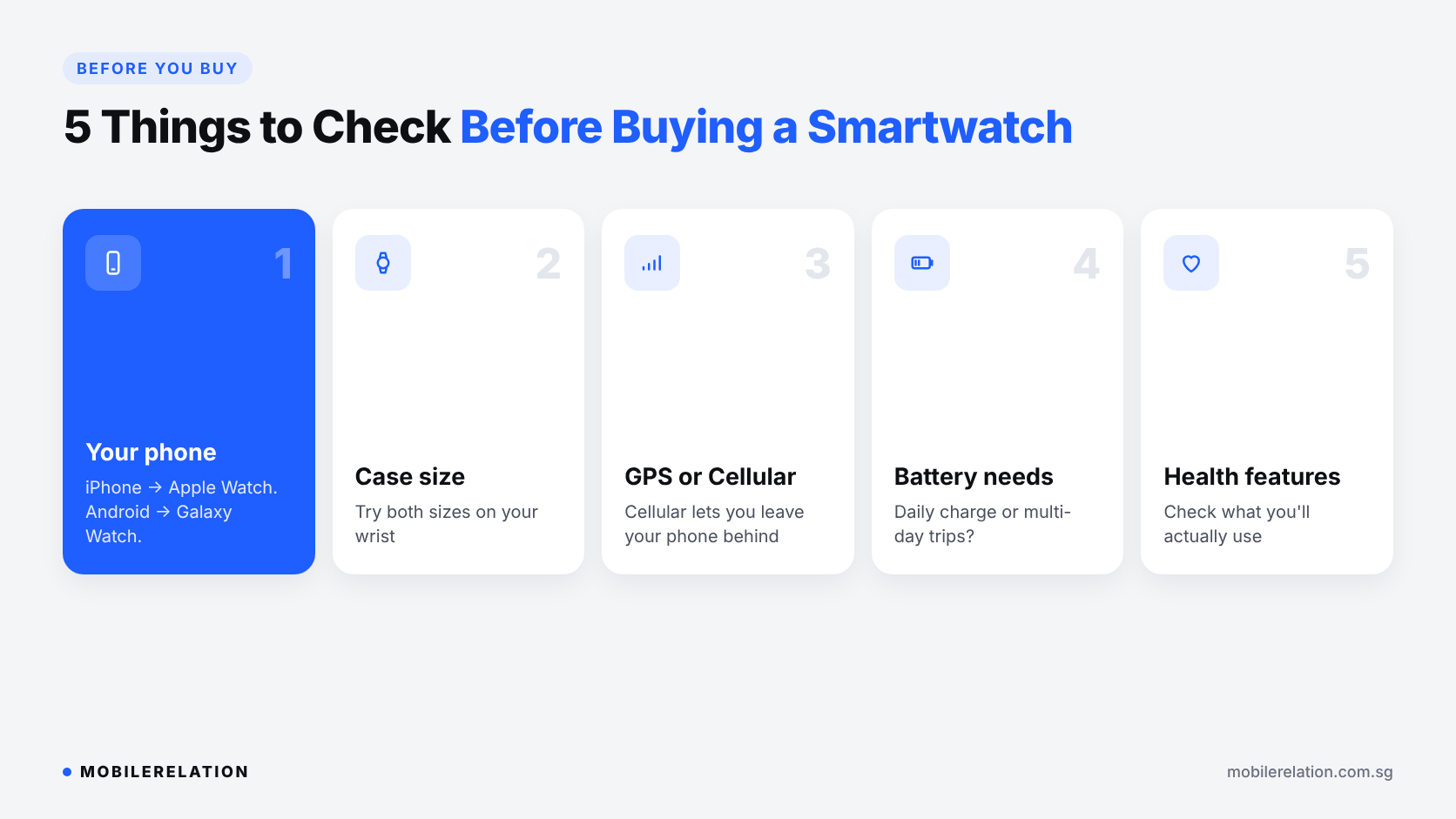
📋 5 Things to Check Before Buying a Smartwatch
• Your phone: iPhone for Apple Watch, Android for Galaxy Watch
• Case size: try both sizes on your wrist
• GPS or Cellular: do you need to leave your phone behind?
• Battery needs: daily charging, or an Ultra for longer trips?
• Health features: check the ones you will actually use
🔄 Switching Phones? Your Watch Won’t Follow
Apple Watch vs Galaxy Watch also matters when you change phones. If you are moving from iPhone to Android, or the other way round, your current smartwatch will not work with your new phone.
Instead of leaving it in a drawer, you can trade it in at MobileRelation and put the value towards your next watch or phone.
Get a trade-in quote for your smartwatch →
Read:
How to Switch From iPhone to Android →
Find Your Smartwatch
Browse Apple Watch, Galaxy Watch and more smartwatches, or visit one of our outlets to try them on.
Shop Apple Watch Shop Galaxy Watch❓ Frequently Asked Questions
Can I use an Apple Watch with an Android phone?
No. Apple Watch needs an iPhone for setup and daily use. If you use Android, look at Galaxy Watch or Pixel Watch instead.
Can I use a Galaxy Watch with an iPhone?
No. Current Galaxy Watch models run Wear OS and only work with Android phones. iPhone users should choose Apple Watch.
Does Galaxy Watch work with non-Samsung Android phones?
Yes, it works with most Android phones. However, some health features, such as ECG and blood pressure, need a Samsung Galaxy phone.
Which has better battery life, Apple Watch or Galaxy Watch?
The standard models are similar and usually need charging about once a day. For longer battery life, choose the Ultra model from either brand.
Which is better for fitness?
Both are excellent, so Apple Watch vs Galaxy Watch for fitness is close. Apple Watch is great for simple Activity rings and workouts, while Galaxy Watch adds body composition tracking. The better one for you is the one that works with your phone.
Do I need a Cellular smartwatch?
Only if you want to leave your phone at home, for example on runs. If you always carry your phone, a GPS model is enough.
Can I trade in my old smartwatch?
Yes. MobileRelation accepts smartwatch trade-ins. You can get a quote online or bring your watch to one of our outlets.
🏁 Final Thoughts
The Apple Watch vs Galaxy Watch decision is simpler than it looks.
If you use an iPhone, get an Apple Watch. If you use a Samsung or other Android phone, get a Galaxy Watch. Then choose between the everyday and Ultra models based on your lifestyle and battery needs.
Shopping for someone else? A smartwatch makes a great gift, as long as it matches their phone.
Read: