WELCOME TO MOBILERELATION

iPad vs MacBook for Students: Which Should You Buy?
A new school year usually starts with the same question:
Should you get an iPad or a MacBook?
Both are excellent devices, but they are built for different ways of studying. The iPad is great for handwritten notes and reading. The MacBook is better for typing, multitasking and running full desktop apps.
In this guide to iPad vs MacBook for students, we compare the two for real school work, share a quick answer for different types of students, and list what to check before you buy.
Secondary school students:
Under MOE’s Personal Learning Device programme, secondary schools prescribe the device students use in class, and it is usually bought through the school with a device management app installed. Check your school’s requirements first. An iPad or MacBook can still be a great device for home use.
Under MOE’s Personal Learning Device programme, secondary schools prescribe the device students use in class, and it is usually bought through the school with a device management app installed. Check your school’s requirements first. An iPad or MacBook can still be a great device for home use.
⚡ Quick Answer: iPad vs MacBook for Students
| You Are… | Better Choice |
|---|---|
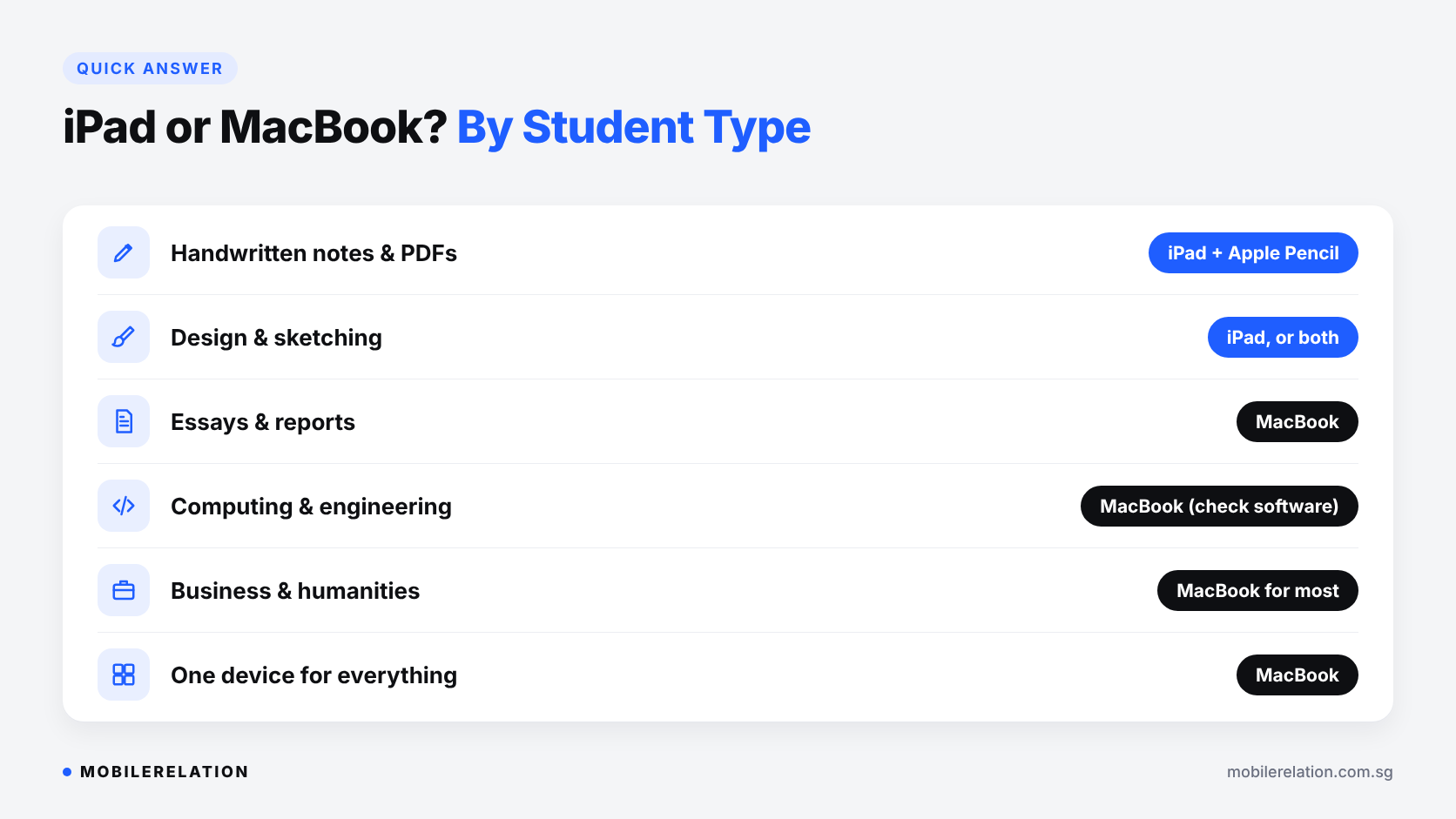
| A student who handwrites notes and reads lots of PDFs | iPad with Apple Pencil |
| A design or art student who sketches | iPad, or both |
| Writing essays, reports and long assignments | MacBook |
| Studying computing, engineering or data | MacBook, after checking course software |
| Business, humanities or general studies | MacBook for most, or iPad with keyboard for lighter work |
| Want one device for everything | MacBook is usually the safer all-rounder |
⚖️ iPad vs MacBook for Students: Side by Side
| School Task | iPad | MacBook |
|---|---|---|
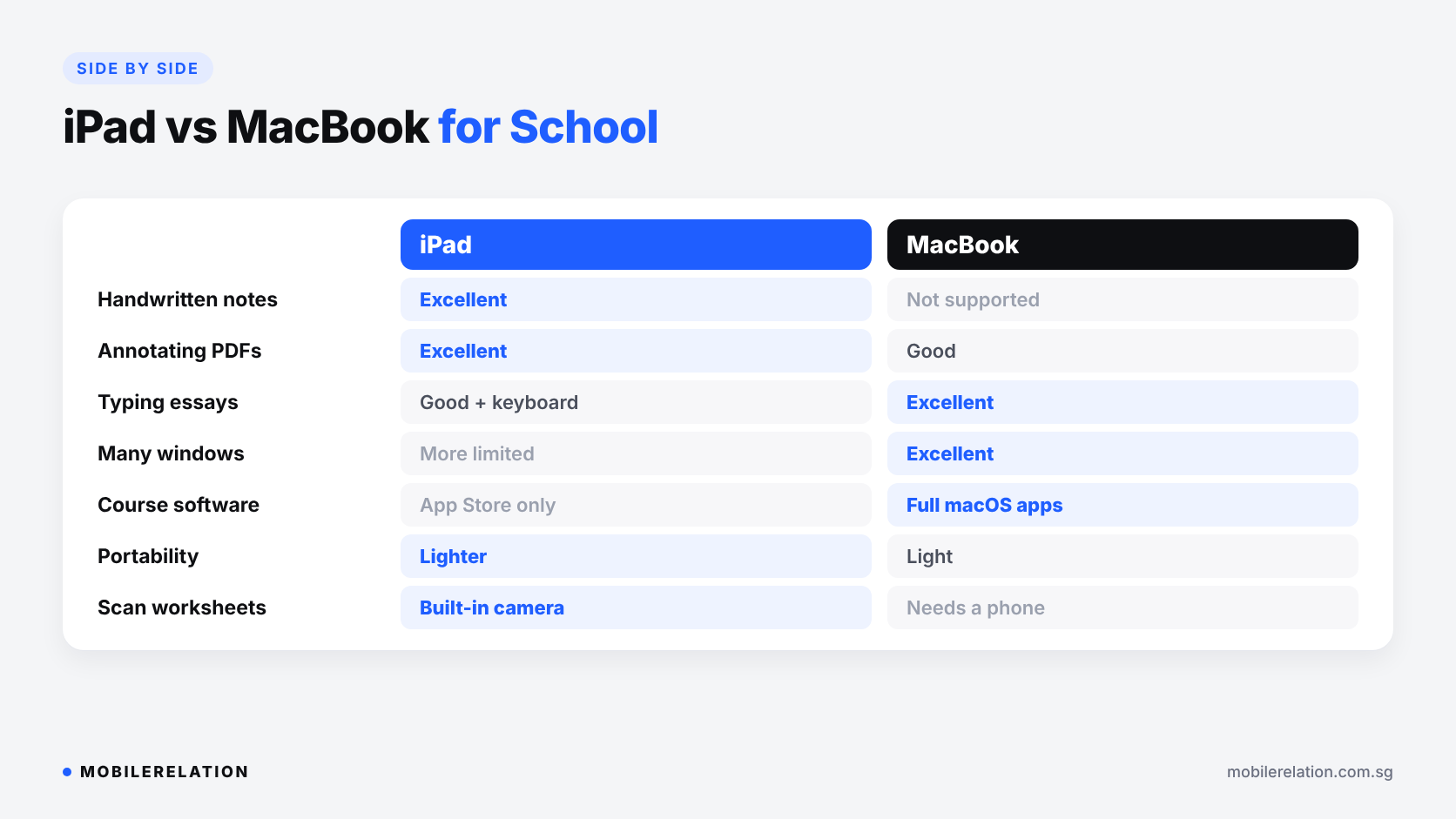
| Handwritten notes | Excellent with Apple Pencil | Not supported |
| Reading and annotating PDFs | Excellent | Good, but no pen input |
| Typing essays and reports | Good with a keyboard case | Excellent |
| Multitasking with many windows | Improving, but more limited | Excellent |
| Desktop apps and course software | App Store apps only | Full macOS apps |
| Portability | Lighter, especially iPad mini and iPad Air | Light, but heavier than an iPad |
| Scanning worksheets | Easy with the built-in camera | Needs a phone or scanner |
| Mobile data | Available on Cellular models | Needs Wi-Fi or a hotspot |
📝 When an iPad Is the Better Choice
An iPad shines when your studying involves a pen.
• Handwritten notes that you can search, organise and back up
• Annotating lecture slides, readings and past-year papers
• Maths, science and diagrams, which are easier to write than type
• Sketching and design with Apple Pencil
• Reading on the go on the MRT or bus
For pen-based studying, make sure your iPad supports the Apple Pencil you want.
Read:
Best iPads in Singapore: Which iPad Should You Buy? →
💻 When a MacBook Is the Better Choice
A MacBook is the better choice when your studying involves a keyboard and several apps at once.
• Long essays and reports with a full keyboard and trackpad
• Research with many browser tabs and documents side by side
• Coding, data and spreadsheets that need desktop apps
• Video and photo editing for projects
• Online exams and course software that only run on a computer
Check your course software:
Some university and polytechnic courses use software that only runs on Windows, and some online exam tools do not support iPad. Check your course or faculty requirements before you buy.
Some university and polytechnic courses use software that only runs on Windows, and some online exam tools do not support iPad. Check your course or faculty requirements before you buy.
Read:
Which MacBook to Buy in Singapore? →
💰 Don’t Forget the Full Setup
When comparing iPad vs MacBook for students, compare the whole setup, not just the device.
| iPad Setup for School | MacBook Setup for School |
|---|---|
| iPad | MacBook |
| + Apple Pencil | Keyboard and trackpad built in |
| + Keyboard case, if you type a lot | Optional: a sleeve or case |
| + Case or screen protector |
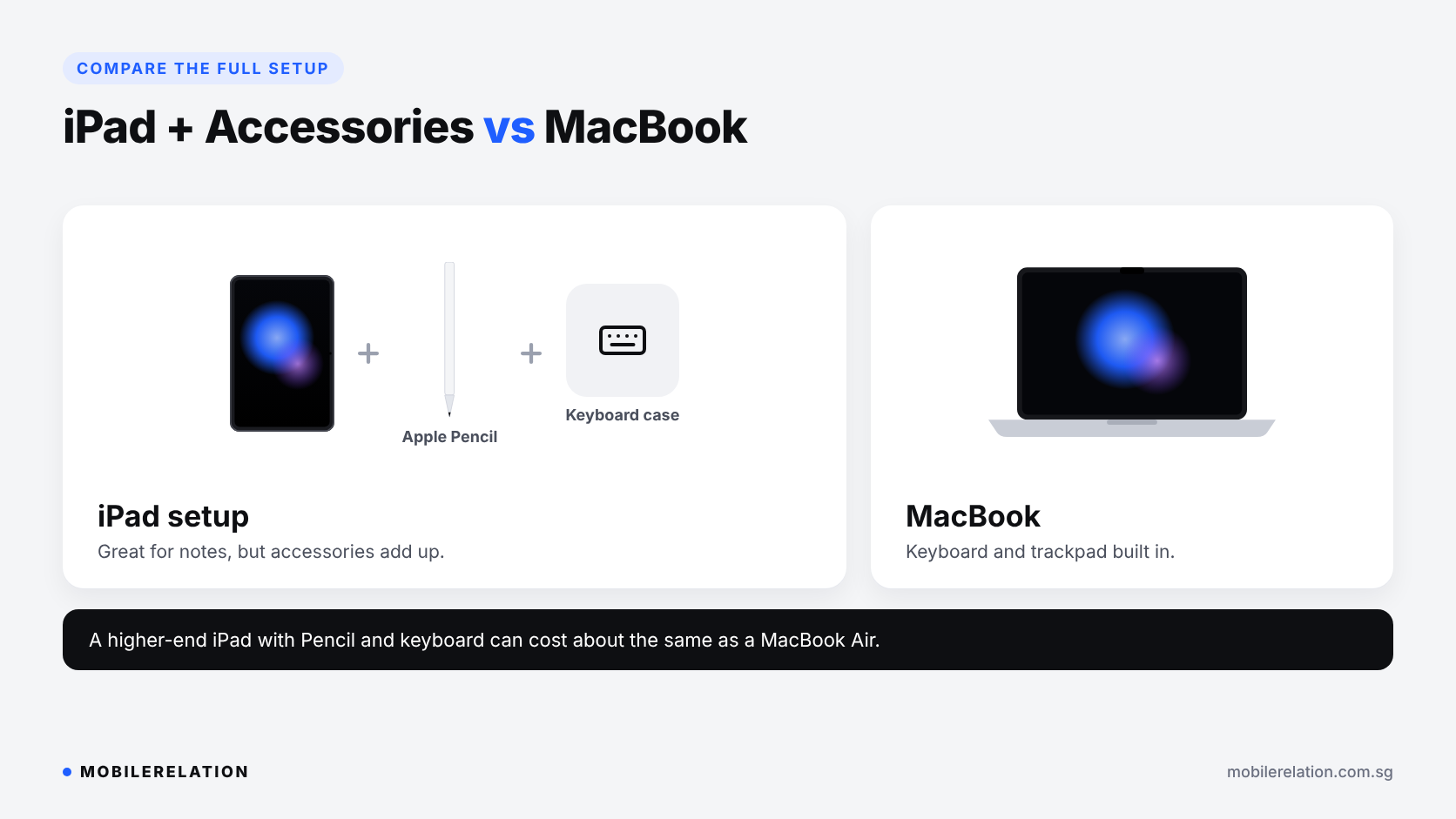
Once you add an Apple Pencil and a keyboard case, a higher-end iPad setup can cost about the same as a MacBook Air. If you mainly type, the MacBook is often the better value.
🎓 iPad vs MacBook by School Level
| Level | General Guide |
|---|---|
| Secondary school | Use the school-prescribed device for class. An iPad is a good extra for reading and notes at home. |
| JC | An iPad with Apple Pencil suits heavy note-taking and practice papers. A MacBook suits essay-heavy subjects. |
| Polytechnic and ITE | Depends on the course. Check software requirements, especially for engineering, IT and media. |
| University | A MacBook is the safer all-rounder. Many students add an iPad for notes and readings. |
🤝 Can You Use Both Together?
Many students end up with both, and they work well together:
• AirDrop files and photos between devices
• Sidecar to use your iPad as a second screen for your Mac
• Universal Control to use one keyboard and trackpad across both
• iCloud to keep notes and documents in sync
Apple explains the requirements here: Continuity features and requirements.
A common setup is a MacBook for assignments and a smaller iPad, such as an iPad mini, for notes and readings.
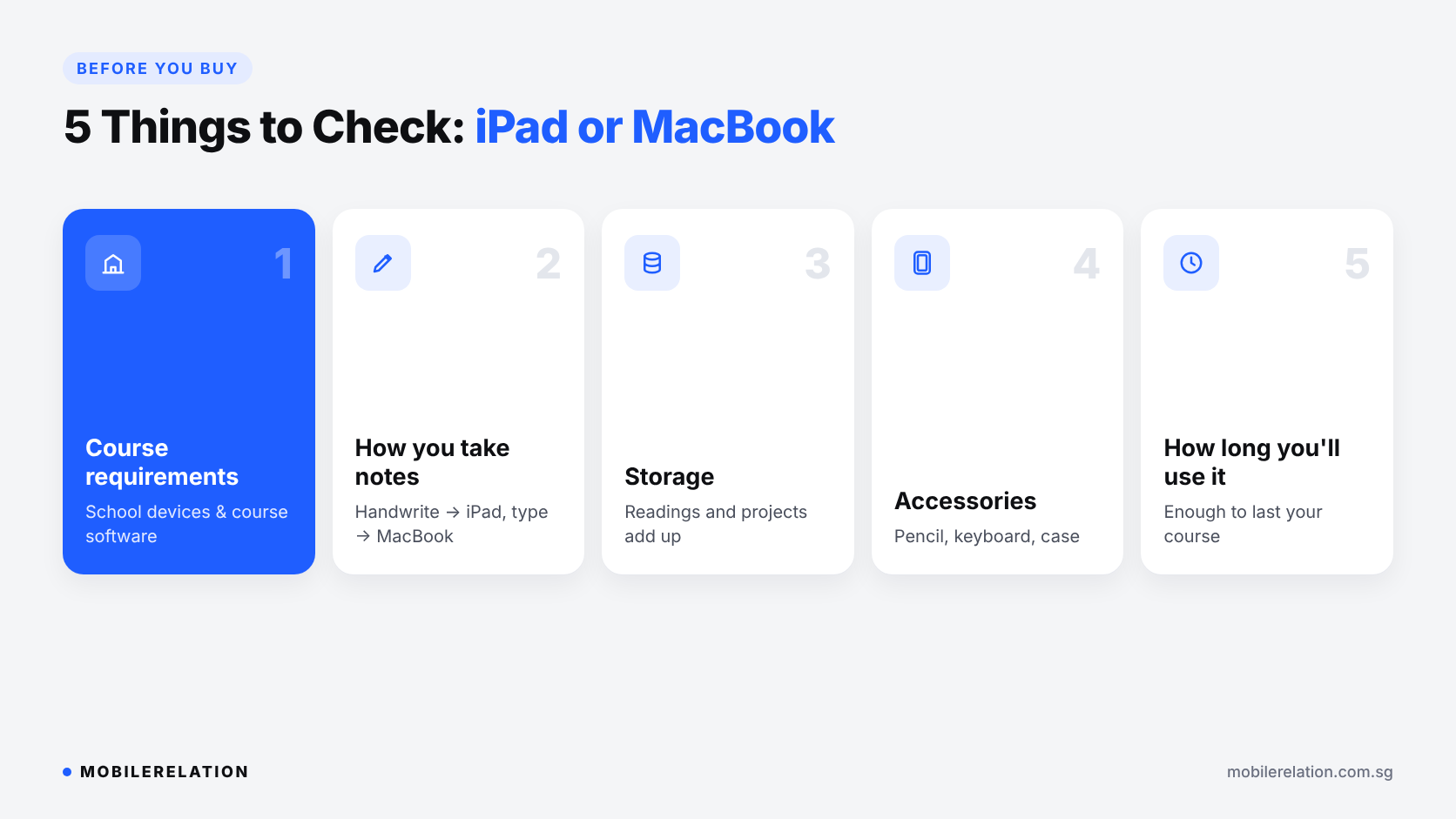
✅ 5 Things to Check Before You Buy
| Check | Why It Matters |
|---|---|
| 1. School or course requirements | Some schools prescribe devices, and some courses need specific software. |
| 2. How you take notes | Handwriting points to iPad. Typing points to MacBook. |
| 3. Storage | Lecture recordings, readings and projects add up quickly. |
| 4. Accessories | Budget for an Apple Pencil, keyboard case or protective case. |
| 5. How long you’ll use it | Choose enough performance and storage to last your whole course. |
Not sure how much storage you need? Read:
How Much Storage Do You Need? →
🔄 Trade In Your Old Device
Upgrading from an older iPad, MacBook or laptop? Trade it in and put the value toward your new school device.
Sell or Trade In Your MacBook →
Find Your School Device
Browse iPads or MacBooks, or visit one of our outlets to try them in person.
Shop iPads Browse MacBooks❓ Frequently Asked Questions
Is an iPad or MacBook better for university?
For most university students, a MacBook is the safer all-rounder because it runs full desktop apps and handles essays and multitasking well. Many students add an iPad for handwritten notes and readings.
Can an iPad replace a laptop for school?
For some students, yes, especially with a keyboard case. But if your course needs desktop software or online exam tools, a laptop is usually required.
Is an iPad good for taking notes?
Yes. With an Apple Pencil, an iPad is one of the best devices for handwritten, searchable notes and annotating PDFs.
Which is lighter to carry to school?
An iPad is lighter, especially the iPad mini and iPad Air. Adding a keyboard case makes it heavier.
Should secondary school students buy their own iPad?
Secondary schools prescribe a Personal Learning Device for class. Check with the school first. A personal iPad can still be useful for reading and notes at home.
Is it worth buying both an iPad and a MacBook?
If your budget allows, the combination works very well, with the MacBook for assignments and the iPad for notes. Otherwise, choose based on how you study most.
🏁 Final Thoughts
The iPad vs MacBook for students question comes down to how you study.
If you write, annotate and sketch, choose an iPad. If you type, research and need desktop apps, choose a MacBook.
And before you buy, check your school or course requirements. They can make the decision for you.