WELCOME TO MOBILERELATION

Sell or Trade In Your Nintendo Switch in Singapore: What Affects Its Value
Upgrading to a Nintendo Switch 2? Or has your old Switch been sitting in a drawer for months?
Your console still has value, especially if it is in good condition and comes with its dock, Joy-Con and charger.
In this Nintendo Switch trade-in guide, we explain what affects your Switch’s value, how to keep your game saves, and how to prepare the console before you sell it.
Good to know:
An online Nintendo Switch trade-in quote is an estimate. The final offer is confirmed after the exact model, included parts, condition, account status and functions are checked.
An online Nintendo Switch trade-in quote is an estimate. The final offer is confirmed after the exact model, included parts, condition, account status and functions are checked.
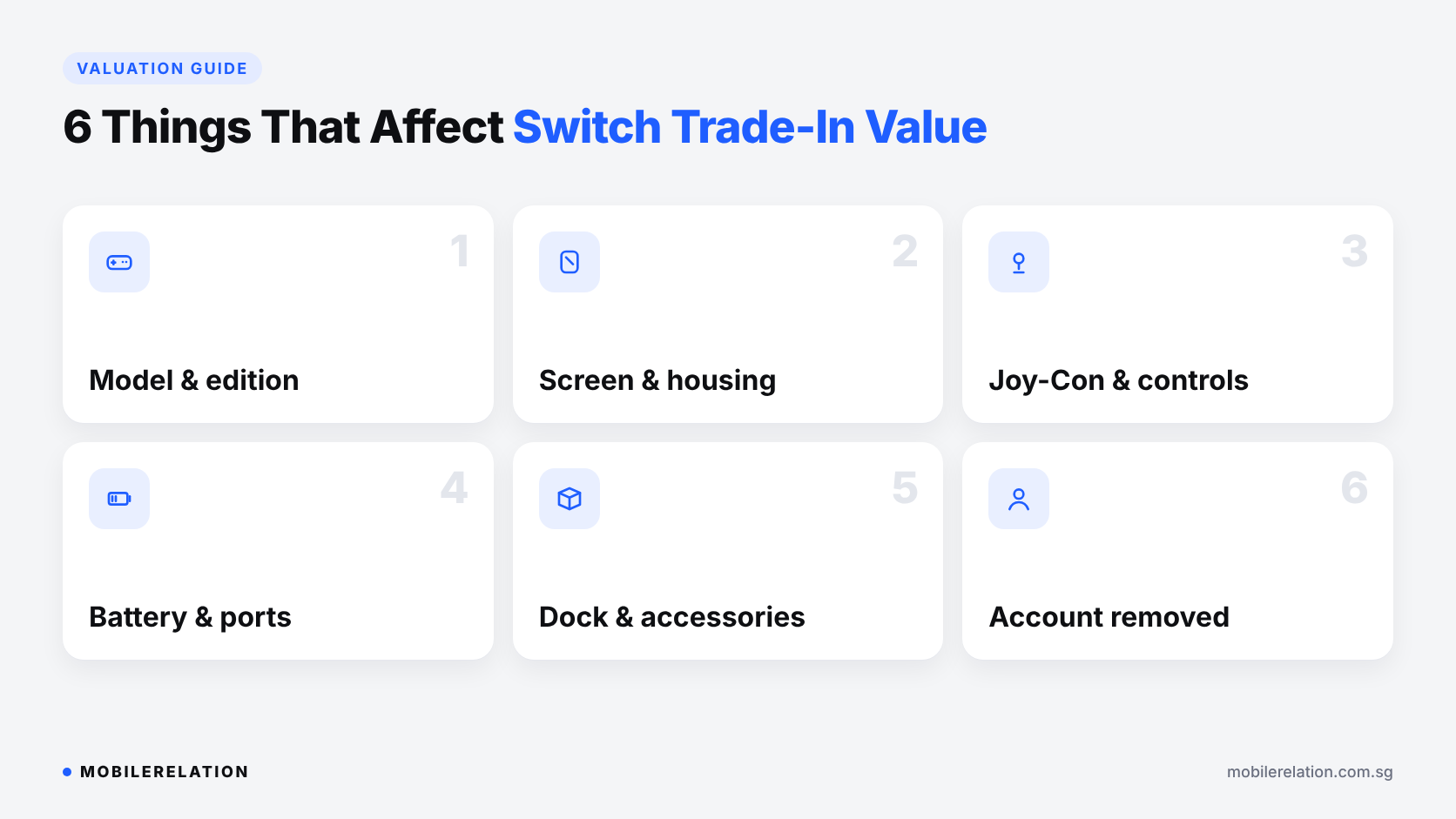
🎮 6 Things That Affect Your Nintendo Switch Trade-In Value
| Factor | Why It Matters |
|---|---|
| Model and edition | Switch, Switch Lite, Switch OLED, Switch 2 and special editions are valued differently |
| Screen and housing | Scratches, cracks, dents and previous repairs affect the assessment |
| Joy-Con and controls | Buttons, sticks and triggers are tested, including stick drift |
| Battery and ports | Charging, battery life, the game card slot and output ports are checked |
| Included accessories | The dock, charger, Joy-Con, grip, box and receipt may support the valuation |
| Account status | The console must be signed out, deregistered and reset |
🕹️ Can You Trade In a Switch With Joy-Con Drift or Damage?
Often, yes. Some consoles with faults may still qualify, depending on the model and how serious the issue is.
• Joy-Con drift,
where the character moves on its own,
lowers the value but doesn’t always stop a trade-in
• Scratched screens
are common and usually still qualify
• Cracked screens, weak batteries
or faulty ports
reduce the value more
• Missing Joy-Con or dock
affects completeness and value
Describe any issues accurately when you request a quote, so your estimate is closer to the final offer.
💾 What Happens to Your Games and Saves?
This is the most common question before a Nintendo Switch trade-in.
• Digital games are tied to your Nintendo Account,
not the console.
You can download them again on your next Switch
• Digital games don’t add trade-in value,
because they stay with your account
• Save data lives on the console.
Back it up before you reset,
or it will be lost
• Game cards are separate.
Remember to take them out of the console
You can back up saves with Save Data Cloud if you have a Nintendo Switch Online membership, or move everything to a new console with a system transfer.
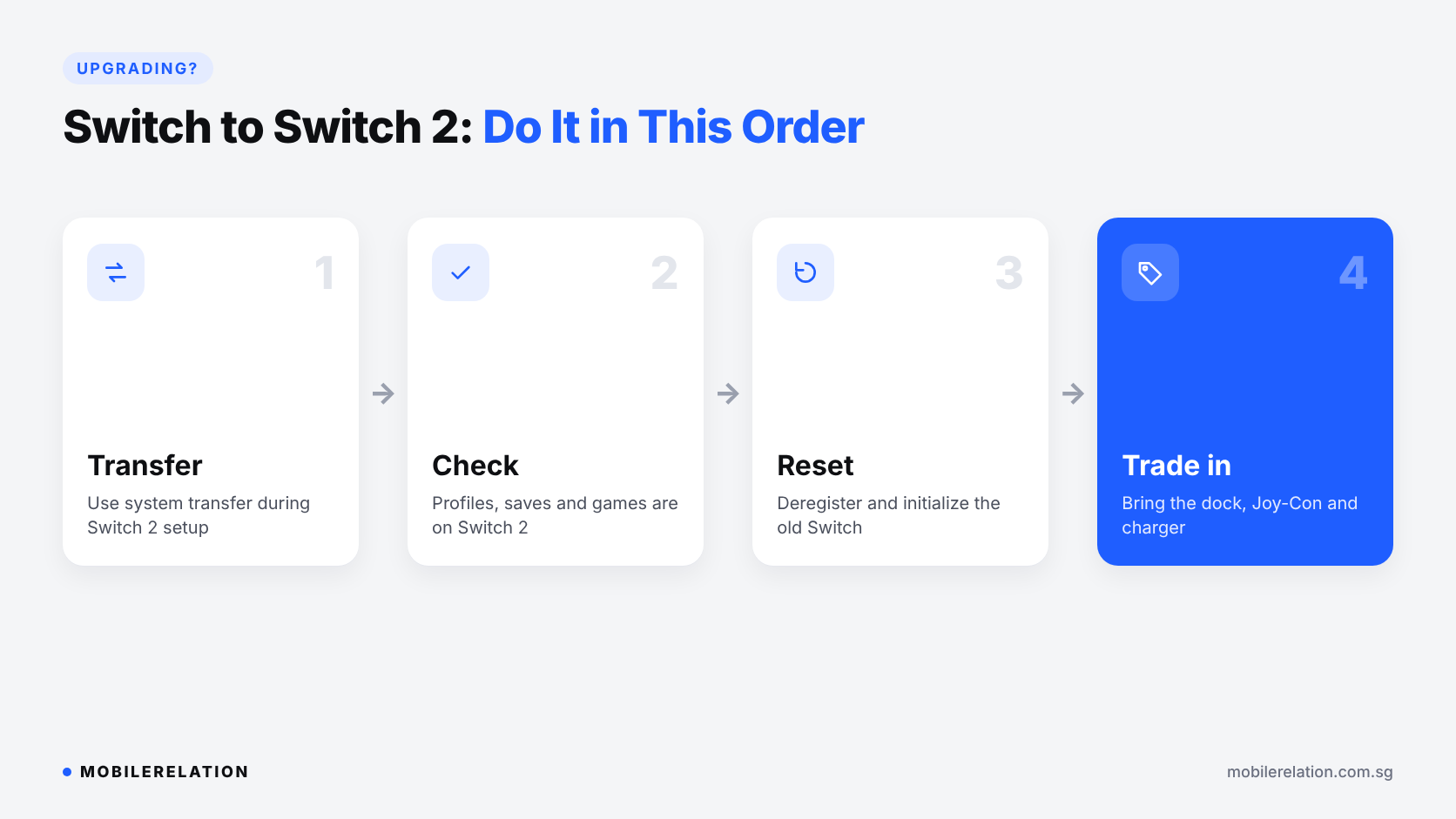
⬆️ Upgrading to Nintendo Switch 2? Do It in This Order
If you are trading in your Switch to upgrade to a Switch 2, the order matters.
• Step 1: Transfer.
During Switch 2 setup,
choose to transfer data from your Nintendo Switch.
Keep both consoles close together
and plugged into their original AC adapters
• Step 2: Check.
Make sure your profiles, saves and games
are on the Switch 2
• Step 3: Reset.
Deregister and initialize your old Switch
• Step 4: Trade in.
Bring the old console with its dock,
Joy-Con and charger
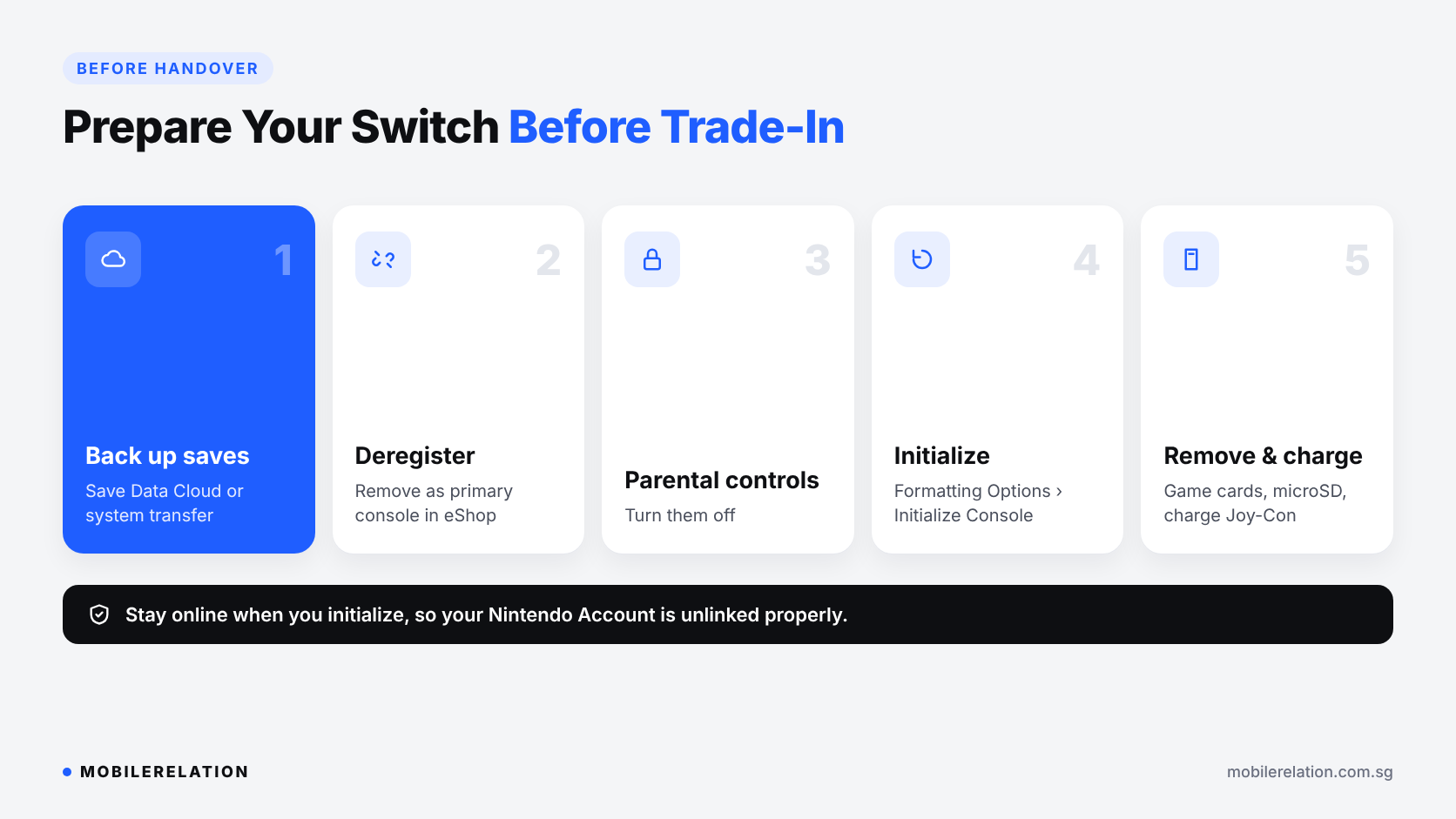
✅ How to Prepare Your Switch Before Trade-In
Follow these steps so your Nintendo Switch trade-in goes smoothly and your account stays safe.
1. Back up your save data
Use Save Data Cloud, or transfer your data to your new console first.
2. Deregister it as your primary console
Open Nintendo eShop, select your user, tap your account icon, then choose Deregister under the primary console section. Nintendo explains the steps on its support page.
3. Remove parental controls
Turn off parental controls so the next owner can set up the console.
4. Initialize the console
Go to System Settings > System > Formatting Options > Initialize Console. Stay connected to the internet so your Nintendo Account is unlinked properly. See Nintendo’s reset guide.
5. Remove cards and charge everything
Take out your game cards and microSD card, and charge the console and Joy-Con so they can be tested.
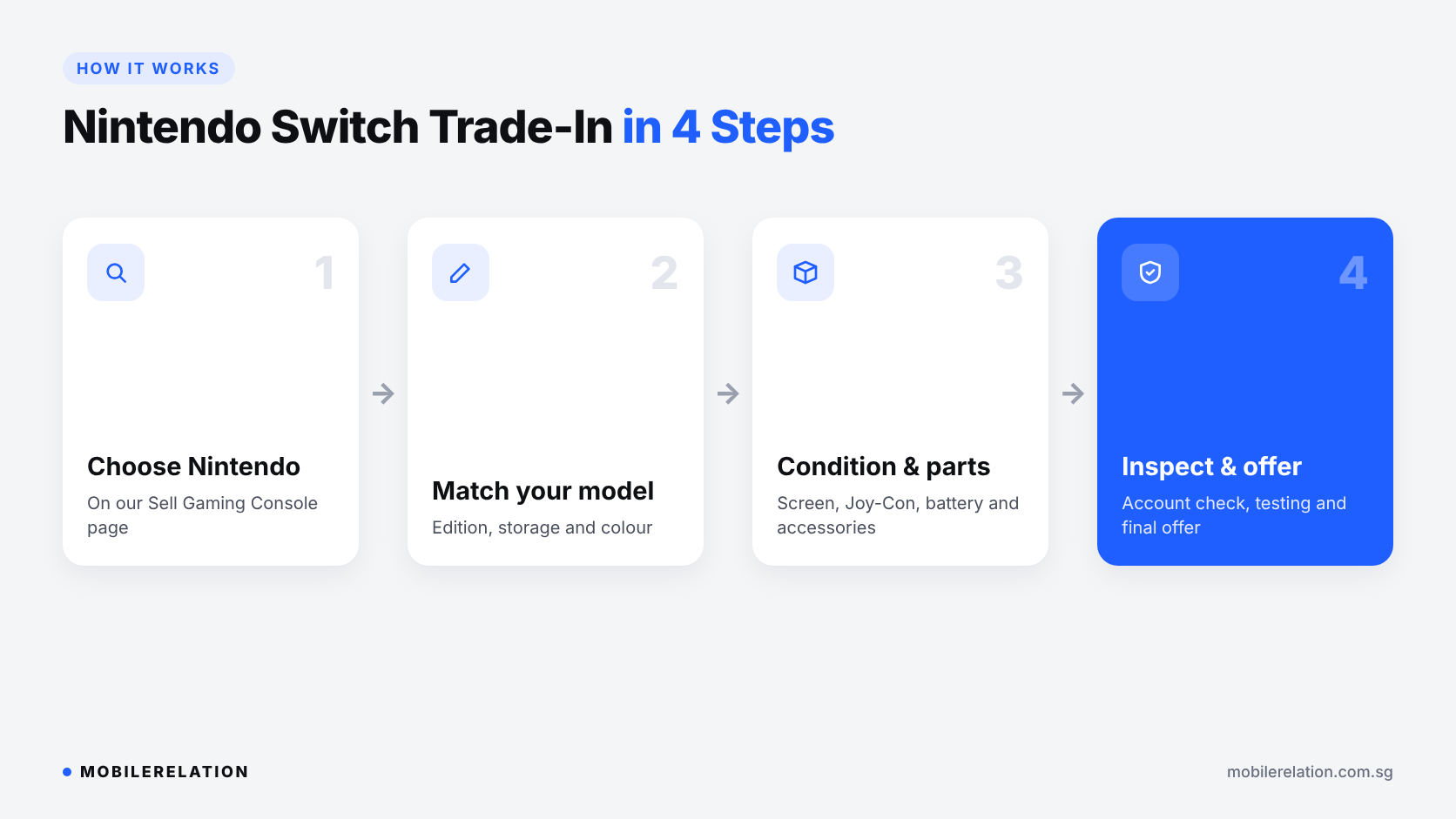
🔄 How Nintendo Switch Trade-In Works at MobileRelation
• Step 1: Choose Nintendo on our Sell Gaming Console page
• Step 2: Match your model, edition, storage and colour
• Step 3: Describe the condition and list the accessories you are including
• Step 4: We inspect the console, check the account is removed, and confirm your final offer
You can sell your Switch without buying another device, or put the value towards something new.
Get your Nintendo Switch trade-in quote →
Selling a Lenovo Gaming Handheld?
We also accept selected Lenovo gaming handhelds. The same tips apply: back up your data, sign out of your accounts and bring the charger and accessories.
Check Your Switch’s Trade-In Value
Get an online estimate, ask us on WhatsApp, or visit one of our outlets for an in-person assessment.
Get a Quote Shop Switch 2❓ Frequently Asked Questions
Where can I sell my Nintendo Switch in Singapore?
You can get an online quote on MobileRelation’s Sell Gaming Console page and bring your Switch to one of our outlets for inspection and your final offer.
Can I sell my Switch without buying another device?
Yes. Eligible consoles can be sold without buying a replacement, subject to inspection.
Can I trade in a Switch with Joy-Con drift?
Some consoles with controller issues may still qualify, depending on the model and severity. Mention the drift when you request a quote.
Do my digital games add to the trade-in value?
No. Digital games are tied to your Nintendo Account, not the console, so they stay with you.
Will I lose my game saves?
Only if you reset without backing up. Use Save Data Cloud or a system transfer before you initialize the console.
Should I bring the dock and Joy-Con?
Yes. The dock, charger, Joy-Con, grip, box and receipt may help with verification and valuation.
Is the online Nintendo Switch trade-in quote final?
No. It is an estimate. The final offer is confirmed after inspection.
🏁 Final Thoughts
A Nintendo Switch trade-in is an easy way to turn an unused console into value for a Switch 2 or another device.
Back up your saves, deregister and reset the console, and bring the dock, Joy-Con and charger. That is how you get a smooth trade-in and the best possible offer.
Read:
Best Christmas Tech Gifts in Singapore →