WELCOME TO MOBILERELATION

- 1
- 2
- 3
- 4
Sell or Trade In Your MacBook in Singapore
Step 1 – Choose Your MacBook Model
Search for your MacBook Air or MacBook Pro model to check an estimated trade-in value for an eligible new or used MacBook.
- MacBook Air and Pro
- Intel and Apple silicon
- Fast estimated quote
Search by device name

Can’t find your model? Chat with us on WhatsApp.
MACBOOK BUYBACK SINGAPORE
Sell Your MacBook Air or MacBook Pro in Singapore
Check the estimated value of an eligible MacBook Air or MacBook Pro before selling or upgrading. Start by choosing Apple and matching the exact model, release year or chip, screen size, memory and storage configuration.
MacBook values can differ significantly between Intel, M-series and different RAM or SSD options. Battery condition, display quality, keyboard and port functionality, charger availability and account status are also assessed. The final offer is confirmed after the MacBook and its specifications have been verified.
SIMPLE AND TRANSPARENT
How MacBook Trade-In Works
Use the Mac information screen or serial details to match the correct configuration.
-
1
Identify the MacBook
Choose Air or Pro and match the year, chip and screen size.
-
2
Confirm the Specification
Select the correct memory, storage and other listed configuration details.
-
3
Complete the Condition Check
Tell us about the display, housing, battery, keyboard, ports and charger.
-
4
Remove Locks and Verify
The final offer follows inspection, specification checks and account verification.
VALUATION GUIDE
What Affects Your MacBook Trade-In Value?
-
Model, year and chip
Intel and Apple silicon MacBooks have different specifications and market demand. -
Memory and storage
RAM and SSD capacity can make a meaningful difference to the valuation. -
Battery condition
Battery health, charging performance and cycle count may be considered during assessment. -
Display and hardware
Screen marks, keyboard response, trackpad, speakers, camera and ports are checked. -
Account and management status
Find My Mac, activation locks and company or school MDM must be removable.
BEFORE HANDOVER
Prepare Your MacBook Before Selling
- Back up documents, photos and files using Time Machine or another trusted method.
- Sign out of iCloud and disable Find My Mac before final handover.
- Remove login passwords, firmware locks and any company or school management profile.
- Confirm the MacBook starts, charges and can connect to Wi-Fi.
- Bring the original charger, box, receipt and warranty details when available.
Do not erase your MacBook until your backup is complete. If the device is organisation-managed, confirm that its MDM profile can be permanently removed.
POPULAR BRANDS
Start an Apple MacBook Trade-In
Open the Apple selection to browse eligible MacBook Air and MacBook Pro models.
FREQUENTLY ASKED QUESTIONS
Questions About Selling a MacBook
Can I sell a MacBook without buying another computer?
Yes. An eligible MacBook can be sold through the buyback process without purchasing a replacement, subject to inspection and the applicable terms.
How do I find my MacBook model and specification?
Use About This Mac or System Information to check the model, chip or processor, memory and storage. Match these details carefully when requesting a quotation.
Can I trade in a MacBook with battery or screen issues?
Some devices with wear or faults may still qualify, depending on the model and extent of the issue. Describe the condition accurately or contact the team for guidance.
Must Find My Mac and MDM be removed?
Activation locks and organisation-management profiles must be removable before final handover. A permanently managed MacBook may not be eligible until the organisation releases it.
Do I need the original charger?
Bring the compatible charger, box, receipt and warranty information when available because these items may assist with testing, verification or valuation.
Is the online MacBook quote final?
The online quotation is an estimate. The final offer is confirmed after the exact specification, battery, hardware, physical condition and account status are verified.
READY TO START?
Check Your MacBook Value
Search for your MacBook Air or MacBook Pro model above to begin.

How Trade-In Works
Trade in your used phone in three simple steps with MobileRelation Singapore.
01
Get Your Quote
Pick your device and condition to see the estimated price.
02
Drop-off / Pick-up
Visit our store or arrange a courier — fast & easy.
03
Instant Payout
Receive payment on the spot after final assessment and verification.
Brands We Accept For Trade-In In Singapore
We accept Apple iPhone, Samsung Galaxy, Google Pixel, Honor, Oppo, Xiaomi, Nintendo, Lenovo, Nothing and Infinix devices for trade-in, buyback and resale in Singapore. Get an instant quote for your used device today.










What Affects Your Phone Trade-In Value?
Your final trade-in price depends on device condition, storage capacity, market demand and verification at our Singapore outlets.
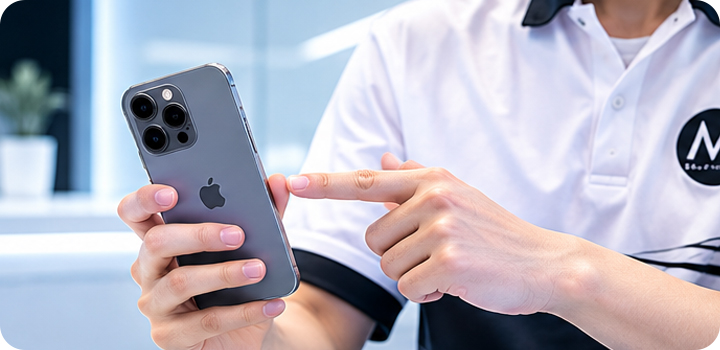
Device Condition
Devices with minimal wear, no screen damage and fully working functions generally receive higher trade-in offers.
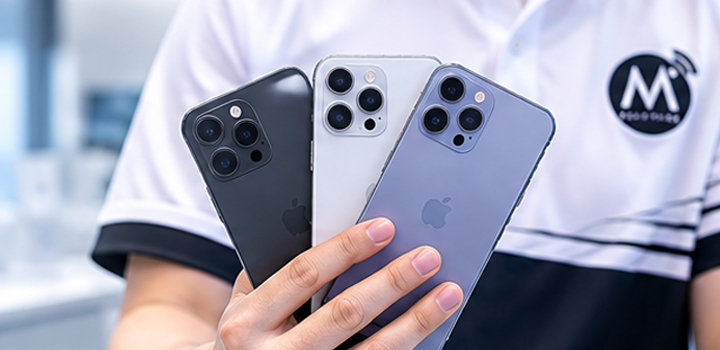
Storage Capacity
Higher storage variants usually have stronger resale demand and better trade-in values.
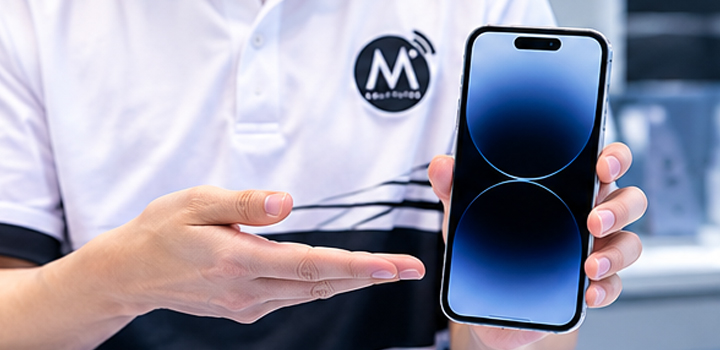
Market Demand
Popular models often maintain higher values due to stronger market demand.
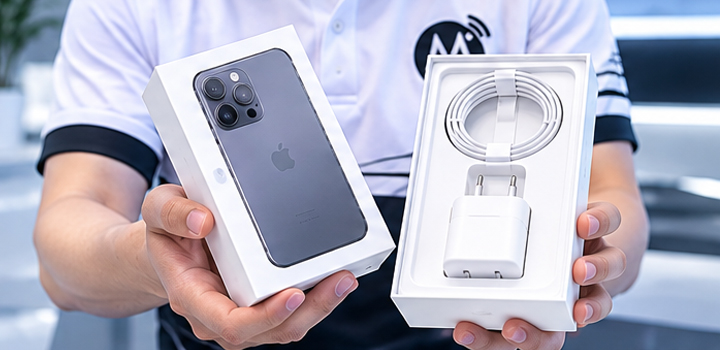
Accessories & Warranty
Original accessories, packaging and remaining warranty coverage may improve the overall valuation.
Why Sell Your Phone To MobileRelation?
Sell or trade in your used phone with a trusted Singapore mobile phone retailer with physical outlets islandwide.

Instant Payout
Receive payment immediately after device verification.

Fair Market Value
Competitive pricing based on current market demand.

Trusted Singapore Retailer
Physical stores across Singapore with experienced device specialists.

Multiple Outlets
Convenient MobileRelation locations across Singapore.
Visit Our Singapore Trade-In Outlets
Trade in your phone at any MobileRelation outlet across Singapore. Get an instant device assessment and same-day payout.
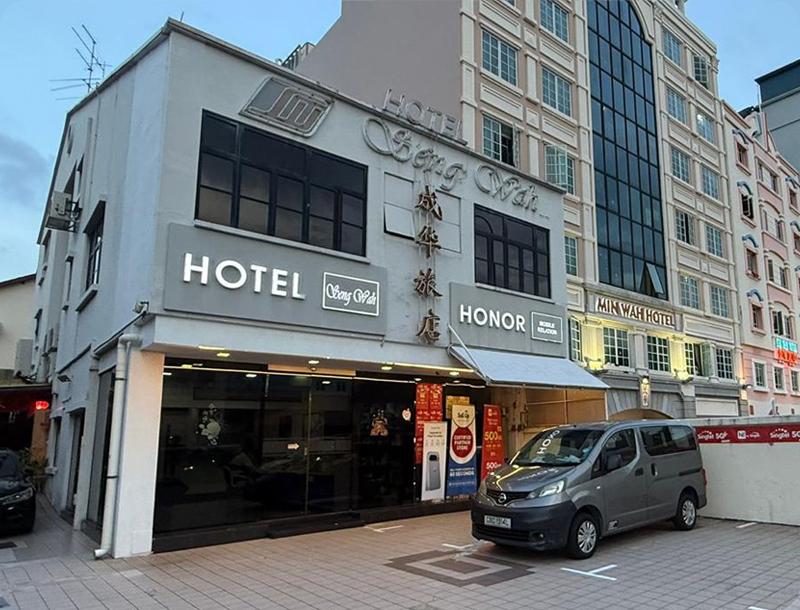 Central
MobileRelation Aljunied Outlet
Seng Wah Hotel – 15 Lor 22 Geylang, Singapore 398673

Opening Hours: 12PM – 10PM

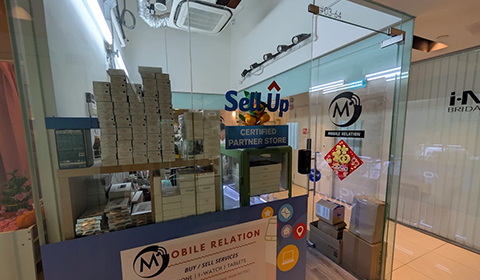 Central
MobileRelation Tanjong Pagar Outlet
Oxley Tower – 138 Robinson Road, #03-64, Singapore 068906
Opening Hours: 11AM – 8PM
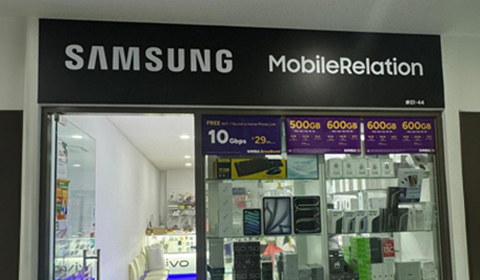 North-East
MobileRelation Bartley Outlet
Kensington Square – 2 Jalan Lokam, #01-44, Singapore 537846
Opening Hours: 11AM – 8PM
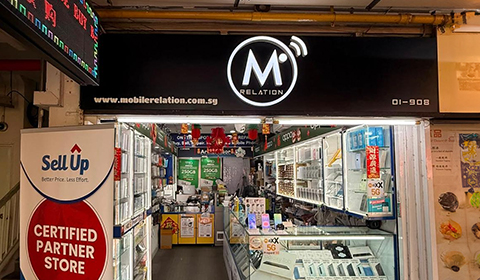 North-East
MobileRelation Ang Mo Kio Outlet
Block 631 Ang Mo Kio Ave 4, #01-908, Singapore 560631
Opening Hours: 11AM – 9PM
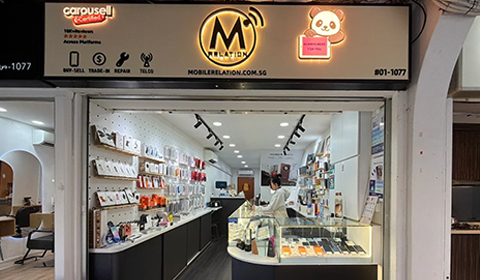 East
EastMobileRelation Tampines Outlet
Block 201B Tampines Street 21, #01-1077, Singapore 522201
Opening Hours: 11AM – 9PM
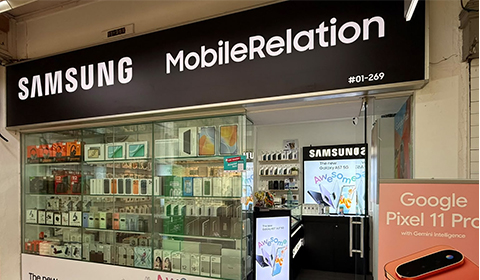 West
WestMobileRelation Jurong East Outlet
131 Jurong Gateway Road, #01-269, Singapore 600131
Opening Hours: 11AM – 9PM
Frequently Asked Questions About Phone Trade-In In Singapore
Common questions about selling or trading in your phone with MobileRelation.
How do I trade in my phone?
Select your device category, answer a few questions about its condition and receive an estimated trade-in value instantly.
What brands do you accept?
We accept Apple, Samsung, Google Pixel, Honor, Oppo, Xiaomi, Nintendo, Lenovo, Nothing and Infinix devices.
How quickly will I receive payment?
Most customers receive payment immediately after device verification and final assessment.
Can I trade in a damaged phone?
Yes. Devices with cosmetic wear, battery issues or certain defects may still qualify.
Where can I trade in my phone in Singapore?
Visit any MobileRelation outlet in Singapore for a quick assessment and instant payout.
Sell Your Used Phone In Singapore
MobileRelation provides phone trade-in and buyback services across Singapore. Whether you are upgrading your iPhone, Samsung Galaxy, Google Pixel, Honor, Oppo, Xiaomi, Nothing or Infinix phone, or selling your Nintendo or Lenovo device, you can receive an instant quotation and same-day payout at our retail outlets.
Our trade-in process is simple, transparent and convenient. Select your device, provide its condition and receive an estimated value. Complete the transaction at any MobileRelation outlet and get paid on the spot after verification.

Ready To Sell Or Trade In Your Phone?
Start with an instant online quote or WhatsApp MobileRelation for assistance with your iPhone, Samsung, Google Pixel, Honor, Oppo, Xiaomi, Nintendo, Lenovo, Nothing, Infinix or other device trade-in.