WELCOME TO MOBILERELATION

Sell or Trade In Your MacBook in Singapore: What Affects Its Value
Upgrading to a new Mac? Or maybe your old MacBook has been sitting in a drawer since you switched laptops.
Either way, it is probably worth more than you think, especially if you sell your MacBook while it is still in demand. A MacBook trade-in can also go straight toward your next device.
In this guide, we explain what affects MacBook trade-in value in Singapore, why Apple silicon matters, and how to prepare your Mac before you sell it.
Note:
MacBook trade-in values change with model, specifications, condition and market demand. For a current quote, use our Sell MacBook page.
MacBook trade-in values change with model, specifications, condition and market demand. For a current quote, use our Sell MacBook page.
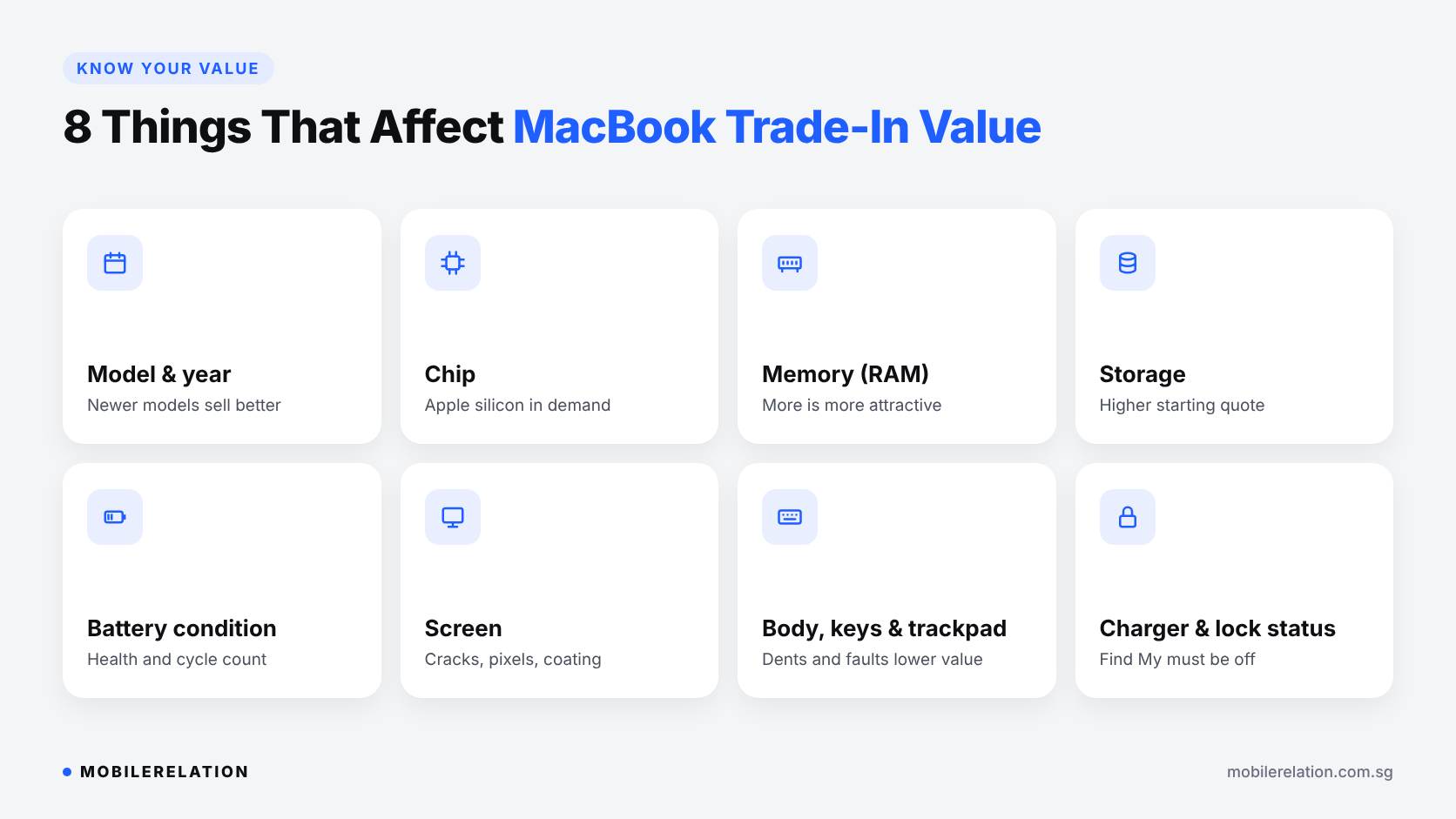
💻 8 Things That Affect Your MacBook Trade-In Value
| Factor | Why It Matters |
|---|---|
| 1. Model and year | Newer MacBook Air and MacBook Pro models have stronger resale demand. |
| 2. Chip | Apple silicon Macs are in much higher demand than Intel Macs. Pro and Max chips can add value. |
| 3. Memory (RAM) | Higher memory configurations are more attractive to the next owner. |
| 4. Storage | More storage usually means a higher starting quote. |
| 5. Battery condition | A healthy battery with a reasonable cycle count supports a stronger quote. |
| 6. Screen | Cracks, dead pixels, coating wear or marks from the keyboard can reduce value. |
| 7. Body, keyboard and trackpad | Dents, scratches, sticky keys or a faulty trackpad can lower the quote. |
| 8. Accessories and lock status | Bring the original charger if you have it. Find My and Activation Lock must be turned off. |
⚠️ Apple Silicon vs Intel: Why It Matters When You Sell
Since 2020, Apple has used its own chips, known as Apple silicon, in MacBooks. These include the M-series chips such as M1, M2 and newer.
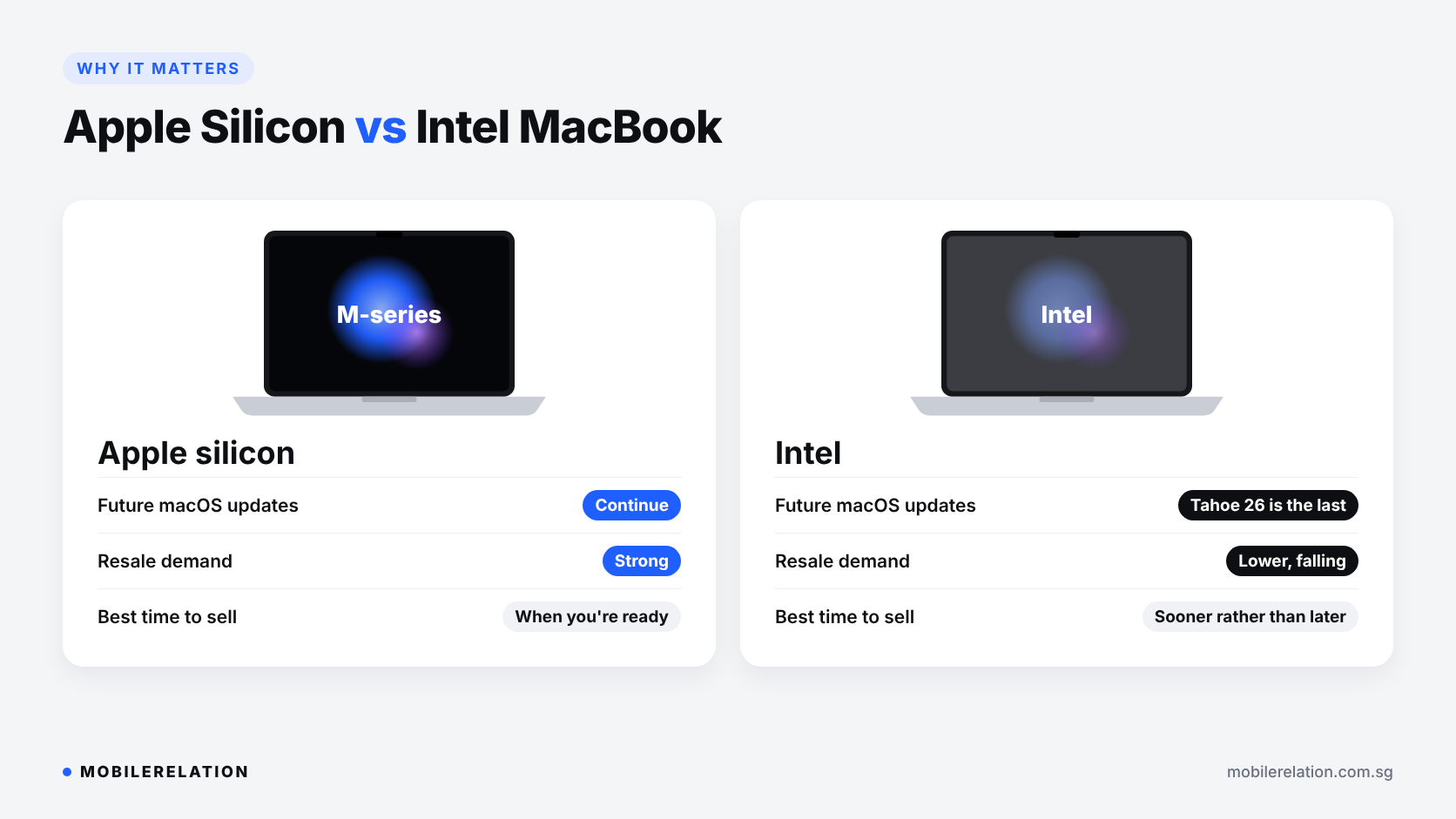
Apple has confirmed that macOS Tahoe 26 is the last major macOS version for Intel-based Macs.
| Apple Silicon MacBook | Intel MacBook | |
|---|---|---|
| Future macOS updates | Continue | macOS Tahoe 26 is the last major version |
| Resale demand | Strong | Lower, and likely to keep falling |
| Best time to sell | Whenever you are ready to upgrade | Sooner rather than later |
If you still have an Intel MacBook you no longer use, selling it sooner usually makes more sense than waiting.
How to Check Your MacBook’s Chip
Click the Apple menu and choose About This Mac. You will see either an Apple chip, such as M1 or M2, or an Intel processor.
🔋 Check Your MacBook Battery
Battery condition is one of the first things a buyer will check.
• Go to System Settings › Battery and click the info button next to Battery Health
• For the cycle count, hold Option, click the Apple menu, choose System Information, then select Power
A MacBook with a “Service Recommended” battery can still be traded in, but the quote may be lower.
✅ How to Prepare Your MacBook Before You Sell
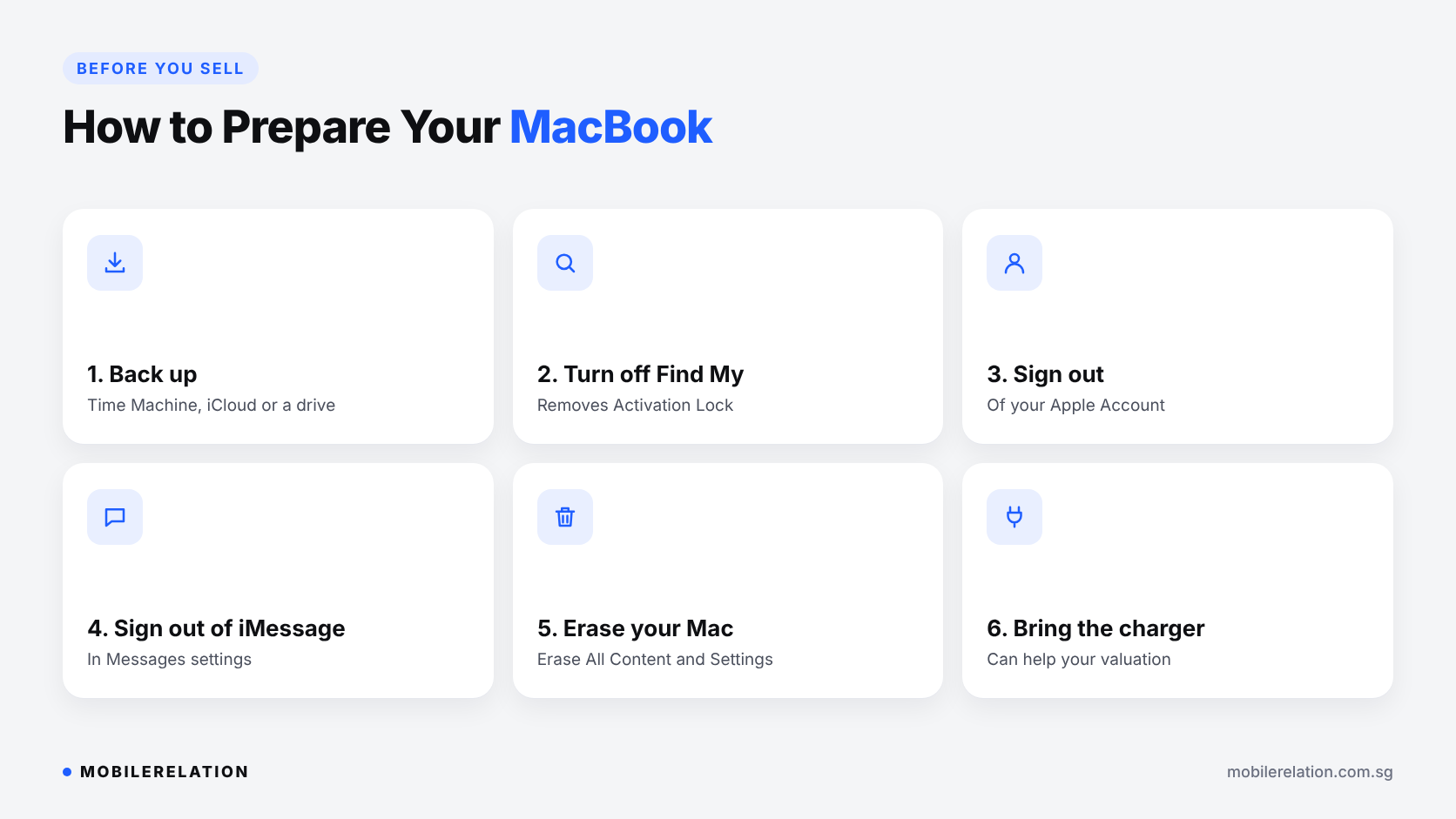
Before your MacBook trade-in, or handing it to anyone, protect your data and make sure it is not locked to your account.
| Step | How |
|---|---|
| 1. Back up your files | Use Time Machine, iCloud or an external drive. |
| 2. Turn off Find My Mac | This removes Activation Lock. Without this, the Mac cannot be traded in. |
| 3. Sign out of your Apple Account | System Settings › your name › Sign Out. |
| 4. Sign out of iMessage | Messages › Settings › iMessage › Sign Out. |
| 5. Erase your Mac | On Apple silicon or T2 Macs with macOS Monterey or later: System Settings › General › Transfer or Reset › Erase All Content and Settings. |
| 6. Bring the charger | Original accessories can help your valuation. |
Older Intel Macs without a T2 chip need a few extra steps. Apple explains them here: What to do before you sell or trade in your Mac.
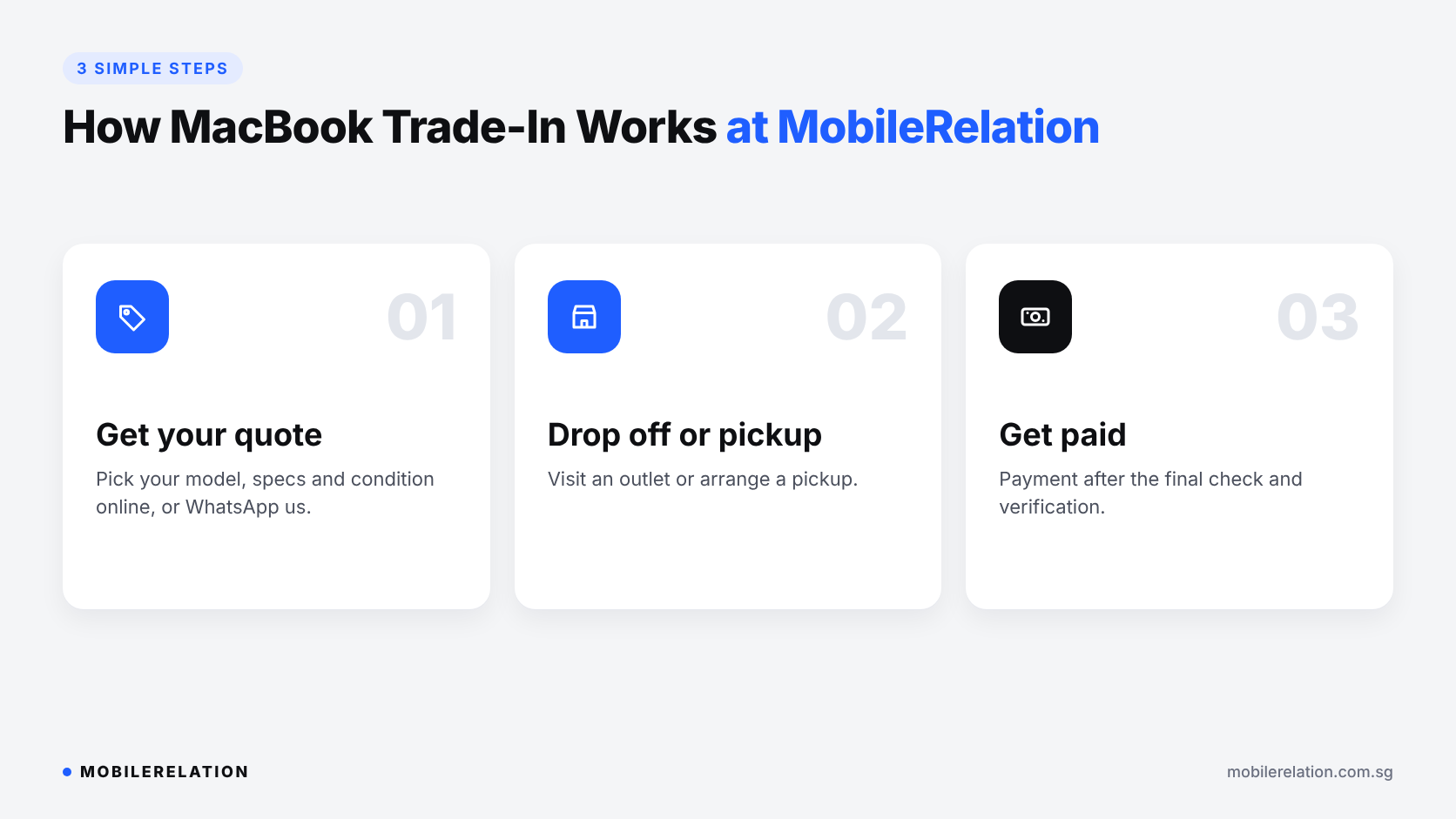
🔄 How MacBook Trade-In Works at MobileRelation
| Step | What Happens |
|---|---|
| 1. Get your quote | Select your MacBook model, specifications and condition online, or WhatsApp us. |
| 2. Drop off or arrange pickup | Visit one of our outlets or arrange a pickup. |
| 3. Get paid | Receive payment after the final check and verification. |
Find your nearest store: MobileRelation outlets.
Upgrading to a New MacBook?
You can put your trade-in value toward your next Mac. We list new and used MacBook Air and MacBook Pro models across our outlets.
Browse MacBooks at MobileRelation →
Which MacBook to Buy in Singapore? →
Check Your MacBook’s Trade-In Value
Select your model, specifications and condition to see the current estimated value.
Check My MacBook Value❓ Frequently Asked Questions
Where can I sell my MacBook in Singapore?
You can sell your MacBook at any MobileRelation outlet, or start with an online quote on our Sell MacBook page.
Can I sell an Intel MacBook?
Yes, but Intel MacBooks usually have lower demand than Apple silicon models, and macOS Tahoe 26 is their last major macOS version. Selling sooner is usually better than waiting.
Can I sell a MacBook with a cracked screen or faulty battery?
In many cases, yes. Damage and faults will lower the quote, and the final amount is confirmed after inspection.
Do I need the original charger and box?
Not always, but original accessories can help your valuation.
What if I forgot to turn off Find My Mac?
A MacBook with Activation Lock on cannot be traded in. Turn off Find My Mac and sign out of your Apple Account before selling.
Are online MacBook quotes guaranteed?
No. Online quotes are estimates and are confirmed after inspection and verification.
🏁 Final Thoughts
The best time for a MacBook trade-in is usually as soon as you know you no longer need it.
Apple silicon models, good battery health, a clean screen and body, and the original charger all help you get a stronger quote.
And if you still have an Intel MacBook, selling sooner is usually the smarter choice.