
Phone Not Charging? Common Causes and How to Fix It in Singapore

Phone Not Charging? Common Causes and How to Fix It in Singapore
You plug in your phone before bed, wake up, and the battery has barely moved. Or the charging icon keeps flickering on and off.
A phone not charging is stressful, but the cause is often simple: a worn cable, a dirty port or even a setting you didn’t know about.
This guide walks you through quick fixes for a phone not charging on iPhone and Samsung, and the signs that mean your phone needs a repair.
If your phone is swollen, very hot, smells of burning or the screen is lifting from the frame, stop charging it straight away and bring it in to be checked.
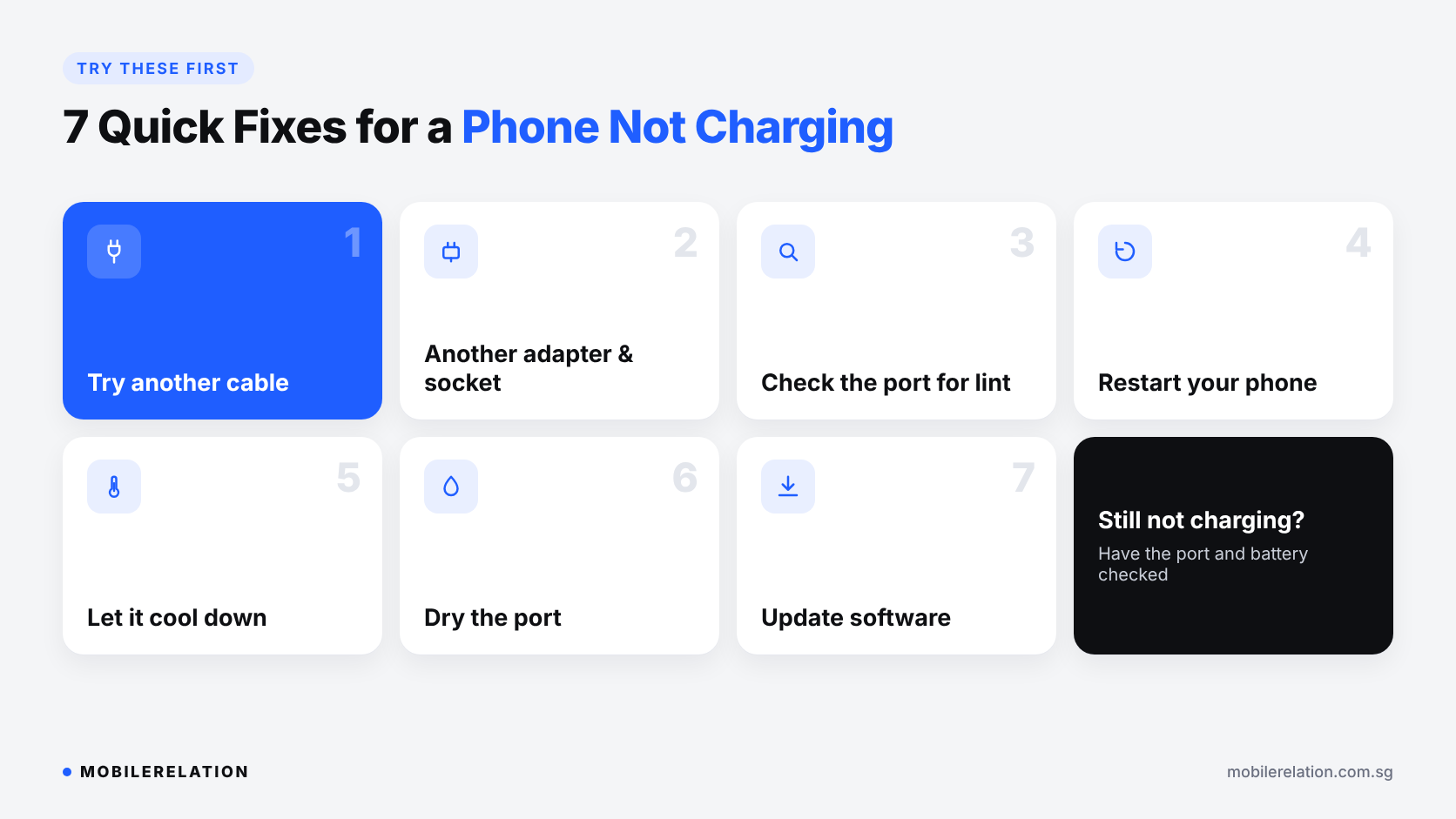
🔌 Phone Not Charging? 7 Quick Fixes to Try First
1. Try a different cable
Cables wear out, especially near the ends. If a different cable works, the old one was the problem.
2. Try a different adapter and power point
A faulty adapter or wall socket can look like a phone problem. Use a good-quality adapter that supports your phone’s charging standard.
3. Check the charging port for lint
Pocket lint and dust build up inside the port and stop the cable from connecting fully. Switch the phone off and look inside with a torch. If you see lint, remove it very gently with a soft brush or wooden toothpick. Never use metal objects.
4. Restart your phone
A software glitch can stop charging. If you find your phone not charging after an app or system crash, a simple restart often fixes it.
5. Let it cool down
Phones pause charging when they get too hot, for example in a hot car or while gaming. On iPhone, you may see a Charging On Hold message. Let the phone cool down, then try again.
6. Check for moisture
Samsung phones may show a moisture detected warning and stop charging through the port. Unplug the cable and let the port dry completely before charging again.
7. Update your software
Updates can fix charging bugs. Install the latest iOS or One UI update when your phone has enough battery.
🔋 Stuck at 80%? It May Be a Setting
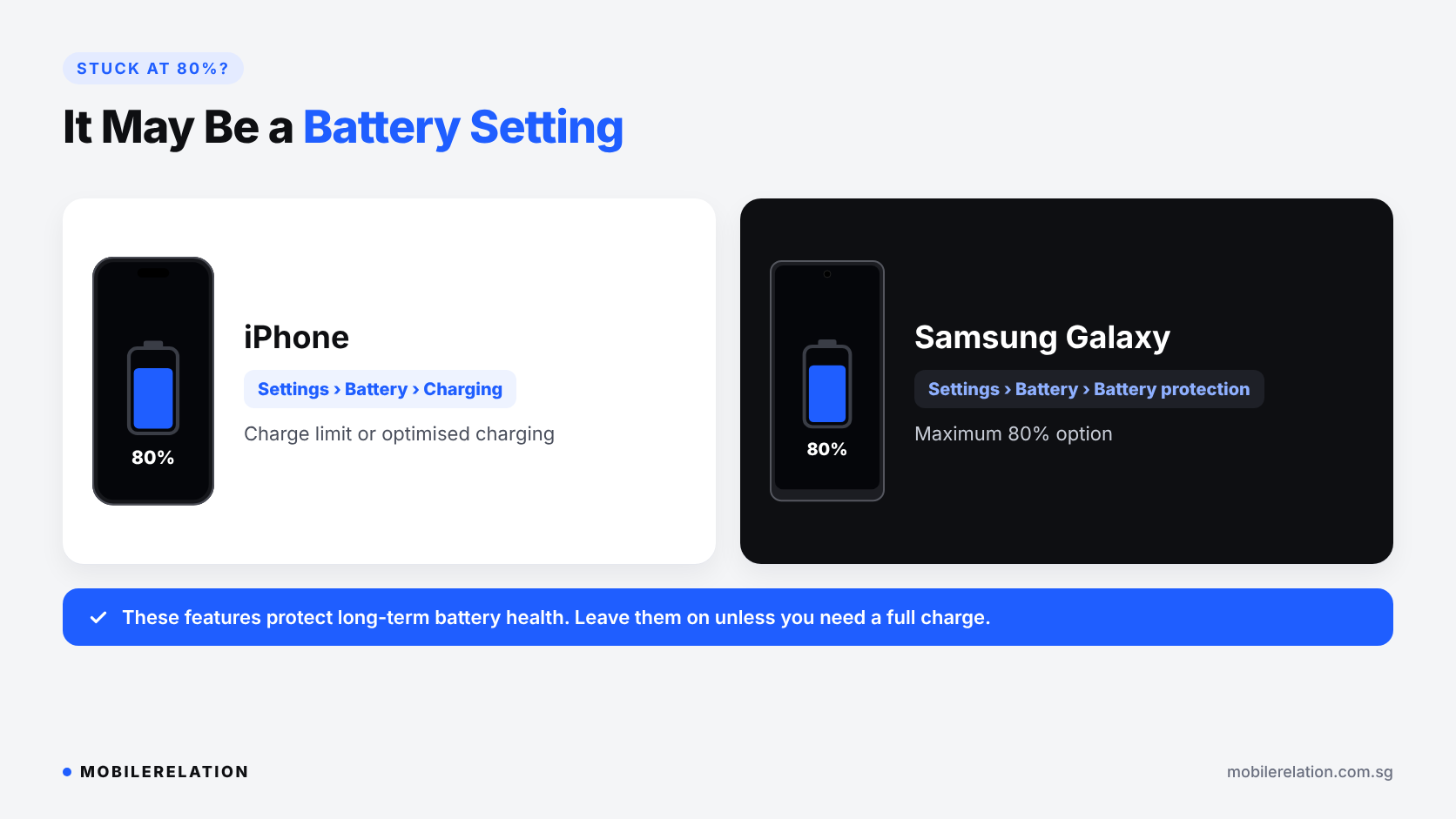
If your phone charges fine but always stops at around 80%, it is probably not broken. Both Apple and Samsung have features that limit charging to protect the battery.
| Phone | Where to Check |
|---|---|
| iPhone | Settings > Battery > Charging, where you can set a charge limit or optimised charging |
| Samsung Galaxy | Settings > Battery > Battery protection, where a maximum 80% option may be turned on |
Leaving these features on is good for long-term battery health. Only turn them off if you really need a full charge.
📶 Wireless Charging Not Working?
• Remove thick cases, cards or metal plates
from the back of the phone
• Line the phone up with the centre of the charger
• Check the charger is plugged into a suitable adapter
• Try cable charging to see
whether the problem is the charger or the phone
🛠️ When Your Phone Not Charging Needs a Repair
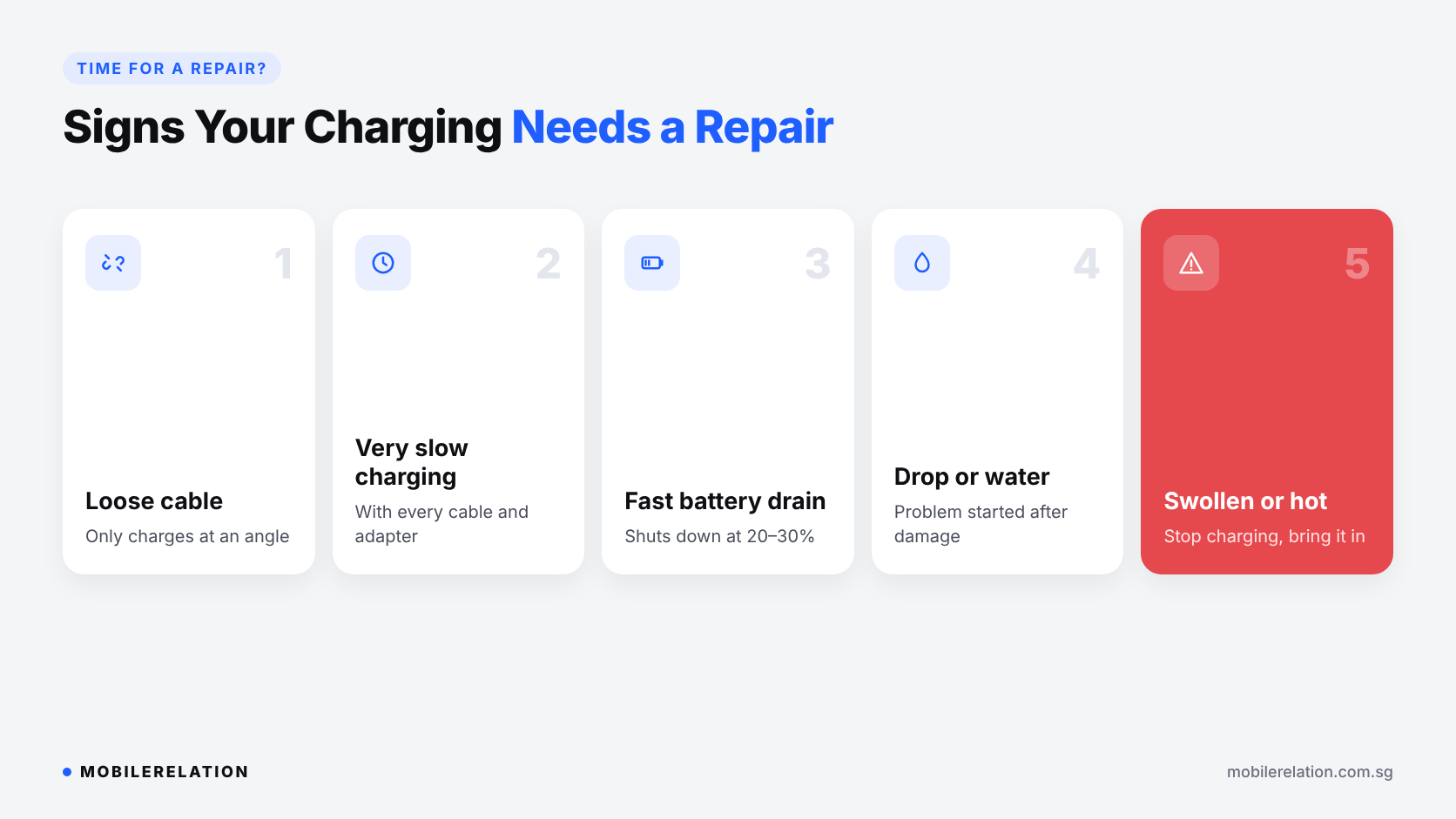
If you have tried the fixes above and your phone still won’t charge properly, it is time to have it checked. A phone not charging for days is rarely fixed by waiting. Common signs include:
• The cable feels loose
or only works at a certain angle
• Charging is very slow
with every cable and adapter
• The battery drains fast
or the phone shuts down at 20 to 30%
• The phone was dropped
or exposed to water before the problem started
• The phone is swollen
or gets very hot when charging
A worn or dirty charging port and an ageing battery are the two most common causes. Our technicians can check whether the port needs cleaning or replacement, or whether the battery is the real issue.
Read:
iPhone Battery Replacement in Singapore: When to Replace →
🔧 How Charging Repair Works at MobileRelation
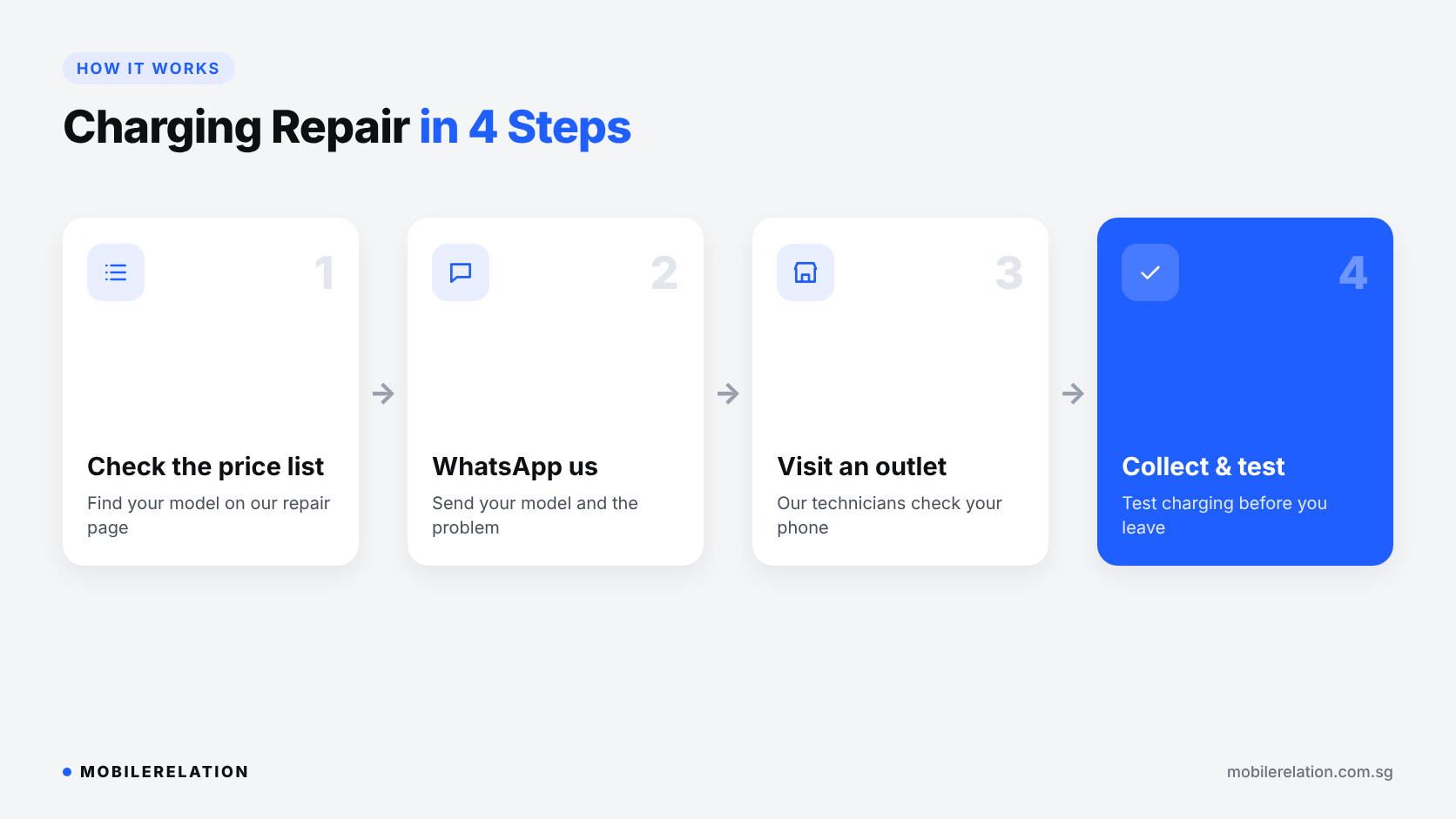
• Step 1: Check our repair price list for your model
• Step 2: WhatsApp us your phone model and the charging problem
• Step 3: Bring your phone to one of our outlets for our technicians to check
• Step 4: Test your phone before you leave to make sure it charges properly
Not sure what is wrong? Our diagnostics service checks a phone not charging for hidden hardware or software issues before you decide on a repair.
See our repair services and price list →
Repair or Upgrade?
If your phone is older and the repair cost is close to its value, trading it in for a newer phone may make more sense.
Read:
Repair or Trade In? What to Do With a Broken Phone →
Phone Still Not Charging?
WhatsApp us your phone model and the problem, or visit one of our outlets to have it checked.
View Repair Prices Trade In Your Phone❓ Frequently Asked Questions
Why is my phone not charging when plugged in?
The most common causes are a faulty cable or adapter, lint in the charging port, overheating or a software glitch. If none of these is the issue, the charging port or battery may need repair.
Why does my iPhone stop charging at 80%?
Your iPhone may have a charge limit or optimised charging turned on. Check Settings > Battery > Charging.
Why does my Samsung stop charging at 80%?
Battery protection may be set to stop at 80%. Check Settings > Battery > Battery protection.
Is it safe to clean my charging port myself?
Yes, if you are gentle. Switch the phone off and use a soft brush or wooden toothpick. Never use metal objects, and bring it to us if the lint is packed in tightly.
Can a charging port be replaced?
Yes. Our technicians can check whether the port needs cleaning or replacement. WhatsApp us your model for a quote.
Should I back up my phone before a repair?
Yes. Back up your photos and data to iCloud or your Google account first.
🏁 Final Thoughts
A phone not charging is often an easy fix: try a different cable and adapter, clean the port, let the phone cool down and check your 80% charging settings.
If you still have a phone not charging properly, have the charging port and battery checked before the problem gets worse.
Need a reliable charger? The Mazer Infinite Travel 65W GaN Charger can charge your phone, tablet and laptop.
Read: