
Which MacBook to Buy in Singapore? Air vs Pro, Chip, RAM and Storage Explained
MacBook Air or MacBook Pro? 13-inch or 15-inch? 16GB or 24GB of memory?
Deciding which MacBook to buy can feel confusing, especially when the price difference between options adds up quickly.
In this guide, we explain which MacBook to buy in five simple steps: Air or Pro, chip, memory, storage and screen size. We also share what to check if you are buying used.
Apple updates the MacBook range regularly, so this guide focuses on how to choose, not on one year’s models. For exact specifications, see Apple’s Mac comparison page.
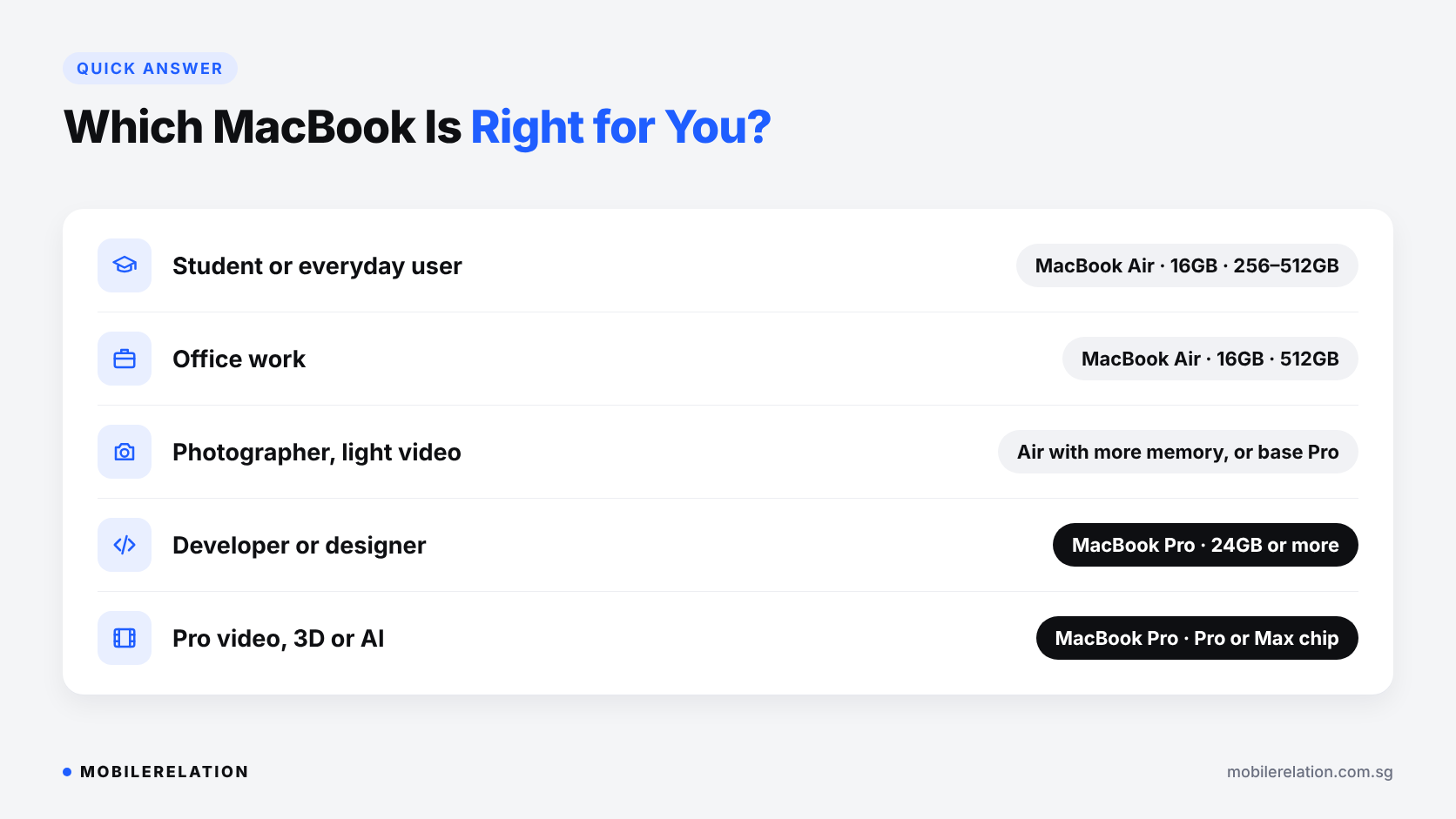
⚡ Quick Answer: Which MacBook Should You Buy?
| You Are… | Good Starting Point |
|---|---|
| A student or everyday user | MacBook Air, 16GB memory, 256GB or 512GB storage |
| Working in documents, spreadsheets and video calls | MacBook Air, 16GB memory, 512GB storage |
| A photographer or light video editor | MacBook Air with more memory, or a base MacBook Pro |
| A developer or designer | MacBook Pro, 24GB memory or more |
| A professional video, 3D or AI user | MacBook Pro with a Pro or Max chip and plenty of memory |
💻 Step 1: MacBook Air vs MacBook Pro
| MacBook Air | MacBook Pro | |
|---|---|---|
| Best for | Study, office work, browsing, travel | Video editing, coding, design, heavy multitasking |
| Cooling | Fanless and silent | Active cooling for long, heavy workloads |
| Weight | Lighter and thinner | Heavier |
| Display | Bright and sharp | Brighter, with ProMotion and higher peak brightness |
| Ports | Fewer ports | More ports, often including HDMI and an SD card slot |
| Chip options | Standard chip | Standard, Pro or Max chips |
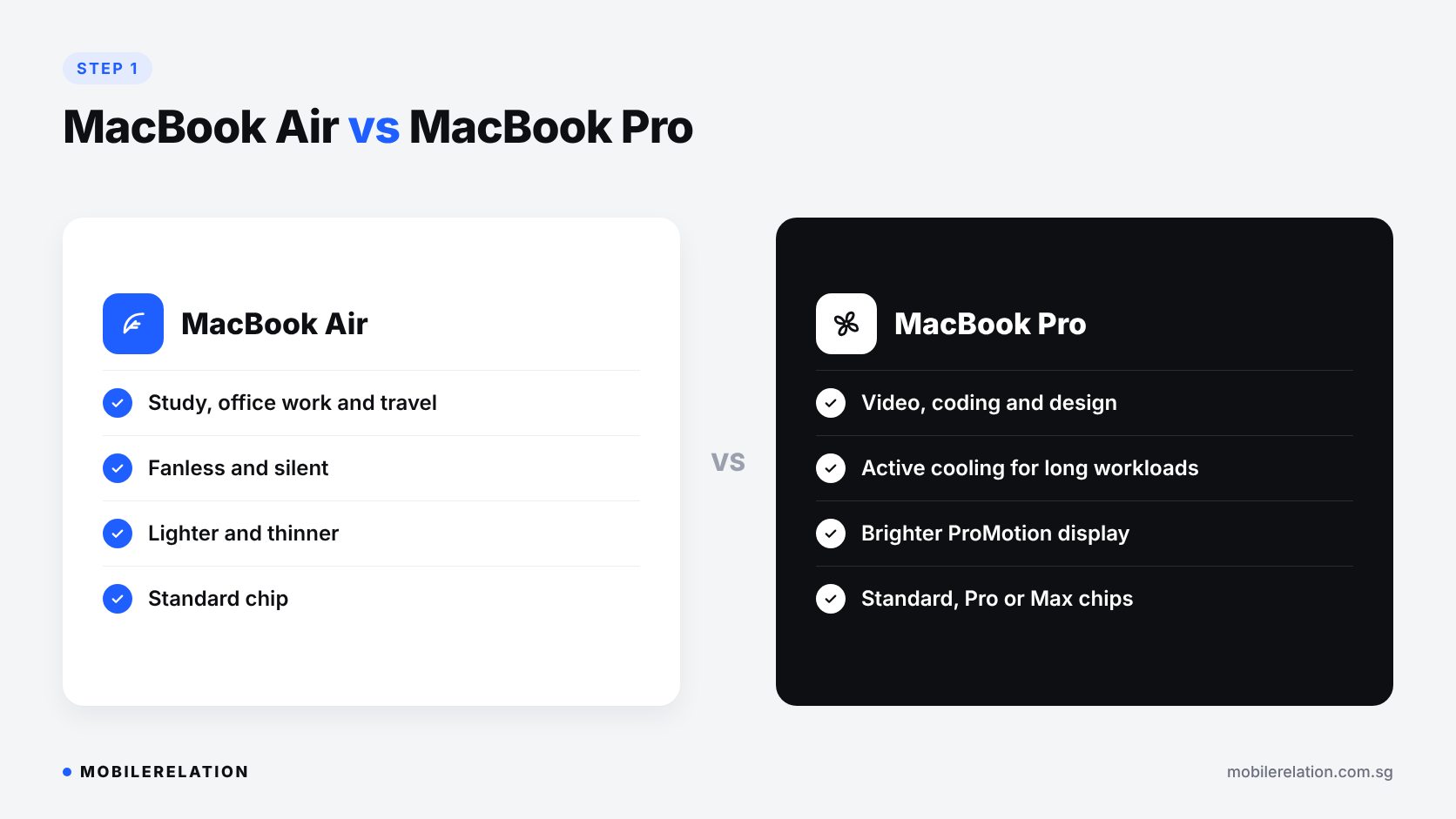
Simple rule: when deciding which MacBook to buy, if you are not sure you need a MacBook Pro, you probably don’t. The MacBook Air handles everyday work very comfortably.
⚙️ Step 2: Choose the Right Chip
MacBooks use Apple’s M-series chips. Each generation comes in different tiers:
| Chip Tier | Who It’s For |
|---|---|
| Standard (for example M3, M4) | Most people. Fast for study, office work and photo editing. |
| Pro | Developers, designers and video editors who need more power for longer. |
| Max | Professional video, 3D and other very demanding workloads. |
A newer standard chip is often a better buy than an older Pro chip for everyday use.
Avoid Intel MacBooks for Long-Term Use
Older MacBooks with Intel processors are cheaper, but Apple has confirmed that macOS Tahoe 26 is their last major macOS version. For a MacBook you will keep for years, choose Apple silicon.
🧠 Step 3: How Much Memory Do You Need?
Memory (RAM) cannot be upgraded later on a MacBook, so it is worth choosing carefully.
| Memory | Good For |
|---|---|
| 8GB | Light use only. Found on older models. Not ideal for keeping long term. |
| 16GB | The comfortable choice for most people. |
| 24GB to 32GB | Heavy multitasking, coding, design and photo work. |
| 36GB and above | Professional video, 3D and AI workloads. |
💾 Step 4: How Much Storage Do You Need?
| Storage | Good For |
|---|---|
| 256GB | Mostly cloud-based work and documents. |
| 512GB | The safe choice for most people. |
| 1TB and above | Large photo libraries, video projects and big apps. |
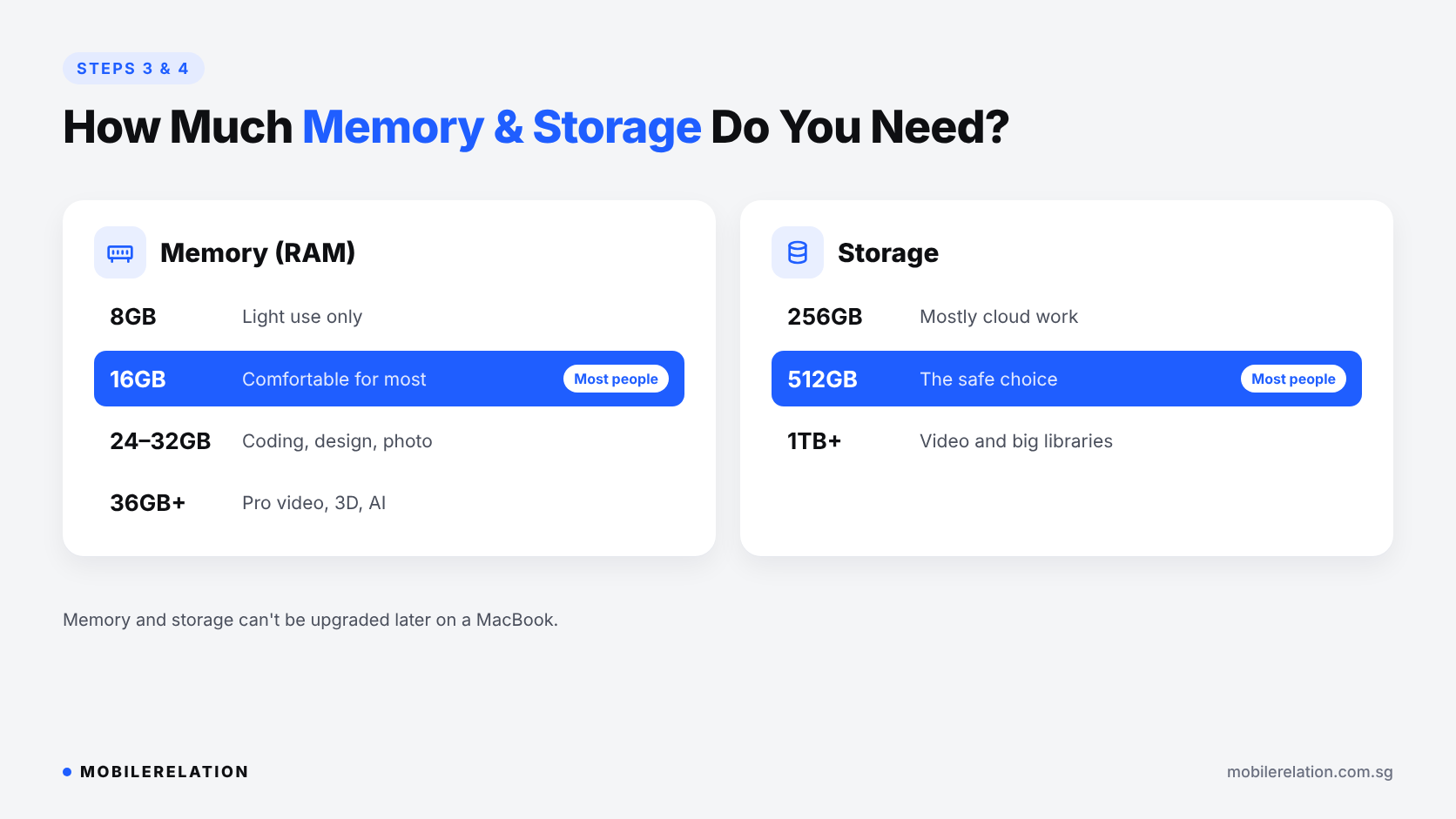
Like memory, MacBook storage cannot be upgraded later. An external drive helps, but buying a little more upfront is usually easier.
📐 Step 5: Pick Your Screen Size
| Size | Best For |
|---|---|
| 13-inch | Maximum portability, school bags and commuting. |
| 14-inch | A balance of screen space and portability on MacBook Pro. |
| 15-inch | A bigger MacBook Air screen for spreadsheets and multitasking. |
| 16-inch | The largest MacBook Pro screen for creative work. |
🔍 New or Used MacBook?
Once you know which MacBook to buy, a used MacBook can be a smart way to get a better specification for your budget. Before you buy, check these:
| Check | How |
|---|---|
| Chip | Apple menu › About This Mac. Choose Apple silicon. |
| Battery health | System Settings › Battery › Battery Health. |
| Activation Lock | Make sure Find My Mac is off and the Mac is signed out. |
| Keyboard and trackpad | Test every key and click across the whole trackpad. |
| Display | Look for dead pixels, marks and coating wear. |
| Ports, speakers and camera | Charge it, plug in a device, play audio and open the camera. |
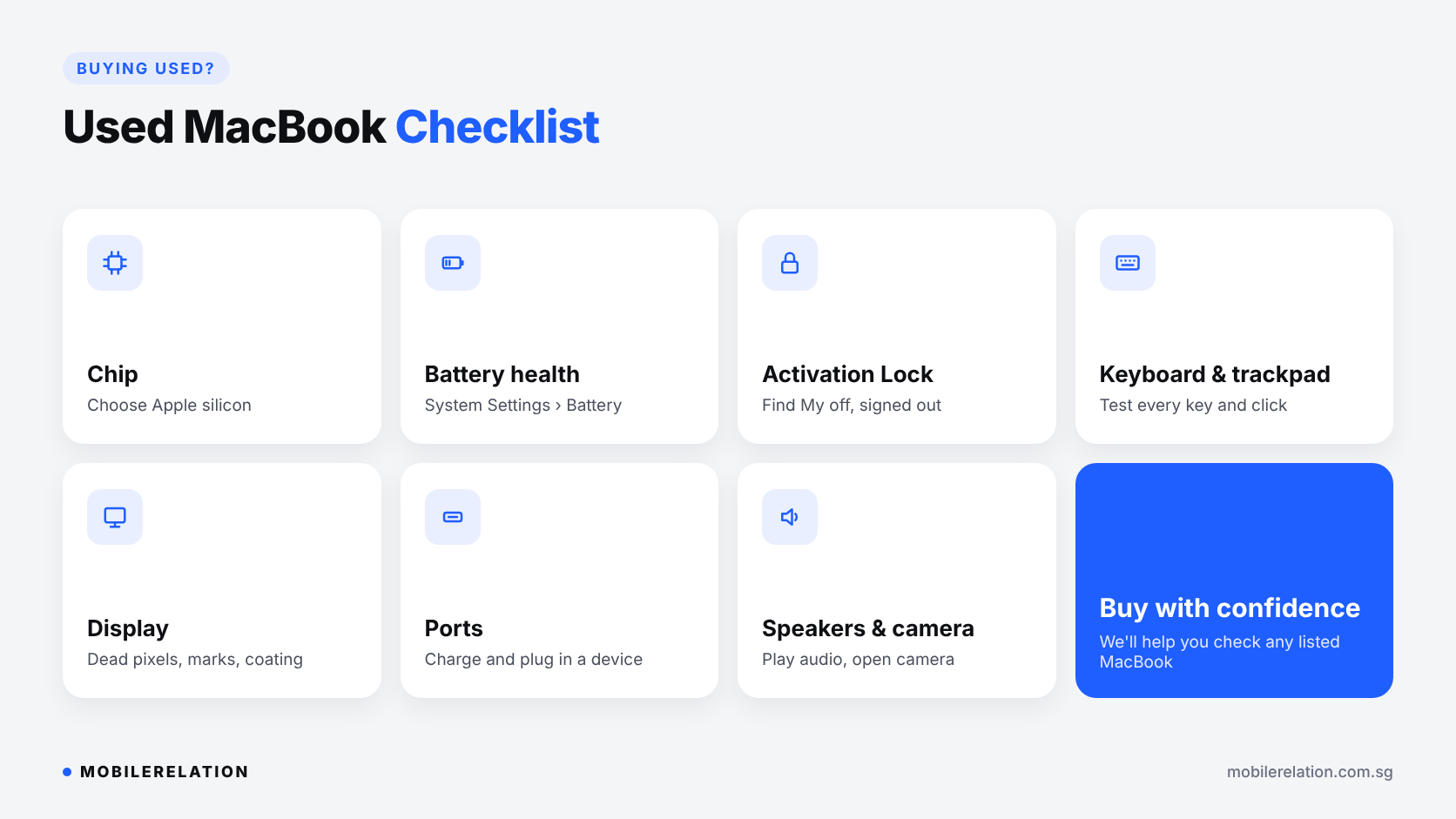
Our team is happy to help you check any MacBook we have listed.
🛍️ Where to Buy a MacBook at MobileRelation
We list new and used MacBook Air and MacBook Pro models on Carousell, with units available across our outlets in Singapore. Browse the listings, then WhatsApp us or visit your preferred outlet to see the MacBook in person.
Browse MacBooks at MobileRelation →
Trade In Your Old Laptop
Upgrading from an older MacBook? Put its value toward your next Mac.
Sell or Trade In Your MacBook: What Affects Its Value →
Find Your Next MacBook
Browse new and used MacBook Air and MacBook Pro listings, and check your old MacBook’s trade-in value.
Browse MacBooks❓ Frequently Asked Questions
Which MacBook is best for students?
For most students, a MacBook Air with 16GB memory is the best balance of portability, battery life and performance.
Is MacBook Air enough for most people?
Yes. The MacBook Air handles study, office work, browsing, video calls and photo editing comfortably.
Do I need a MacBook Pro for video editing?
For light editing, a MacBook Air can be enough. For long or professional projects, a MacBook Pro with active cooling and a Pro or Max chip is the better choice.
Is 8GB of memory enough on a MacBook?
It can handle light tasks, but 16GB is more comfortable and better for keeping the MacBook for several years.
Should I buy an Intel MacBook?
For long-term use, no. macOS Tahoe 26 is the last major macOS version for Intel-based Macs.
Is it safe to buy a used MacBook?
Yes, as long as you check the battery, Activation Lock, keyboard, display and ports before you pay.
🏁 Final Thoughts
Deciding which MacBook to buy gets much easier when you go step by step.
For most people, a MacBook Air with 16GB memory and 512GB storage is the sweet spot. Choose a MacBook Pro only if your work really needs the extra power.
And whichever you choose, stick with Apple silicon for long-term software support.