
Phone Battery Draining Fast or Overheating? Causes and Fixes in Singapore
You leave home at 100% and need a charger by lunch. Or your phone feels hot in your hand while you are just scrolling on the bus.
A phone battery draining fast is one of the most common complaints we hear, and in Singapore’s heat, overheating often comes with it. The good news is that many causes can be fixed in settings.
This guide covers quick fixes, why phones overheat, the danger signs to watch for, and when it is time for a new battery.
If your phone is swollen, the screen is lifting from the frame, it smells of burning or it gets very hot even when you are not using it, stop using and charging it, and bring it in to be checked.
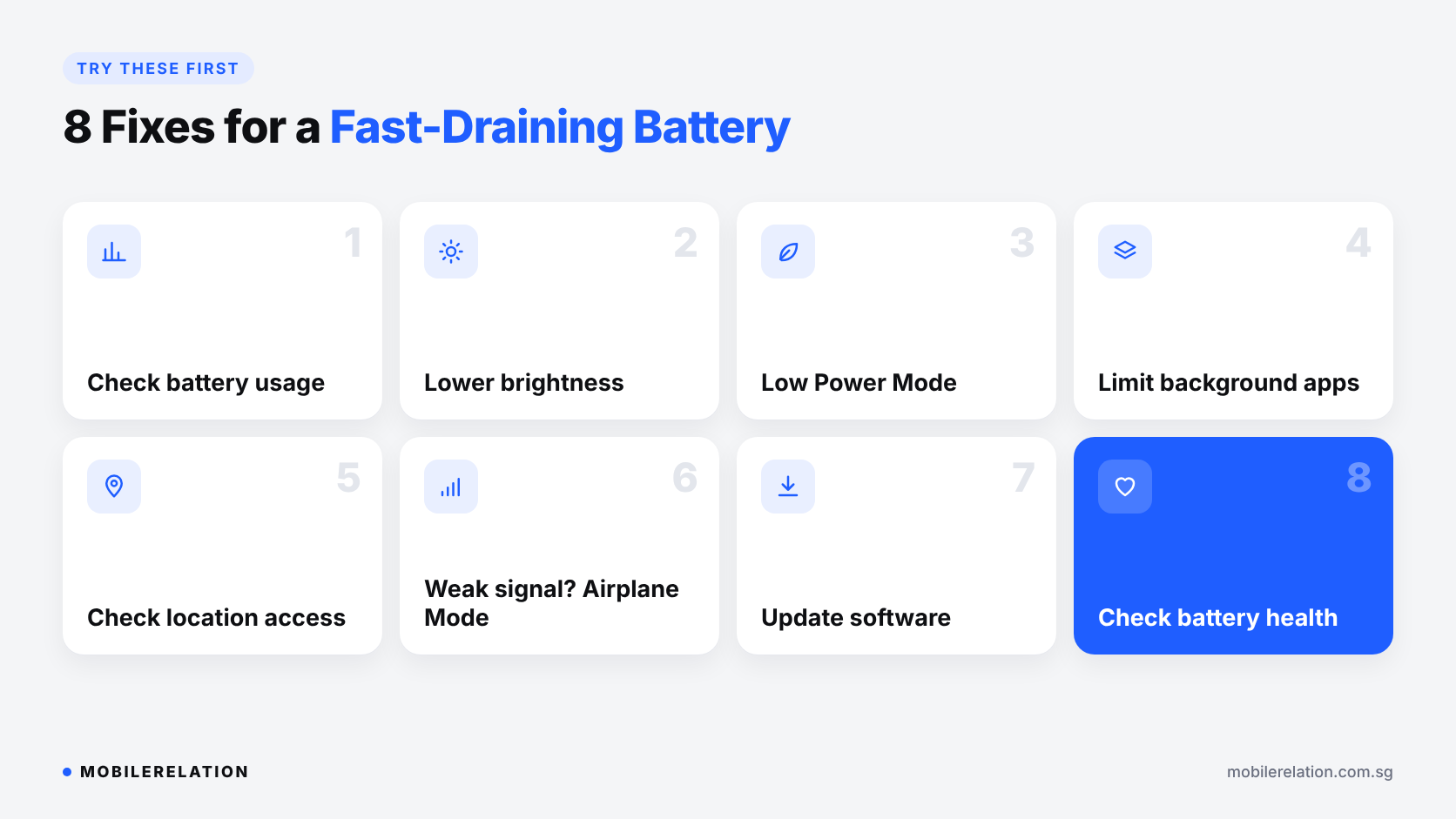
🔋 Phone Battery Draining Fast? 8 Quick Fixes
Start by ruling out the simple causes of a phone battery draining fast.
1. See which apps use the most battery
Go to Settings > Battery to see which apps use the most power. Social media, video, games and navigation apps are usually at the top. If one app stands out, update it or limit its use.
2. Lower your screen brightness
The screen is one of the biggest battery users. Turn on auto-brightness and avoid keeping the screen at full brightness indoors.
3. Turn on Low Power Mode or Power Saving
On iPhone, turn on Low Power Mode in Settings > Battery. Android phones have a similar Power Saving mode in the battery settings.
4. Limit background activity
Apps can refresh in the background even when you are not using them. On iPhone, check Settings > General > Background App Refresh and turn it off for apps that do not need it.
5. Check location access
Apps that use your location all the time can drain the battery. Set apps to use location only while you are using them.
6. Watch out for weak signal
In basements, lifts or areas with poor coverage, your phone works harder to stay connected. If you are somewhere with no signal for a long time, Airplane Mode can save battery.
7. Update your apps and software
Updates often fix battery bugs. Right after a major software update, battery life can be worse for a day or two while the phone finishes background tasks. This is normal.
8. Check your battery health
On iPhone, go to Settings > Battery > Battery Health. If the battery is worn out, no setting will bring back the lost battery life.
🔥 Why Is My Phone Getting Hot?
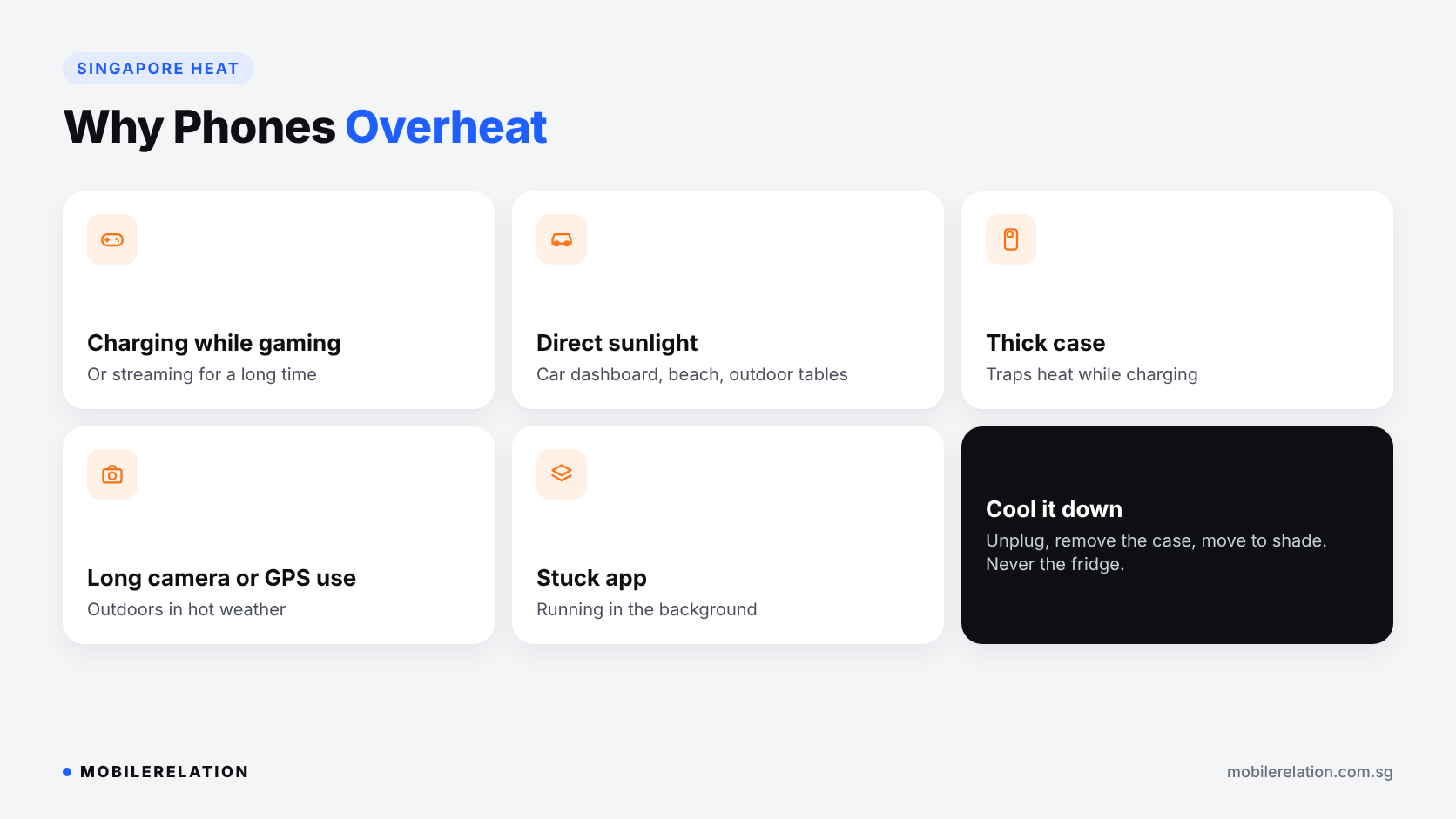
It is normal for a phone to feel warm while charging, gaming or using navigation. But it can get too hot when several things happen at once:
• Charging while gaming or streaming
• Direct sunlight,
for example on a car dashboard or at the beach
• A thick case that traps heat while charging
• Using the camera or GPS for a long time
outdoors in hot weather
• An app stuck running in the background
When an iPhone gets too hot, it may show a temperature warning and limit some features until it cools down. Phones can also slow down charging or pause it to protect the battery.
How to Cool Your Phone Down Safely
• Unplug it and stop using heavy apps
• Take off the case
• Move it out of the sun to a cooler place
• Do not put it in the fridge or freezer,
as sudden temperature changes can cause condensation inside
Heat is also hard on batteries. Keeping your phone cool helps slow down battery wear over time, so you are less likely to see your phone battery draining fast later.
⚠️ Stop Using It If You See This
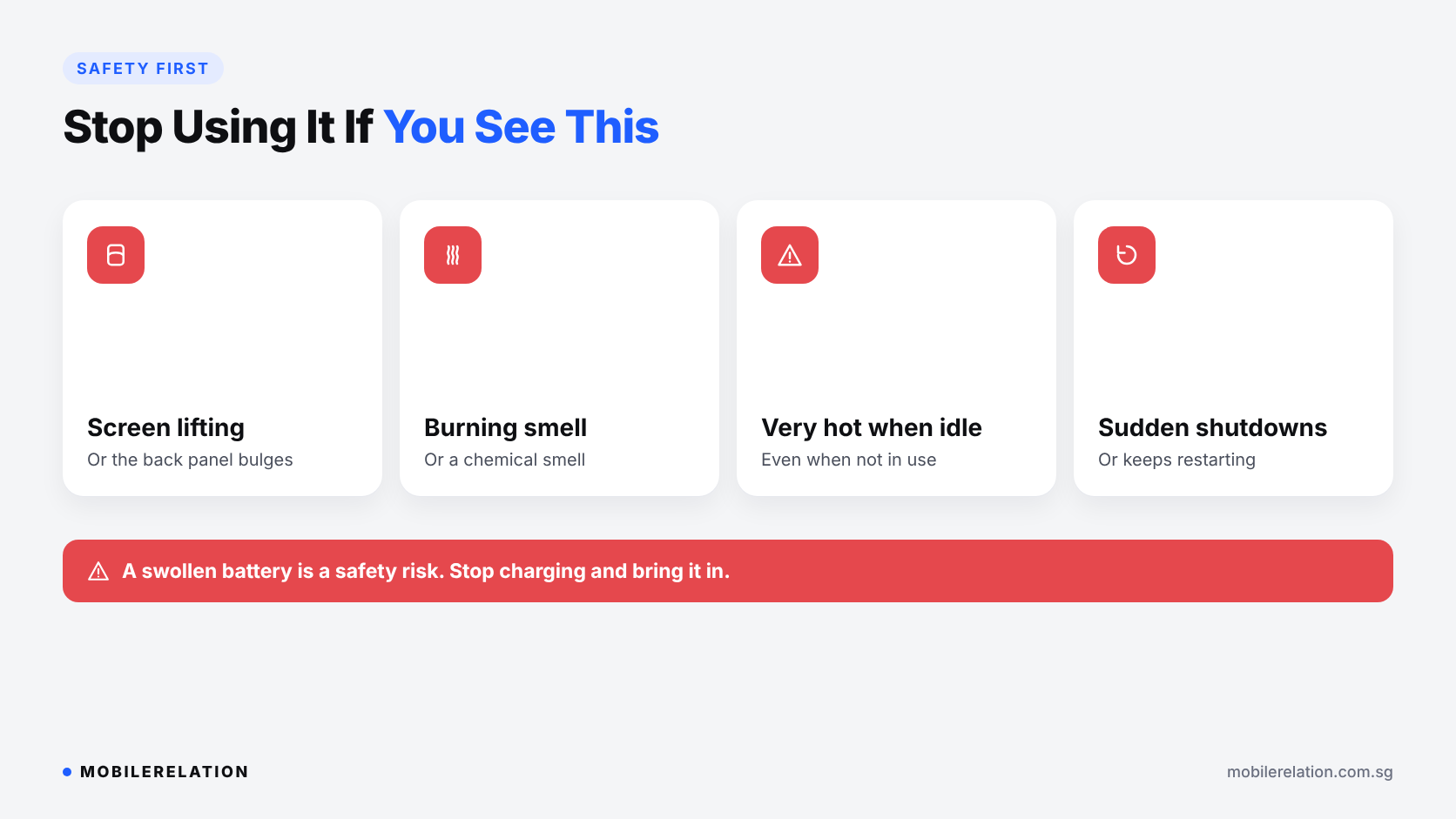
Sometimes a phone battery draining fast comes with signs of a battery problem that needs attention straight away:
• The screen is lifting
or the back panel bulges
• A burning or chemical smell
• The phone is very hot
even when you are not using it
• The phone keeps restarting
or shuts down suddenly
A swollen battery is a safety risk. Stop charging the phone and bring it in as soon as possible.
🔧 When Your Phone Battery Draining Fast Means a New Battery
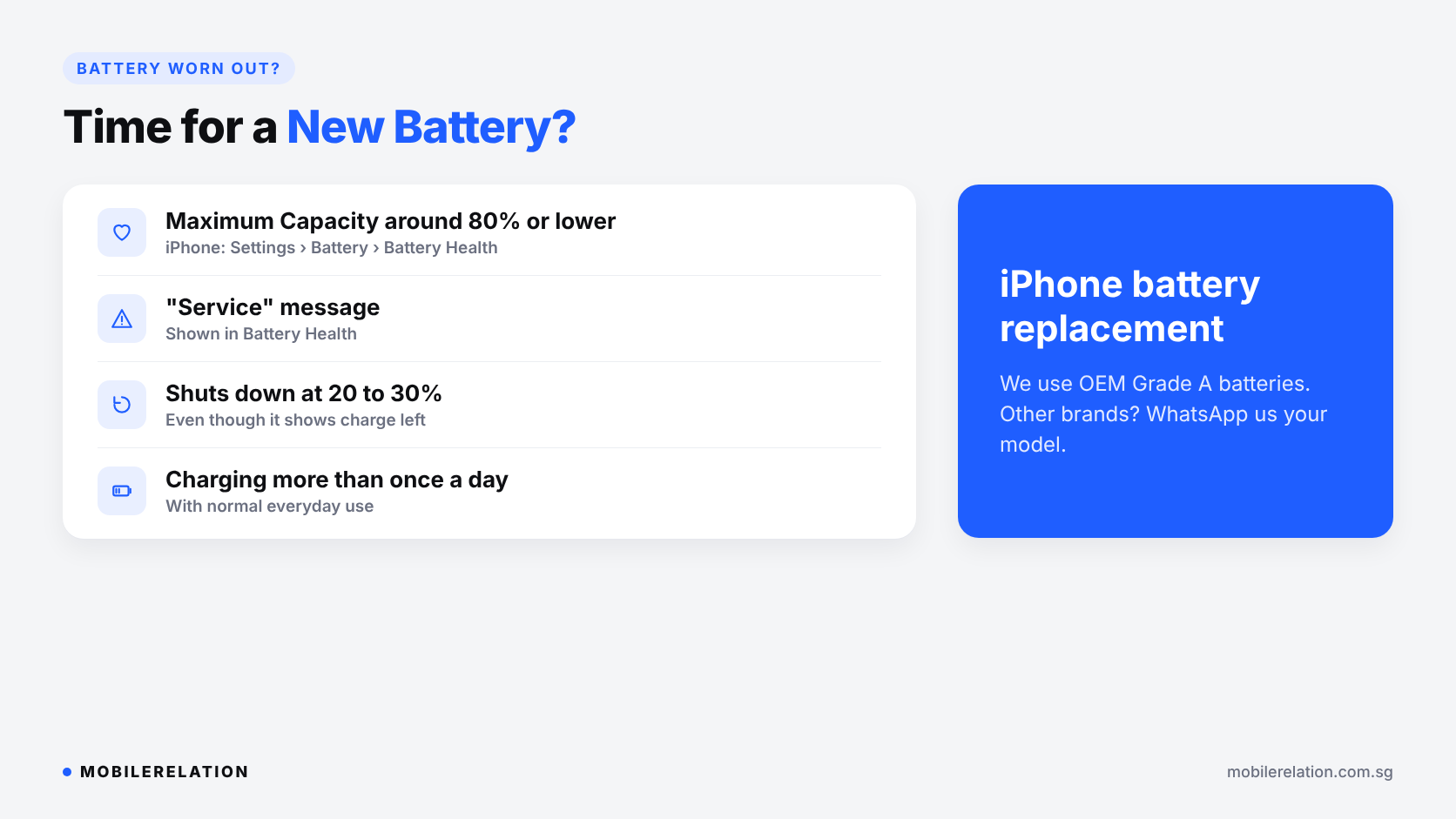
Lithium-ion batteries wear out with charge cycles. It may be time for a new battery if:
• Your iPhone’s Maximum Capacity
is around 80% or lower
• Battery Health shows a Service message
• Your phone shuts down at 20 to 30%
• You need to charge more than once a day
with normal use
We offer iPhone battery replacement with OEM Grade A batteries. For other brands, WhatsApp us your model and we will let you know whether we can help.
Read:
iPhone Battery Replacement in Singapore: When to Replace and What to Expect →
See our repair services and price list →
Repair or Upgrade?
If your phone is older and also slow or damaged, trading it in for a newer phone may make more sense than replacing the battery.
Read:
Repair or Trade In? What to Do With a Broken Phone →
Battery Still Draining Fast?
WhatsApp us your phone model and battery health, or visit one of our outlets to have it checked.
View Repair Prices Trade In Your Phone❓ Frequently Asked Questions
Why is my phone battery draining fast all of a sudden?
Common causes are a recent software update, an app running in the background, high screen brightness, weak signal or a worn-out battery. Check Settings > Battery to see which apps use the most power.
Does a phone battery draining fast mean I need a new battery?
Not always. Try the quick fixes first. If your iPhone’s Maximum Capacity is around 80% or lower, a battery replacement may help.
Is it normal for my phone to get warm?
Yes, while charging, gaming or using navigation. It is not normal if it gets very hot when you are not using it.
Can I put my phone in the fridge to cool it down?
No. Sudden temperature changes can cause condensation inside the phone. Move it to a cooler place and take off the case instead.
How do I check my iPhone battery health?
Go to Settings > Battery > Battery Health and check the Maximum Capacity.
What battery do you use for iPhone battery replacement?
We use OEM Grade A batteries for iPhone battery replacement.
🏁 Final Thoughts
A phone battery draining fast is often caused by settings, apps or heat, so start with the quick fixes above.
If your battery health is low, the phone shuts down early or the battery shows signs of swelling, it is time to have it checked.
Read: