
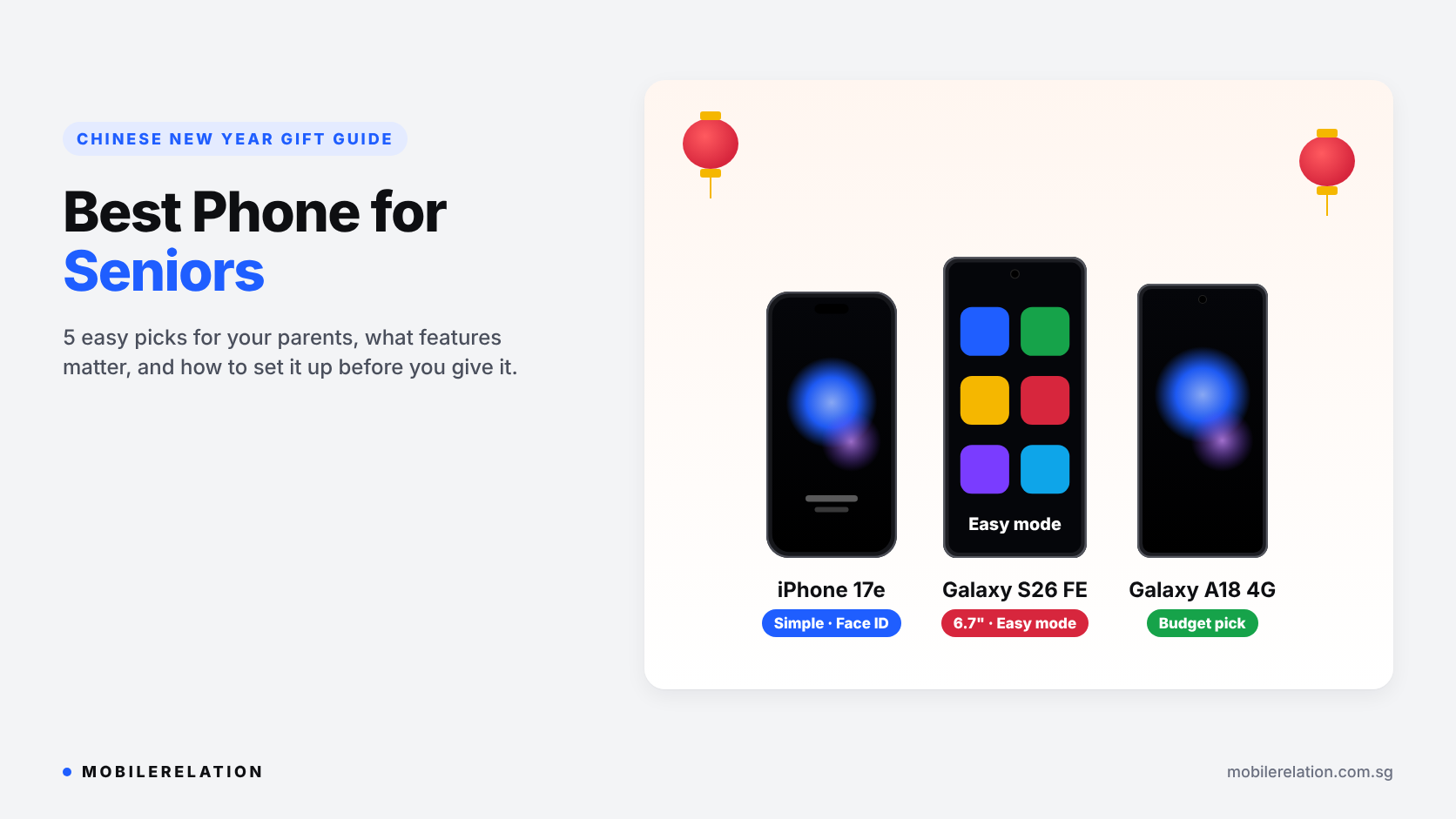
Best Phone for Seniors in Singapore: A Chinese New Year Gift Guide for Your Parents
Chinese New Year is a great time to give your parents or grandparents a new phone. A phone that is easy to read, lasts all day and makes video calls simple can help them stay close to the whole family.
But the best phone for seniors is not always the most expensive one. In this guide, we share five easy picks, the features that matter most for older users, and how to set the phone up before you hand it over.
If your family uses iPhones, the iPhone 17e is simple and keeps FaceTime and photo sharing easy. For a big, bright screen, the Samsung Galaxy S26 FE has a 6.7-inch display and Easy mode. On a budget, the Samsung Galaxy A18 4G or a pre-owned iPhone with MR Warranty are great value.
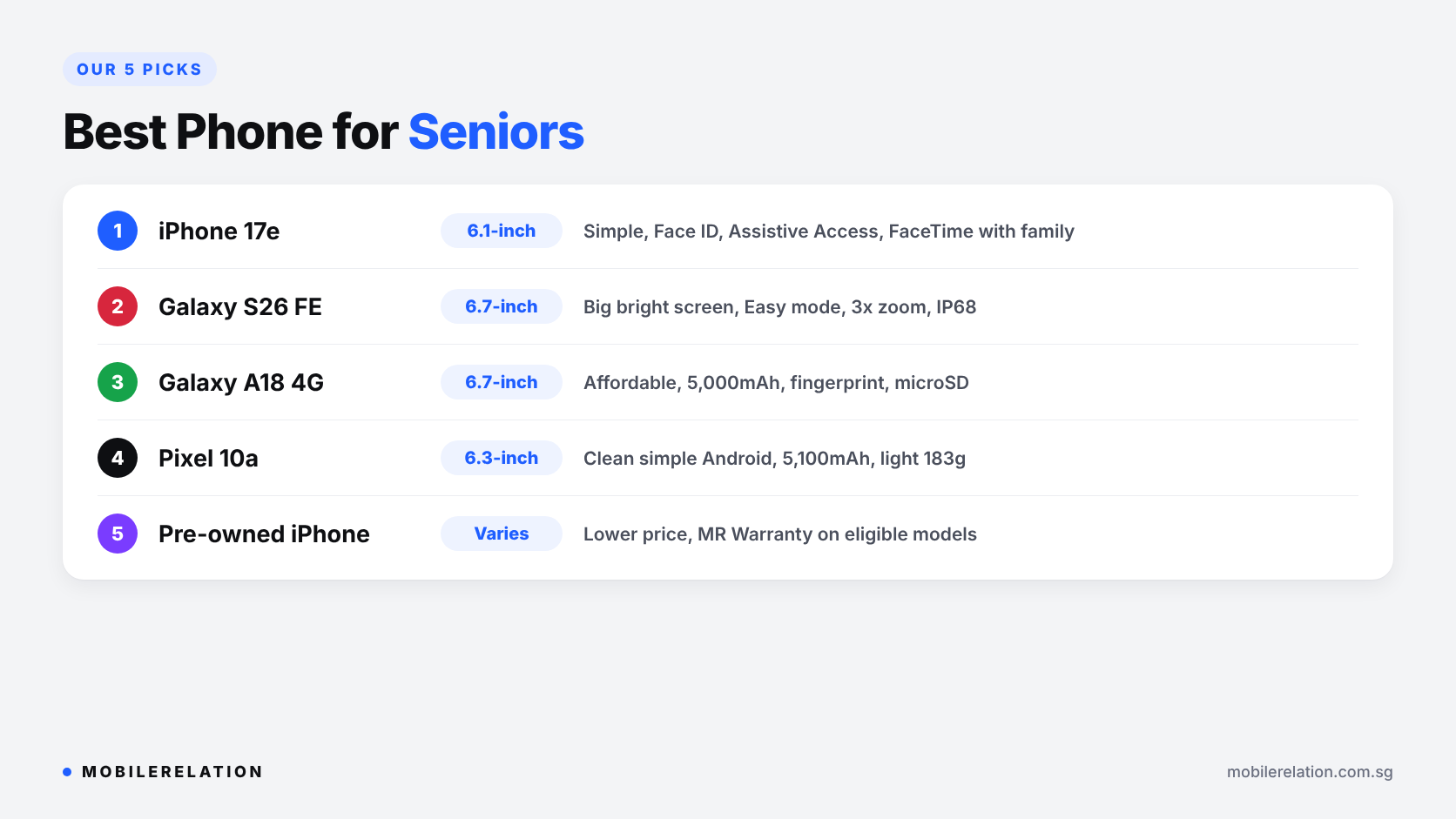
🧧 Best Phone for Seniors: Our 5 Picks
| Phone | Screen | Why Seniors Like It |
|---|---|---|
| iPhone 17e | 6.1-inch | Simple to use, Face ID, Assistive Access, easy FaceTime with family |
| Samsung Galaxy S26 FE | 6.7-inch | Big, bright screen, Easy mode, 3x zoom camera, IP68 |
| Samsung Galaxy A18 4G | 6.7-inch | Affordable, 5,000mAh battery, fingerprint unlock, microSD slot |
| Google Pixel 10a | 6.3-inch | Clean, simple Android, 5,100mAh battery, light at 183g |
| Pre-owned iPhone | Varies | Lower price, with MR Warranty on eligible models |
📱 Best Phone for Seniors: Our Picks Explained
1. iPhone 17e: Best for iPhone Families
If you and your siblings use iPhones, giving your parents an iPhone makes FaceTime, shared photo albums and helping them out much easier. The iPhone 17e has a 6.1-inch screen, Face ID, up to 26 hours of video playback, 256GB of storage to start and IP68 water resistance. It also supports Assistive Access, a simpler layout with bigger buttons.
2. Samsung Galaxy S26 FE: Best Big Screen
The Galaxy S26 FE has a large 6.7-inch AMOLED display that gets bright enough for outdoor use, up to 1,900 nits. Samsung’s Easy mode makes icons and text bigger and simplifies the home screen. It is IP68 water resistant, has a 3x telephoto camera for photos of the grandchildren, and Samsung promises seven generations of OS upgrades.
3. Samsung Galaxy A18 4G: Best Budget Pick
For calls, WhatsApp and YouTube, the Galaxy A18 4G is a sensible, affordable choice. You get a 6.7-inch AMOLED screen, a 5,000mAh battery, a side fingerprint sensor and a microSD slot for extra photo storage. It supports 4G rather than 5G, which is fine for everyday use. Samsung lists up to six OS upgrades for this model.
4. Google Pixel 10a: Best Simple Android
The Pixel 10a runs Google’s clean version of Android, with fewer extra apps to confuse. It has a 6.3-inch screen, a 5,100mAh battery, IP68 water resistance and seven years of OS and security updates. At 183g, it is also light and comfortable to hold.
5. Pre-Owned iPhone: Best Value
A pre-owned iPhone lets you give a quality phone for less. Eligible pre-owned iPhone 13 to iPhone 17 models in Pristine+, Pristine or Mint condition come with 6 or 12 months of MR Warranty. For a parent’s main phone, choose an iPhone 13 or newer so it keeps getting iOS updates for longer.
Read:
Best Used iPhone to Buy in Singapore →
🔍 What Makes the Best Phone for Seniors?
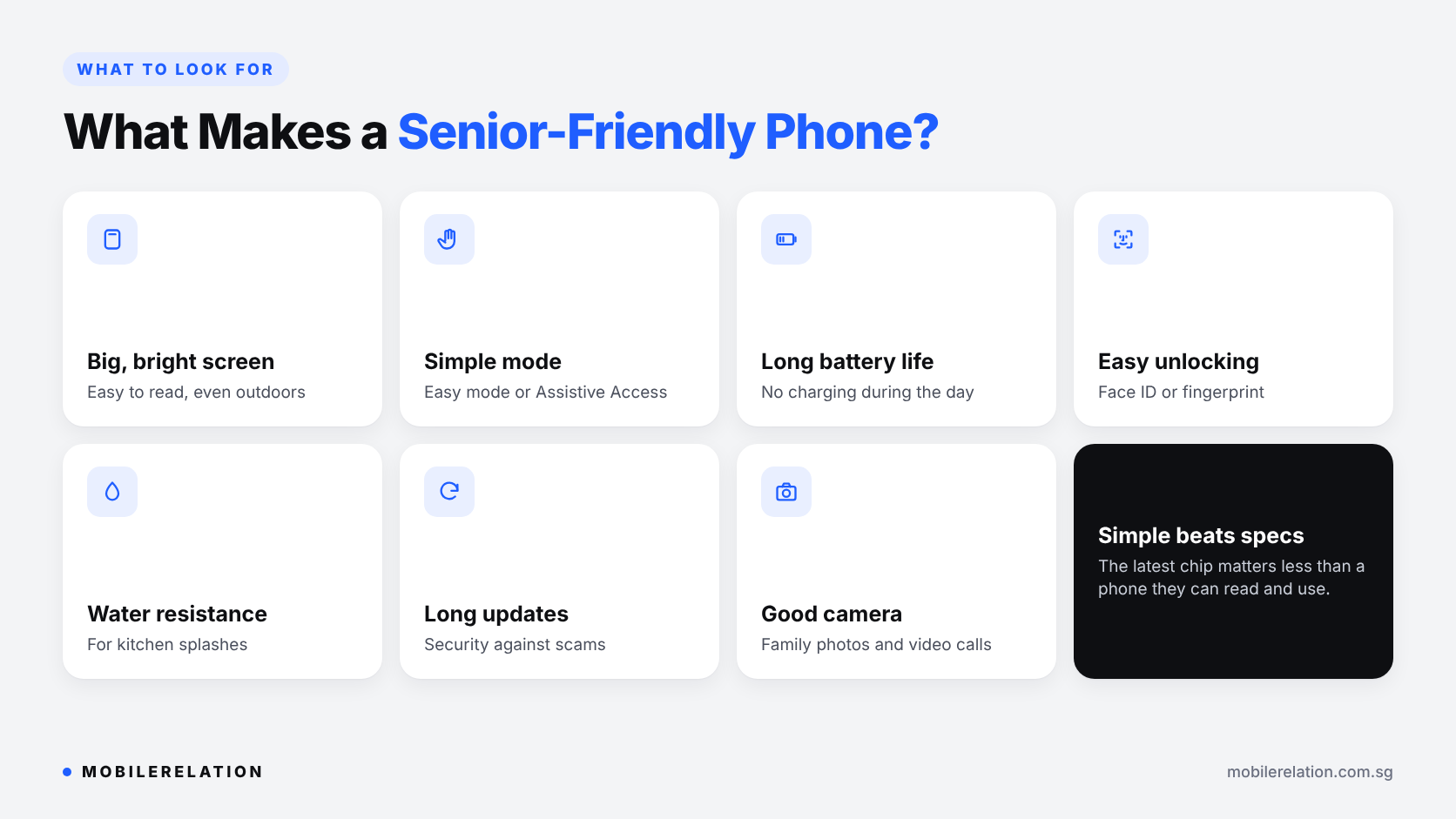
When choosing the best phone for seniors, these features matter more than the latest chip:
• A big, bright screen
that is easy to read, even outdoors
• A simple mode,
such as Easy mode on Samsung or Assistive Access on iPhone
• Long battery life,
so they do not need to charge during the day
• Easy unlocking
with Face ID or a fingerprint instead of a long passcode
• Water resistance
for accidental splashes in the kitchen
• Long software support
for security updates against scams and malware
• A good camera
for family photos and video calls
🛠️ Set It Up Before You Give It
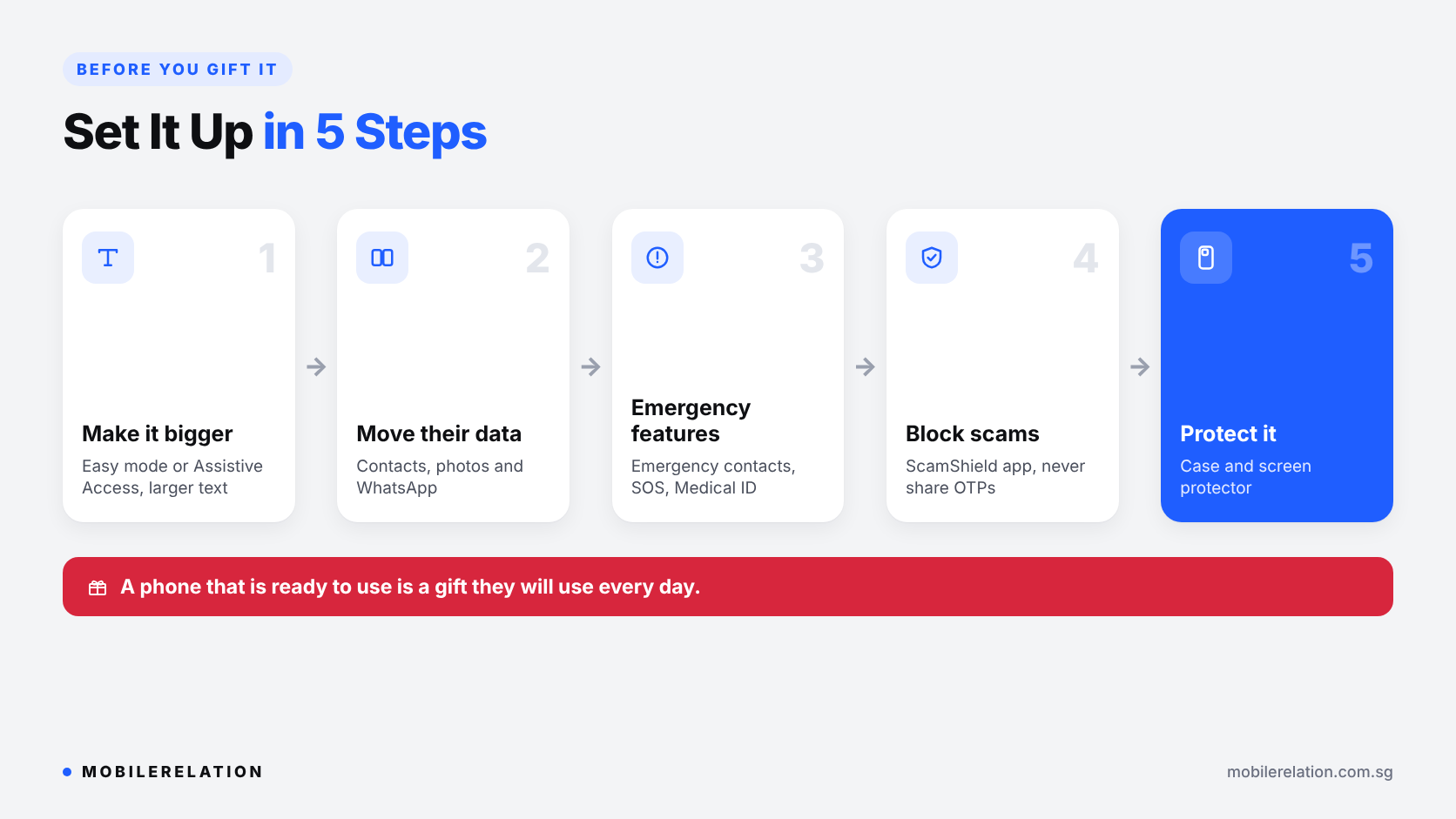
The best phone for seniors is one that is ready to use the moment they open it. Spend some time setting it up first:
Make everything bigger
Turn on Easy mode on Samsung (Settings > Display > Easy mode) or Assistive Access on iPhone (Settings > Accessibility > Assistive Access). You can also increase the text and display size in the display or accessibility settings on any phone.
Move their contacts, photos and WhatsApp
Transfer everything from their old phone, so they do not lose their contacts or chats.
Read:
How to Transfer Data to a New Phone →
Set up emergency features
Add emergency contacts and show them how to use Emergency SOS. On iPhone, you can also fill in a Medical ID in the Health app.
Protect them from scams
Scam calls and messages often target older users. Consider installing the government’s ScamShield app, and remind them never to share OTPs or passwords.
Add a case and screen protector
A good case and tempered glass screen protector help protect the phone from everyday drops. For brand new phones, you can also add a Gadget Care+ protection plan.
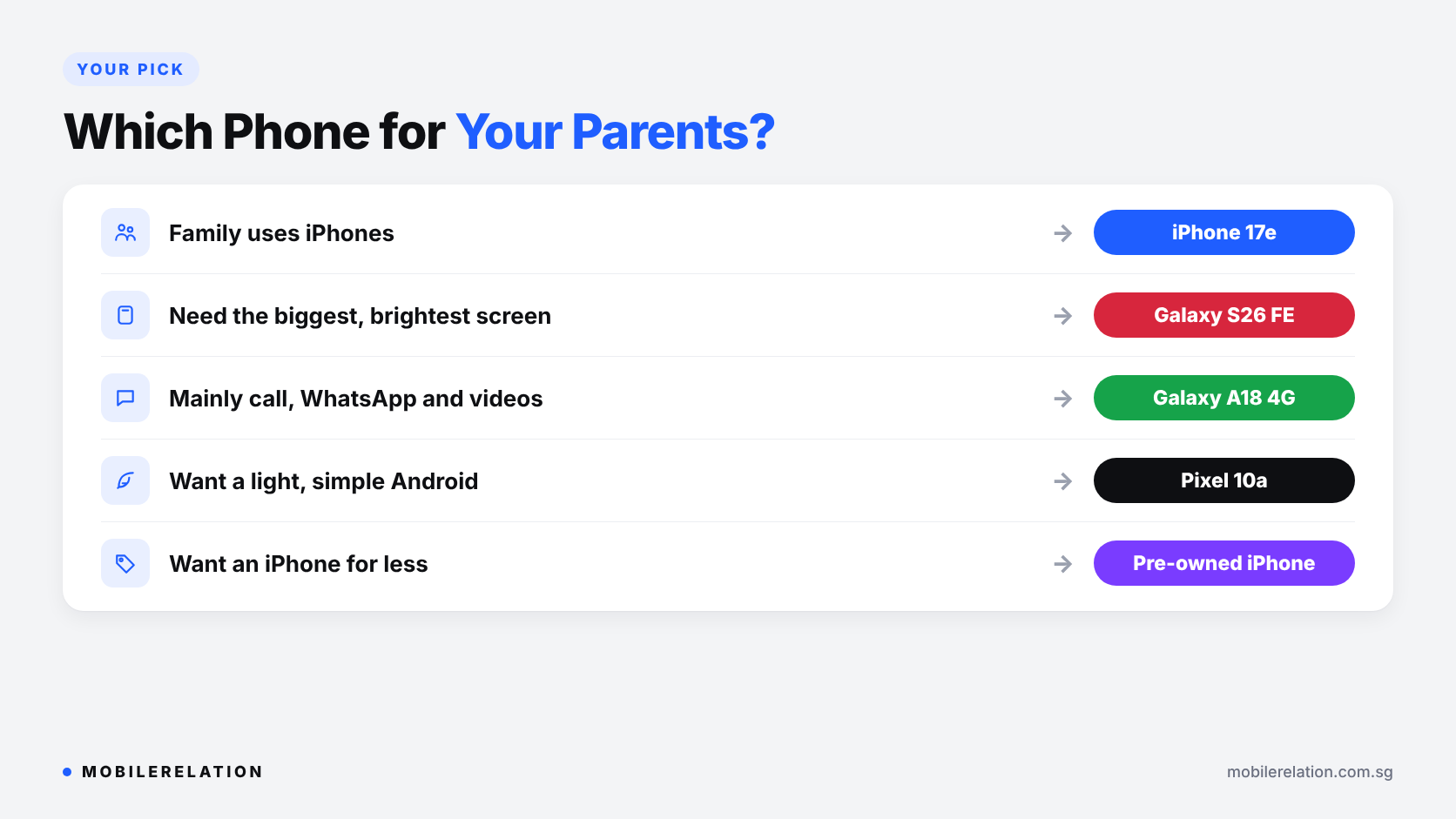
🤔 Best Phone for Seniors: Which Is Right for Your Parents?
| Your Parents… | Best Choice |
|---|---|
| Already use an iPhone, or the family uses iPhones | iPhone 17e |
| Need the biggest, brightest screen | Galaxy S26 FE |
| Mainly call, WhatsApp and watch videos | Galaxy A18 4G |
| Want a light, simple Android phone | Pixel 10a |
| Want an iPhone at a lower price | Pre-owned iPhone |
🔄 Trade In Their Old Phone
Your parents’ old phone may still have value. Trade it in to lower the cost of their new one, after you have moved their data across and reset it.
Let Your Parents Try It in Store
Screen size and weight are easier to judge in person. Bring your parents to one of our outlets before Chinese New Year, or WhatsApp us for help choosing.
Find an Outlet Trade In Their Old Phone❓ Frequently Asked Questions
What is the best phone for seniors in Singapore?
It depends on your family. The iPhone 17e is great for iPhone families, the Galaxy S26 FE has the biggest, brightest screen, and the Galaxy A18 4G is a good budget choice.
Does Samsung have a simple mode for seniors?
Yes. Easy mode makes icons and text bigger and simplifies the home screen. Find it in Settings > Display > Easy mode.
Does iPhone have a simple mode for seniors?
Yes. Assistive Access gives iPhone a simpler layout with bigger buttons. Find it in Settings > Accessibility > Assistive Access.
Is a 4G phone still okay in Singapore?
Yes. 4G works well for calls, WhatsApp and video. 5G is faster but not necessary for most seniors.
Is a pre-owned iPhone the best phone for seniors on a budget?
It can be. A pre-owned iPhone 13 or newer saves money and still gets iOS updates, and eligible iPhone 13 to iPhone 17 models come with MR Warranty.
🏁 Final Thoughts
The best phone for seniors is one that is easy to read, easy to use and lasts all day. Match the phone to how your parents actually use it, set it up before you give it, and it will be a gift they use every day.
Wishing you and your family a happy and prosperous Chinese New Year!