
Phone Water Damage: What to Do If Your Phone Gets Wet in Singapore
A sudden downpour on the way to the MRT, a drink knocked over at the hawker centre, a slip into the pool. In Singapore, there are plenty of ways for a phone to get wet.
Most modern phones are water resistant, but that does not make them waterproof. What you do in the first few minutes can make a big difference to whether you end up with phone water damage.
This guide explains what to do right away, what not to do, how long to wait before charging, and the warning signs that mean your phone needs to be checked.
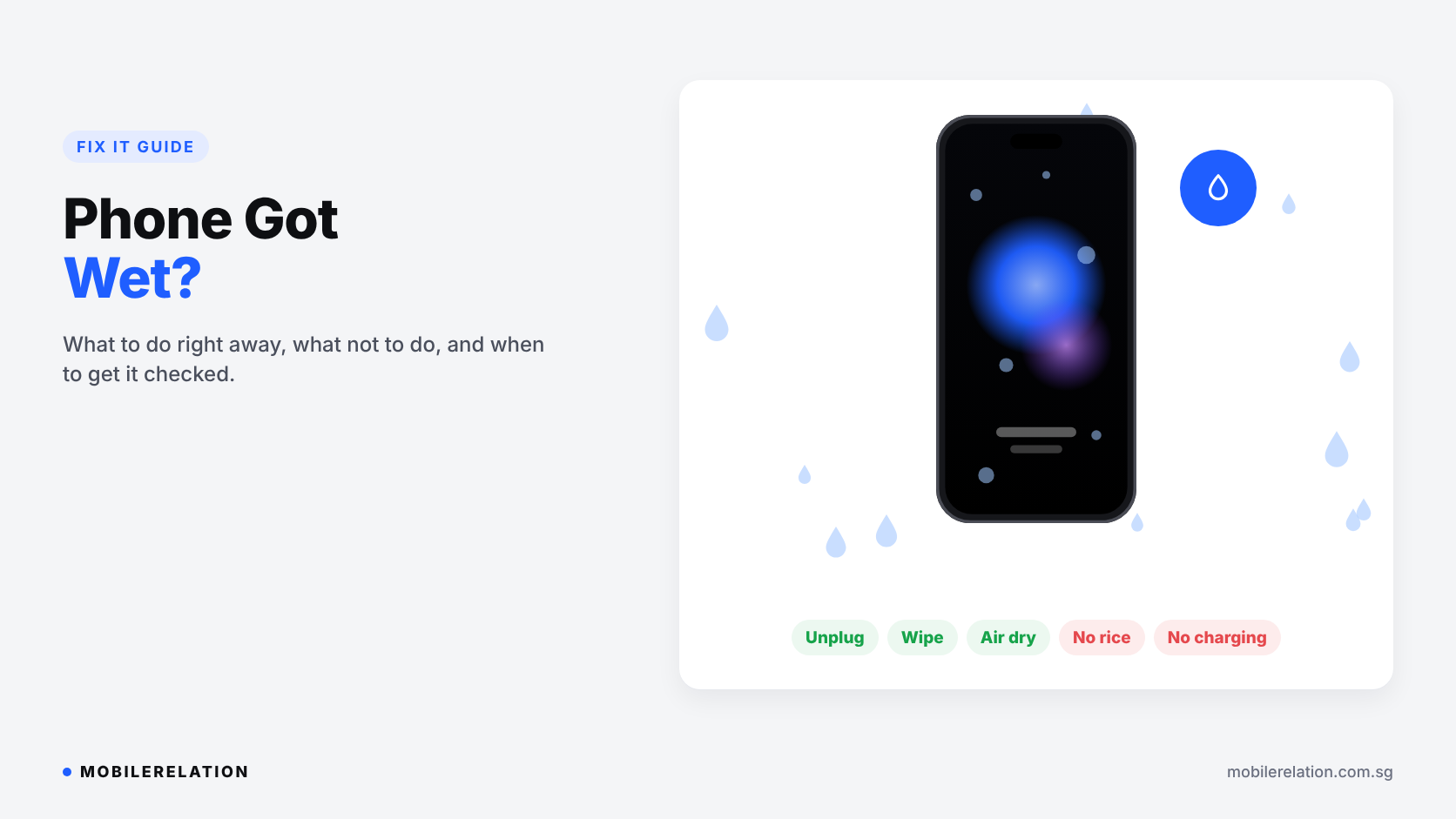
Take it out of the water, unplug it, wipe it dry, tap it gently with the charging port facing down, and leave it somewhere dry and airy. Do not charge it until it is completely dry, and do not put it in rice.
✅ Phone Got Wet? Do This First
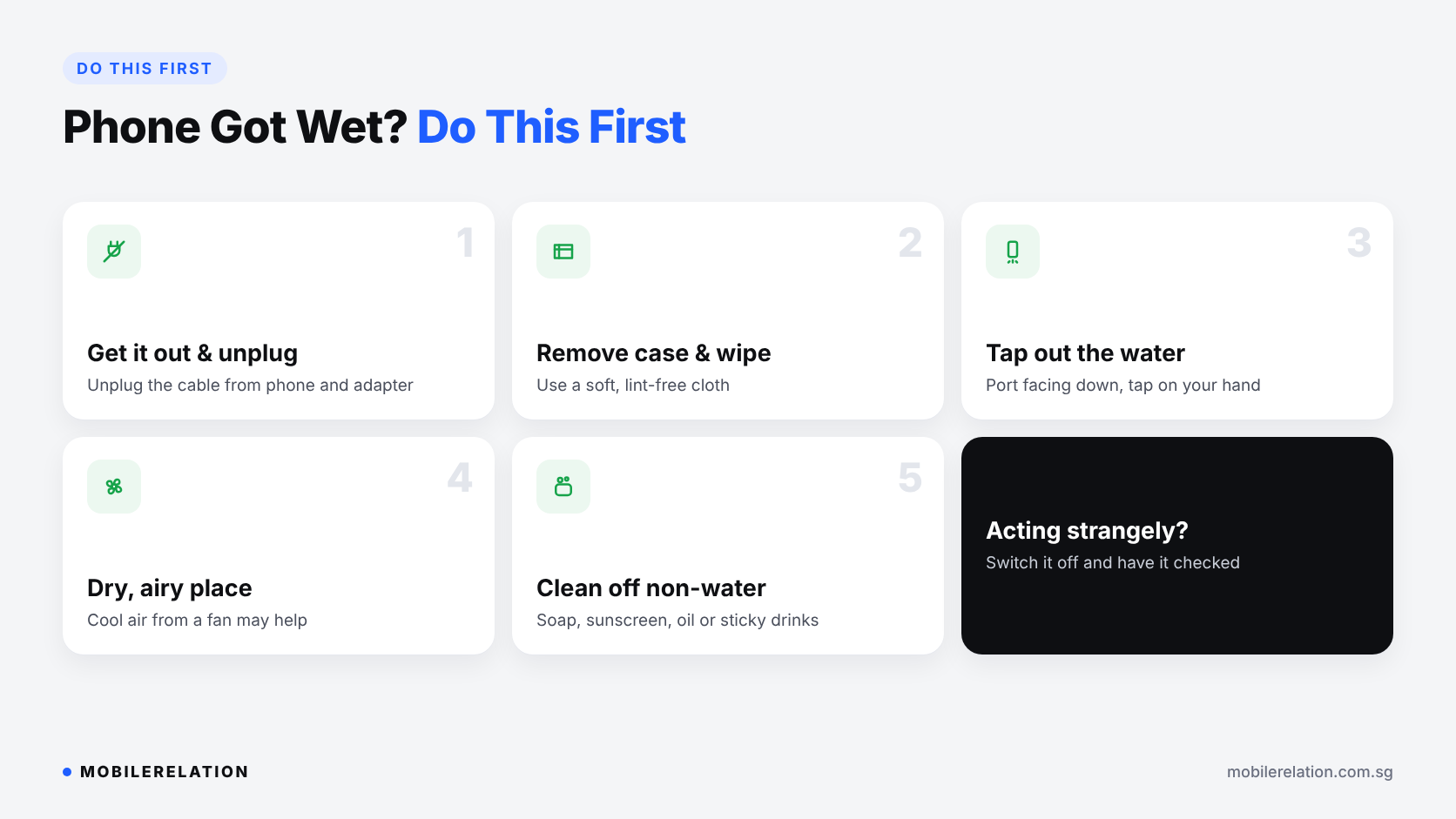
1. Get it out and unplug it
Take the phone out of the water straight away. If it was charging, unplug the cable from the phone and from the adapter.
2. Remove the case and wipe it dry
Take off the case and wipe the phone with a soft, lint-free cloth. Water trapped under a case dries much more slowly.
3. Tap out the water
Tap the phone gently against your hand with the charging port facing down to remove excess liquid.
4. Leave it somewhere dry and airy
Put the phone in a dry place with good airflow. Apple says a fan blowing cool air into the connector may help.
5. Clean off anything that is not water
If the phone came into contact with soap, sunscreen, perfume, oil or similar substances, Apple recommends cleaning it straight away. Sticky drinks like soda, coffee or juice should be wiped off as soon as possible too.
6. Switch it off if it acts strangely
If the screen flickers, the phone restarts by itself or it gets hot, switch it off and bring it in to be checked.
🚫 Phone Water Damage: What Not to Do
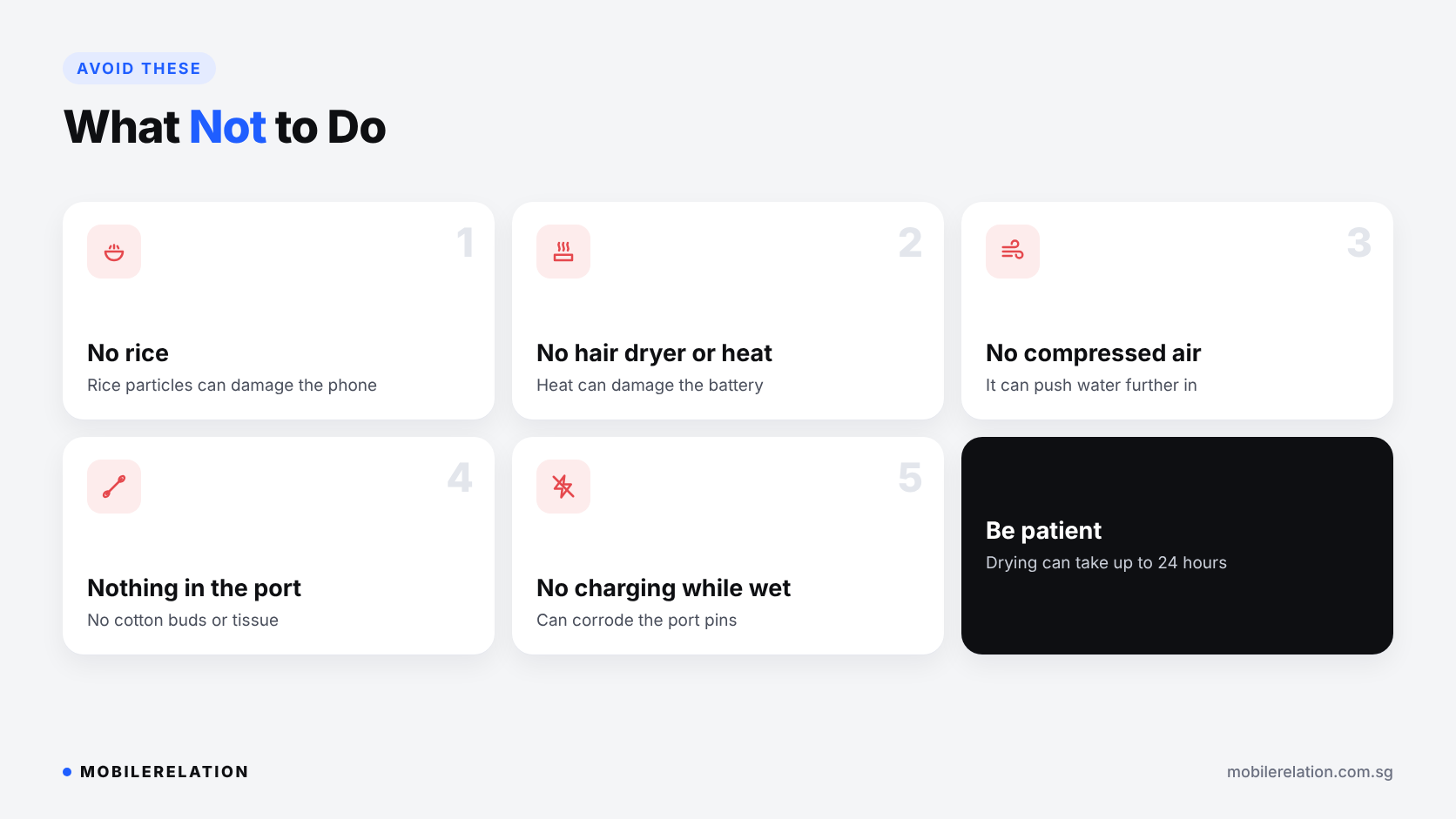
Some popular tips can actually make phone water damage worse:
• Do not put it in rice.
Apple specifically advises against it,
as small rice particles can damage your phone
• Do not use a hair dryer or other heat.
Heat can damage the battery and internal parts
• Do not use compressed air.
It can push water further inside
• Do not poke the port.
Keep cotton buds and tissue out of the charging port
• Do not charge it while wet.
Charging with a wet port can corrode the pins
and cause permanent damage
🔌 How Long to Wait Before Charging
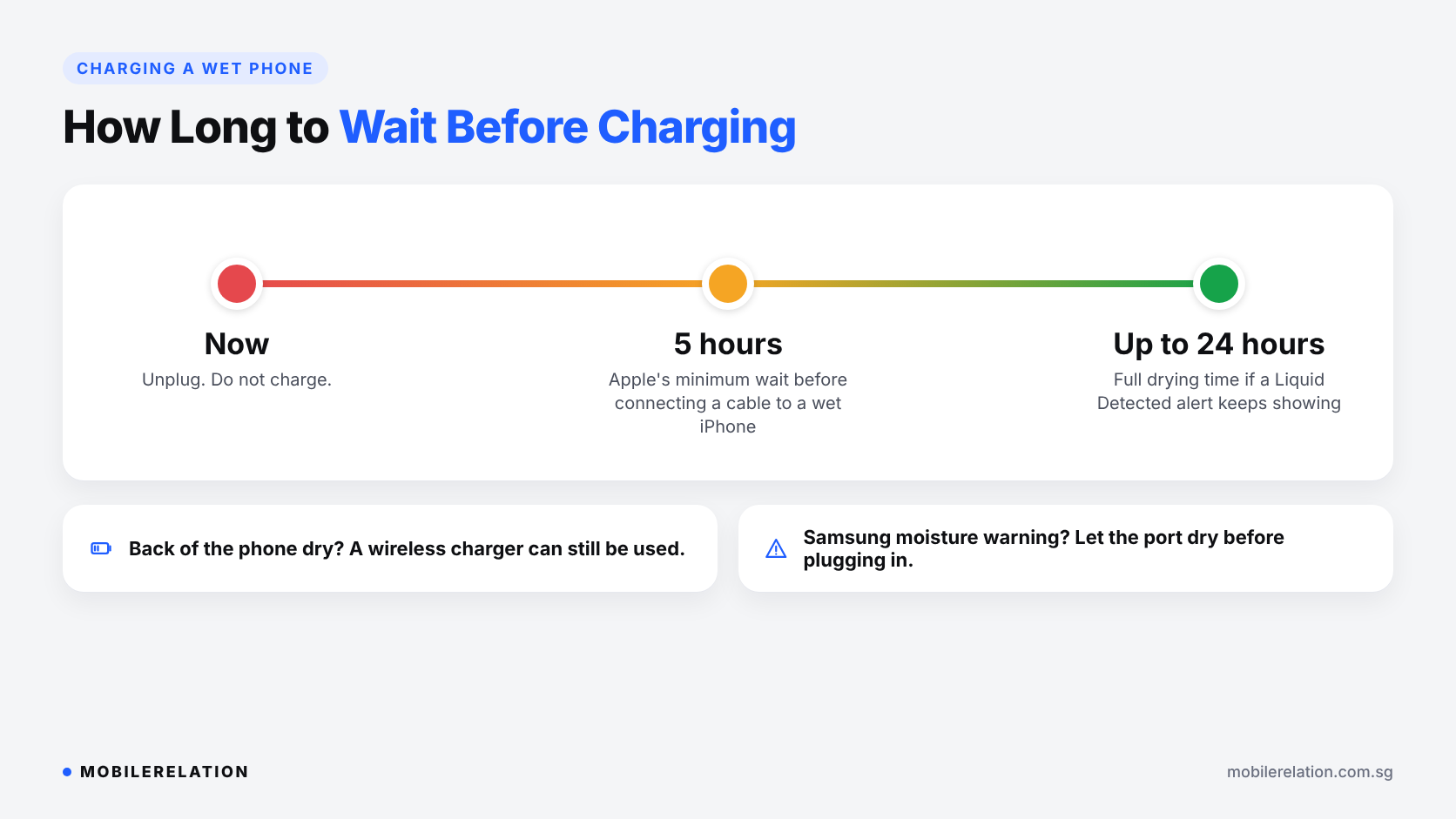
Patience is the best way to avoid phone water damage to the charging port.
Apple recommends waiting at least 5 hours before connecting a cable or accessory to a wet iPhone. If your iPhone shows a Liquid Detected alert, keep it in a dry, airy place and try again later. Fully drying can take up to 24 hours. (Sources: Apple Support on water resistance and liquid-detection alerts)
Samsung phones may show a moisture warning and stop charging through the port until it is dry. Leave the phone to dry before trying again.
If the back of the phone is dry, a wireless charger can still be used while you wait for the port to dry.
💧 Water Resistant Is Not Waterproof
An IP68 rating means your phone can handle accidental splashes and short dips under test conditions. But according to Apple, water resistance is not permanent and can decrease with normal wear. Drops and earlier repairs can also affect the seals.
Apple also advises against swimming or showering with your iPhone, using it in saunas or steam rooms, and exposing it to high-pressure water. (Source: Apple Support)
Most importantly, phone water damage is usually not covered by warranty, including Apple’s warranty and our own MR Warranty for pre-owned iPhones.
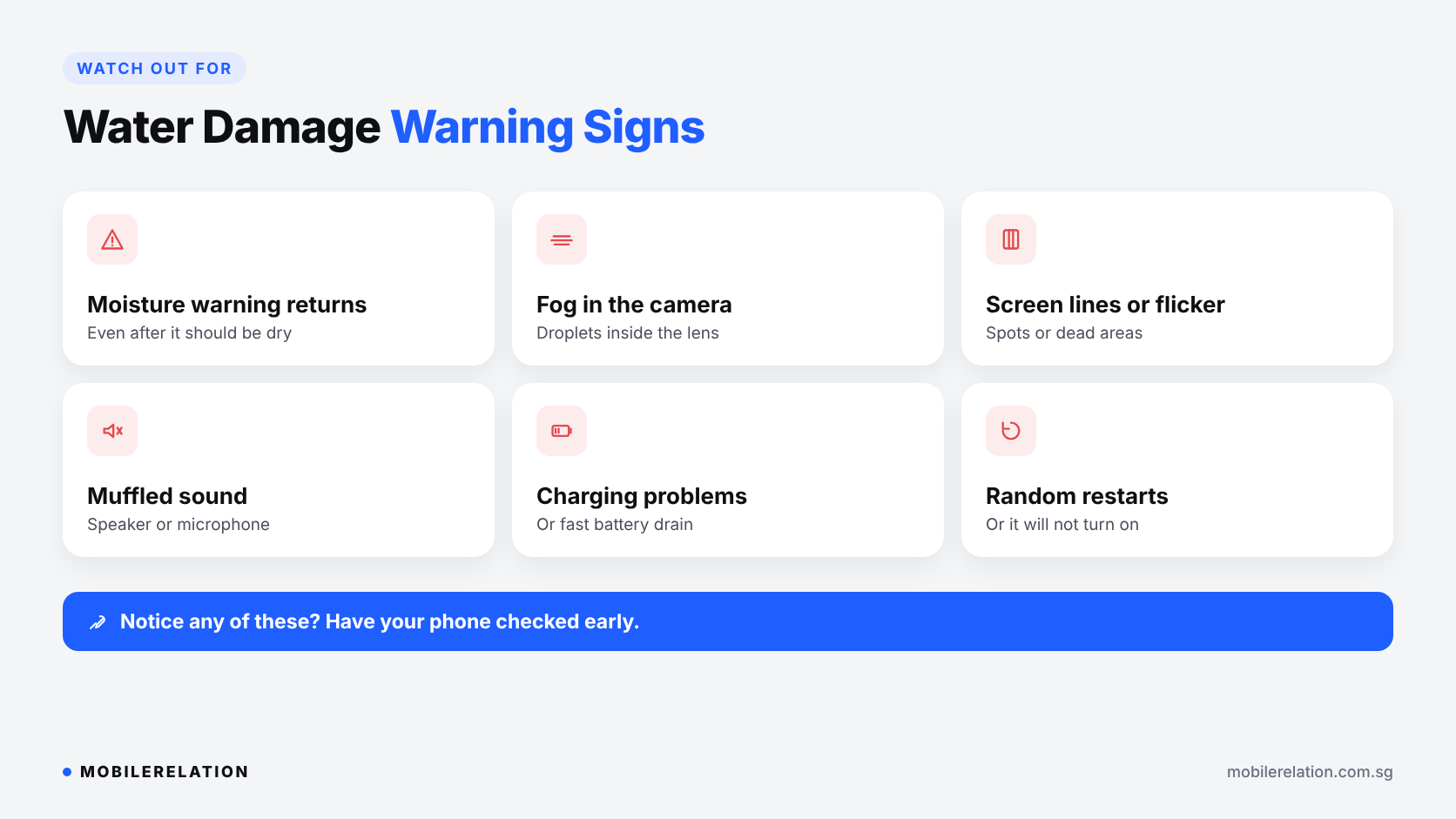
⚠️ Phone Water Damage Warning Signs
Even if your phone seems fine at first, water can cause problems hours or days later. Have it checked if you notice:
• Moisture warnings that keep coming back
after the phone should be dry
• Fog or droplets inside the camera lens
• Lines, spots or flickering on the screen
• Muffled speakers or microphone
• Charging problems or fast battery drain
• Random restarts,
or the phone will not turn on
Read:
Phone Camera Blurry? Common Causes and How to Fix It →
Phone Not Charging? Common Causes and How to Fix It →
🔧 Getting It Checked at MobileRelation
If you suspect phone water damage, the sooner it is checked, the better. Our diagnostics service checks your phone for hidden hardware or software issues, so you know what needs fixing before you decide on a repair.
• Step 1: WhatsApp us your phone model and what happened
• Step 2: Bring your phone to one of our outlets
• Step 3: Our technicians check it and explain your options
See our repair services and price list →
Repair or Upgrade?
If the repair cost is close to the value of your phone, upgrading may make more sense. Even a damaged phone may still have trade-in value, so tell us about the water damage when you ask for a quote.
Read:
Repair or Trade In? What to Do With a Broken Phone →
Can You Trade In a Damaged Phone in Singapore? →
Phone Got Wet?
WhatsApp us your phone model and what happened, or visit one of our outlets to have it checked.
View Repair Services Find an Outlet❓ Frequently Asked Questions
Should I put my wet phone in rice?
No. Apple advises against putting an iPhone in rice, as small particles can damage it. Leave the phone in a dry, airy place instead.
How long should I wait before charging a wet phone?
Apple recommends waiting at least 5 hours before connecting a cable to a wet iPhone. Fully drying can take up to 24 hours.
My phone is IP68. Is it waterproof?
No. IP68 means water resistant, not waterproof, and water resistance can decrease over time.
Does warranty cover phone water damage?
Usually not. Apple’s warranty does not cover liquid damage, and neither does our MR Warranty.
My phone seems fine after getting wet. Should I still worry?
Keep an eye on it for a few days. If you see any warning signs, such as fog in the camera or charging problems, have it checked.
🏁 Final Thoughts
When your phone gets wet, stay calm: unplug it, wipe it, tap out the water and let it dry in an airy place. Skip the rice, the hair dryer and the charger.
If you notice any signs of phone water damage, have it checked early, before a small problem becomes a big one.