
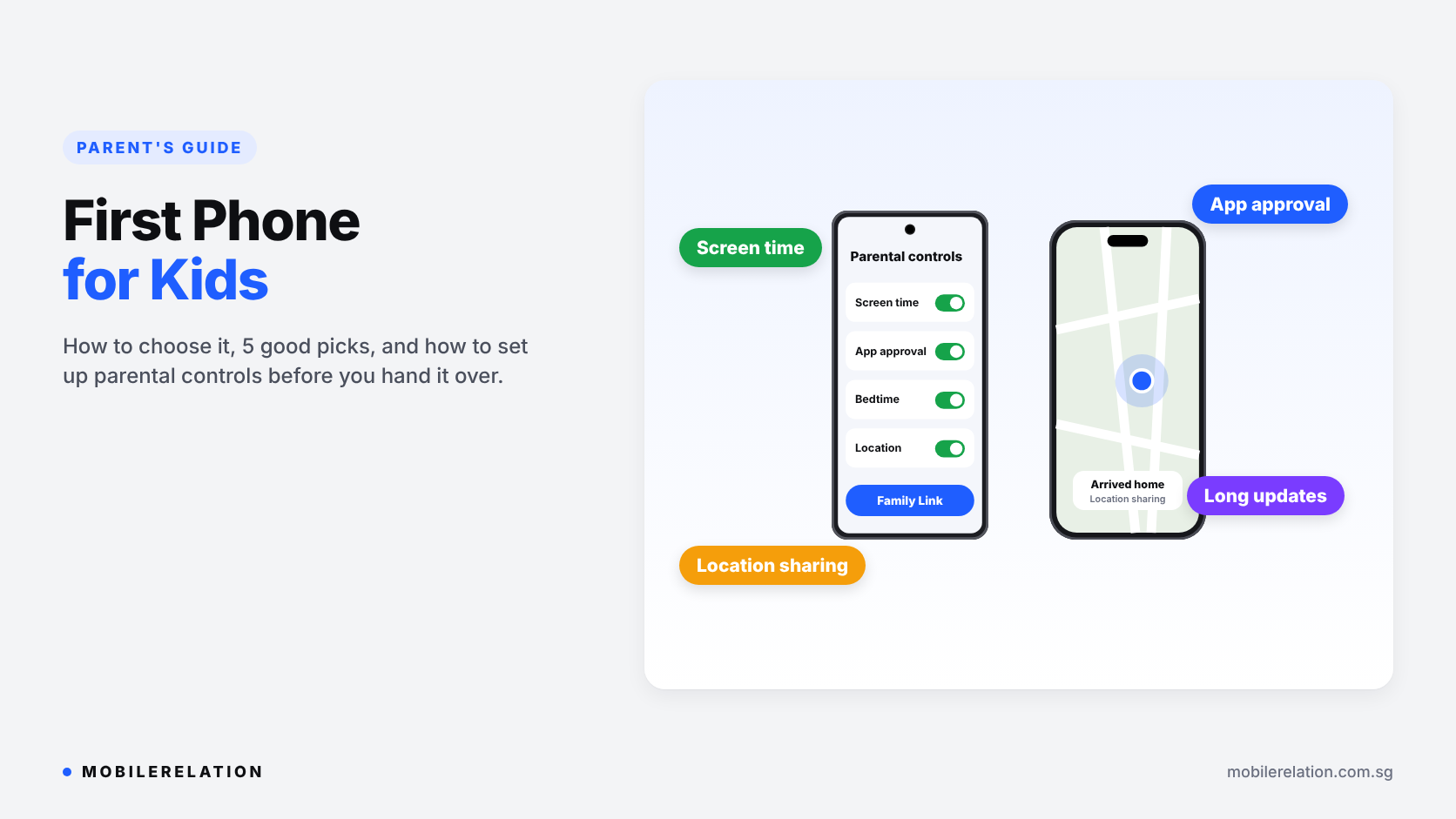
First Phone for Kids in Singapore: How to Choose and Set It Up
Your child is starting to take the bus to school alone, staying back for CCA, or going out with friends. Suddenly, being able to reach them feels a lot more important.
Choosing a first phone for kids is not only about the phone itself. It is also about parental controls, screen time and the rules you agree on together.
This guide covers what to look for, five good picks, how to set up parental controls on iPhone and Android, and simple ground rules for your child’s first phone.
A good first phone for kids does not need to be expensive. Look for good parental controls, long software support and a tough case. The Samsung Galaxy A07 and Galaxy A17 5G are affordable Android choices, while a pre-owned iPhone with MR Warranty suits families that already use iPhones.
🧒 When Is Your Child Ready for a First Phone?
There is no fixed right age. It depends on your child and your family. Ask yourself:
• Does your child travel to school or CCA on their own?
• Do you need to reach them after school?
• Can they follow rules about when and how to use it?
• Will they take care of a phone and not lose it?
Singapore’s Grow Well SG guidance recommends less than two hours of screen time a day for children aged 7 to 12, outside of schoolwork. It also advises parents not to give children unrestricted access to mobile devices or any access to social media. That is why parental controls matter so much on a first phone for kids.
Secondary school students are also not allowed to use smartphones or smartwatches during school hours, including recess and CCAs. The phone is mainly for getting in touch before and after school.
🔍 What to Look For in a First Phone for Kids
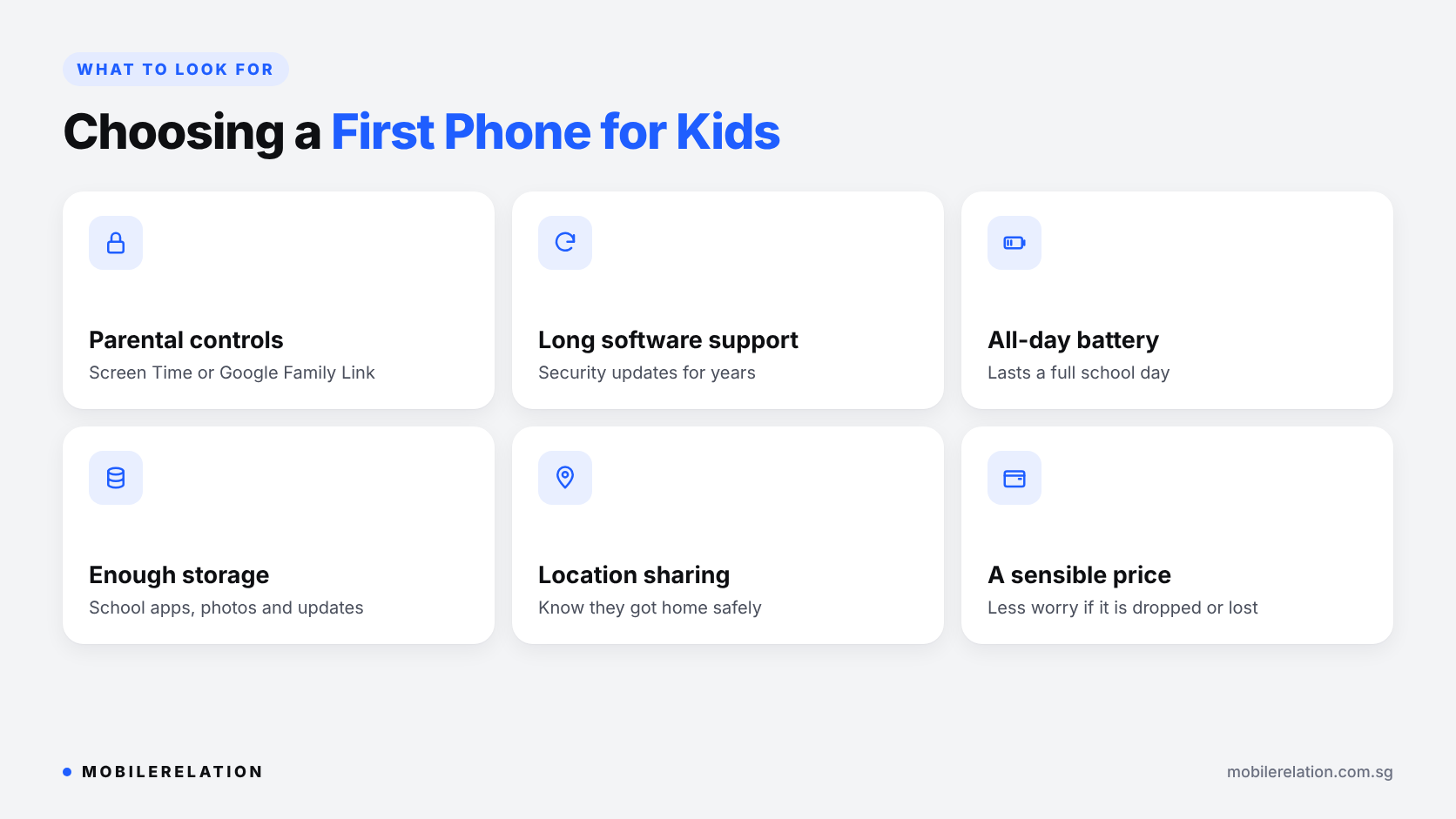
• Good parental controls,
such as Screen Time on iPhone or Google Family Link on Android
• Long software support
for security updates
• Long battery life
to last a full school day
• Enough storage
for school apps, photos and updates
• Location sharing,
so you know they got home safely
• A price you will not mind
if it gets dropped or lost
📱 First Phone for Kids: 5 Good Picks
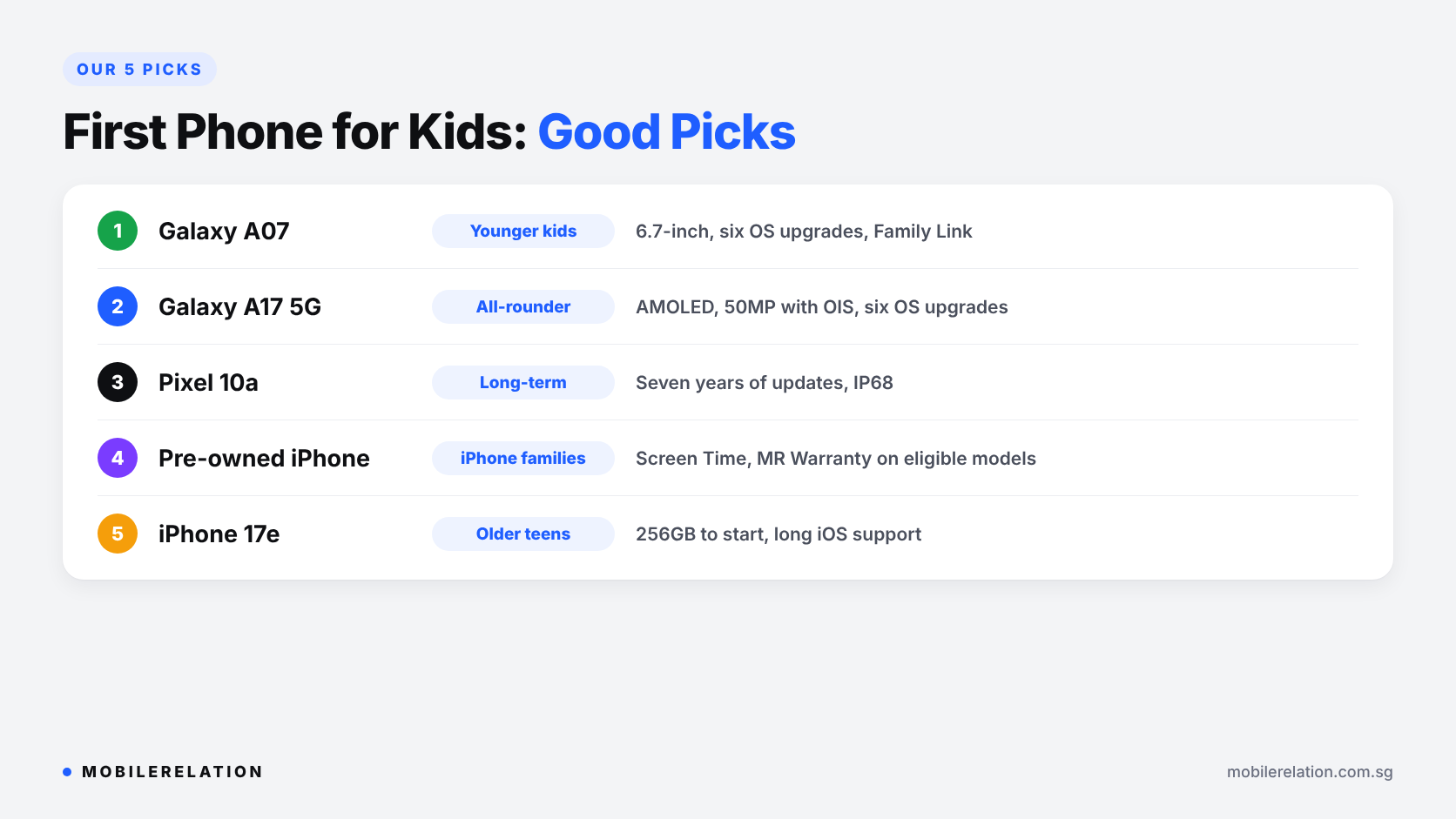
| Phone | Best For | Why It Works |
|---|---|---|
| Samsung Galaxy A07 | Younger kids, lowest cost | 6.7-inch screen, six OS upgrades, Family Link |
| Samsung Galaxy A17 5G | Best all-rounder | 6.7-inch AMOLED, 50MP camera with OIS, six OS upgrades |
| Google Pixel 10a | Long-term Android | Seven years of updates, IP68, Family Link built in |
| Pre-owned iPhone | iPhone families on a budget | Screen Time, Family Sharing, MR Warranty on eligible models |
| iPhone 17e | Older teens | New iPhone, 256GB to start, long iOS support |
1. Samsung Galaxy A07: Best for Younger Kids
If you mainly want your child to call, message and share their location, the Galaxy A07 keeps things simple and affordable. It has a 6.7-inch 90Hz screen, 25W fast charging, and Samsung promises six generations of Android OS upgrades. It works with Google Family Link for parental controls.
2. Samsung Galaxy A17 5G: Best All-Rounder
The Galaxy A17 5G adds a sharper 6.7-inch Super AMOLED screen, a 50MP main camera with optical image stabilisation and 5G. It is slim at 7.5mm, and also gets six OS upgrades and six years of security updates.
3. Google Pixel 10a: Best for Long-Term Use
With seven years of OS and security updates, the Pixel 10a can last from primary school into secondary school and beyond. Google Family Link is built in, and it has IP68 water resistance for the odd spilled water bottle.
4. Pre-Owned iPhone: Best for iPhone Families
If you use an iPhone, giving your child an iPhone makes Screen Time, Family Sharing and location sharing easy to manage from your own phone. A pre-owned iPhone is a great way to save. Eligible pre-owned iPhone 13 to iPhone 17 models in Pristine+, Pristine or Mint condition come with 6 or 12 months of MR Warranty.
Read:
Best Used iPhone to Buy in Singapore →
5. iPhone 17e: Best for Older Teens
For an older teen who is ready for a new phone, the iPhone 17e starts with 256GB of storage, has IP68 water resistance and will get iOS updates for years.
Handing down your old phone?
Giving your child your old phone works too, as long as it still gets software updates and the battery lasts the day. Erase it first, then set it up as a new phone under their own child account.
🔒 Set Up Parental Controls Before You Hand It Over
The most important step with any first phone for kids is setting up parental controls before your child starts using it.
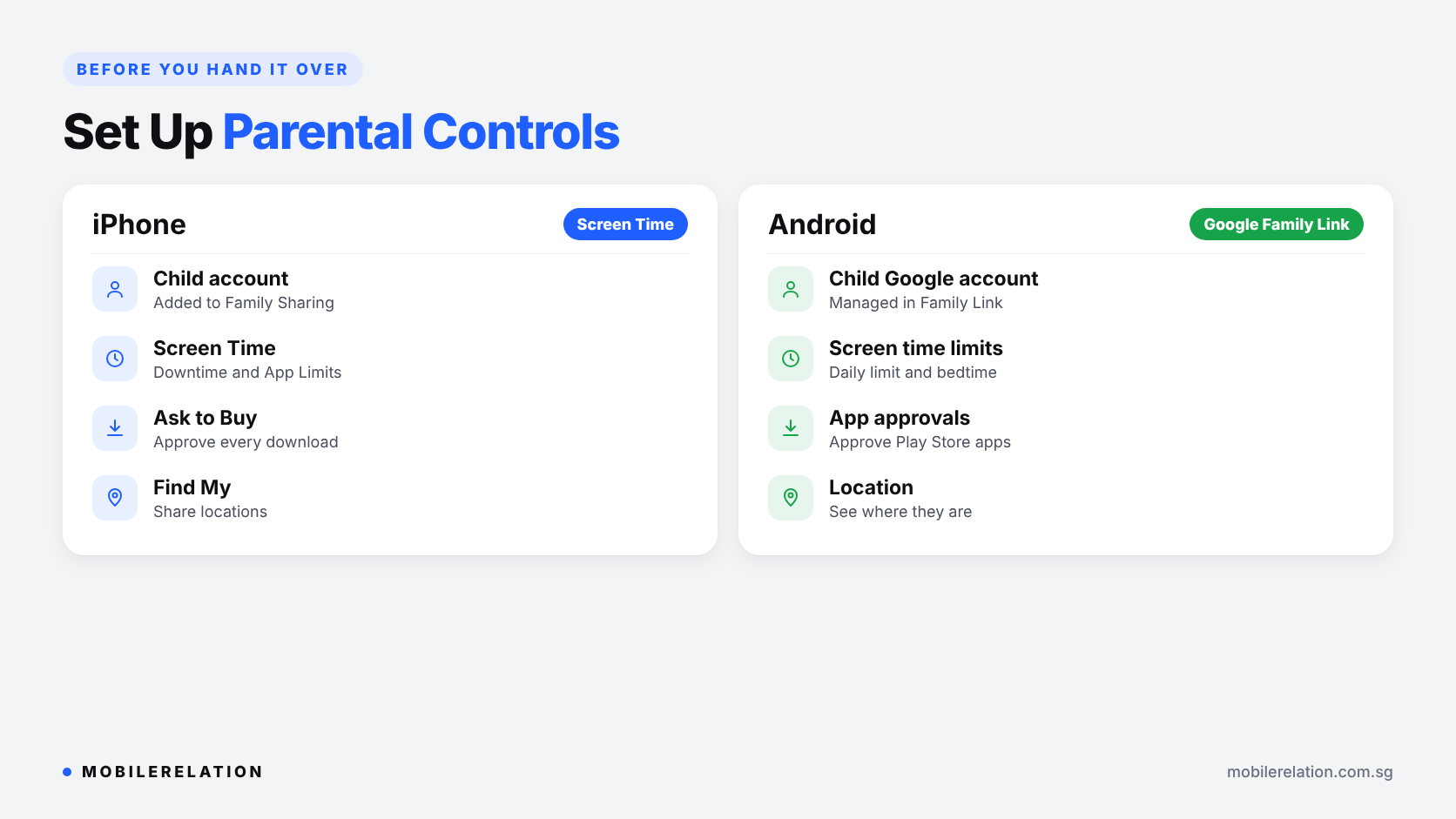
On iPhone: Family Sharing and Screen Time
• Create a child account
and add it to your Family Sharing group
• Use Screen Time
to set Downtime, App Limits and Content & Privacy Restrictions
• Turn on Ask to Buy,
so you approve every app download
• Use Communication Limits
to control who your child can call and message
• Share locations in the Find My app
Step-by-step guide:
iPhone Parental Controls: How to Set Up an iPhone for Your Child →
On Android: Google Family Link
• Create a Google account for your child
and manage it with the Family Link app on your phone
• Approve or block apps from the Play Store
• Set daily screen time limits and a bedtime
• See your child’s location on your phone
• On Samsung, find it under
Settings > Digital Wellbeing and parental controls
Protect them from scams
Children can be targets of scam messages and fake game offers too. Teach them never to share OTPs, passwords or personal details, and consider installing the government’s ScamShield app.
Add a case and screen protector
Kids drop phones. A sturdy case and tempered glass screen protector are a must. For brand new phones, you can also add a Gadget Care+ protection plan.
📝 Set Simple Ground Rules Together
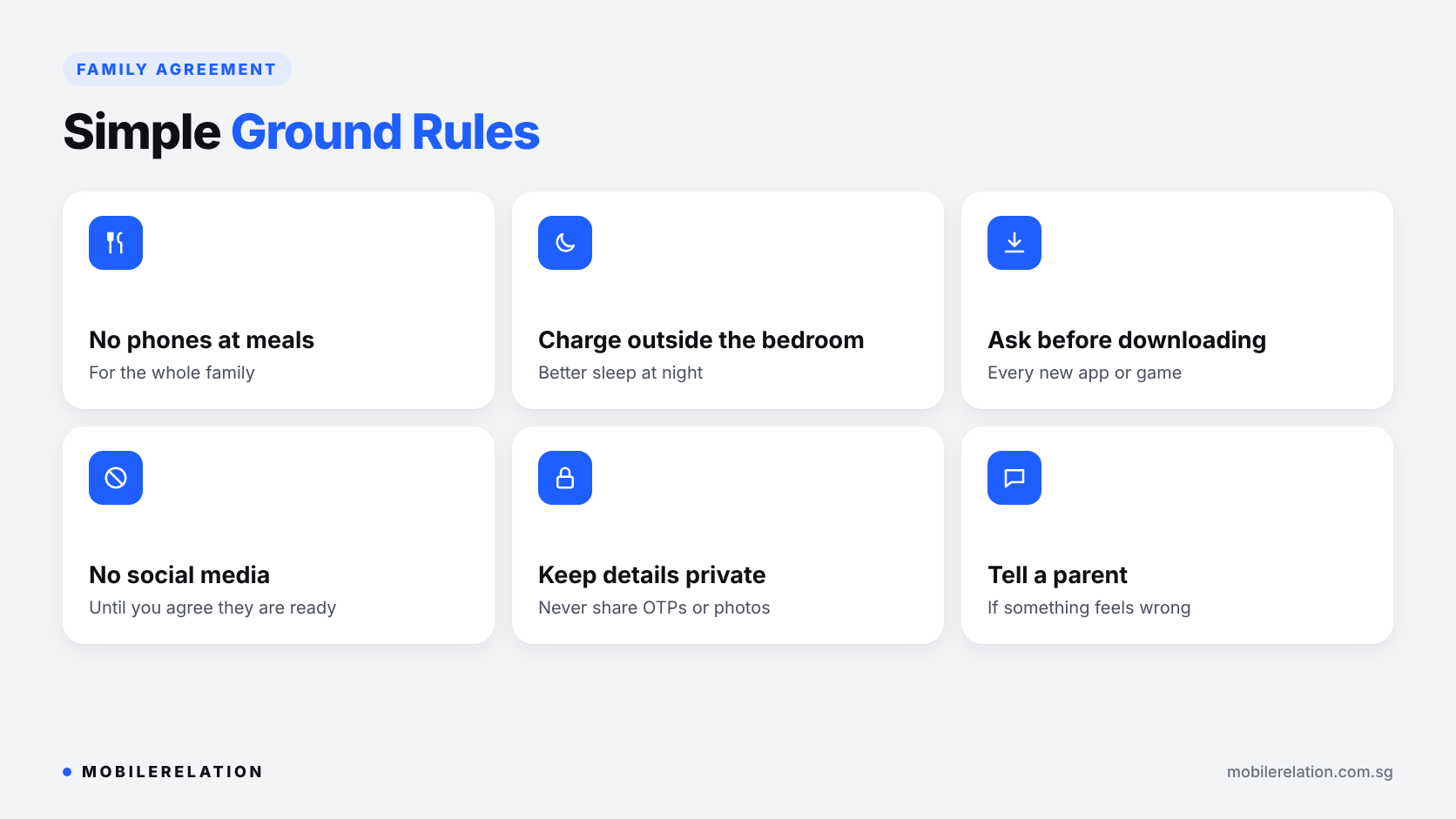
Agree on a few rules before your child gets the phone. Writing them down together makes them easier to stick to.
• No phones at meals,
for the whole family
• Charge the phone outside the bedroom
at night
• Ask before downloading
any new app or game
• No social media
until you agree they are ready
• Never share personal details,
photos or OTPs with strangers
• Tell a parent
if something online feels wrong
🔄 Trade In Your Old Phone
If you are not handing your old phone down, trade it in to lower the cost of your child’s new one.
Need Help Choosing?
Visit one of our outlets with your child to compare phones in person, or WhatsApp us for help choosing.
Find an Outlet Trade In Your Phone❓ Frequently Asked Questions
What is a good first phone for kids in Singapore?
An affordable phone with good parental controls and long software support. The Galaxy A07 and Galaxy A17 5G are good Android choices, and a pre-owned iPhone suits iPhone families.
What age should a child get their first phone?
There is no fixed age. Many parents decide based on whether their child travels alone or needs to be reached after school. Whatever the age, set up parental controls first.
Should my child’s first phone be an iPhone or Android?
Match it to your own phone if you can. It is easier to manage Screen Time from an iPhone, or Family Link from an Android phone.
Can I control screen time on my child’s phone?
Yes. Use Screen Time on iPhone or Google Family Link on Android to set daily limits, bedtimes and app approvals.
Is a pre-owned phone okay as a first phone for kids?
Yes. It costs less if it gets dropped or lost. Choose a model that still gets software updates, and check if it comes with a warranty.
🏁 Final Thoughts
The best first phone for kids is an affordable phone with long software support, set up with parental controls and a few simple rules you agree on together.
Start simple, and give your child more freedom as they show they are ready.
Read: