
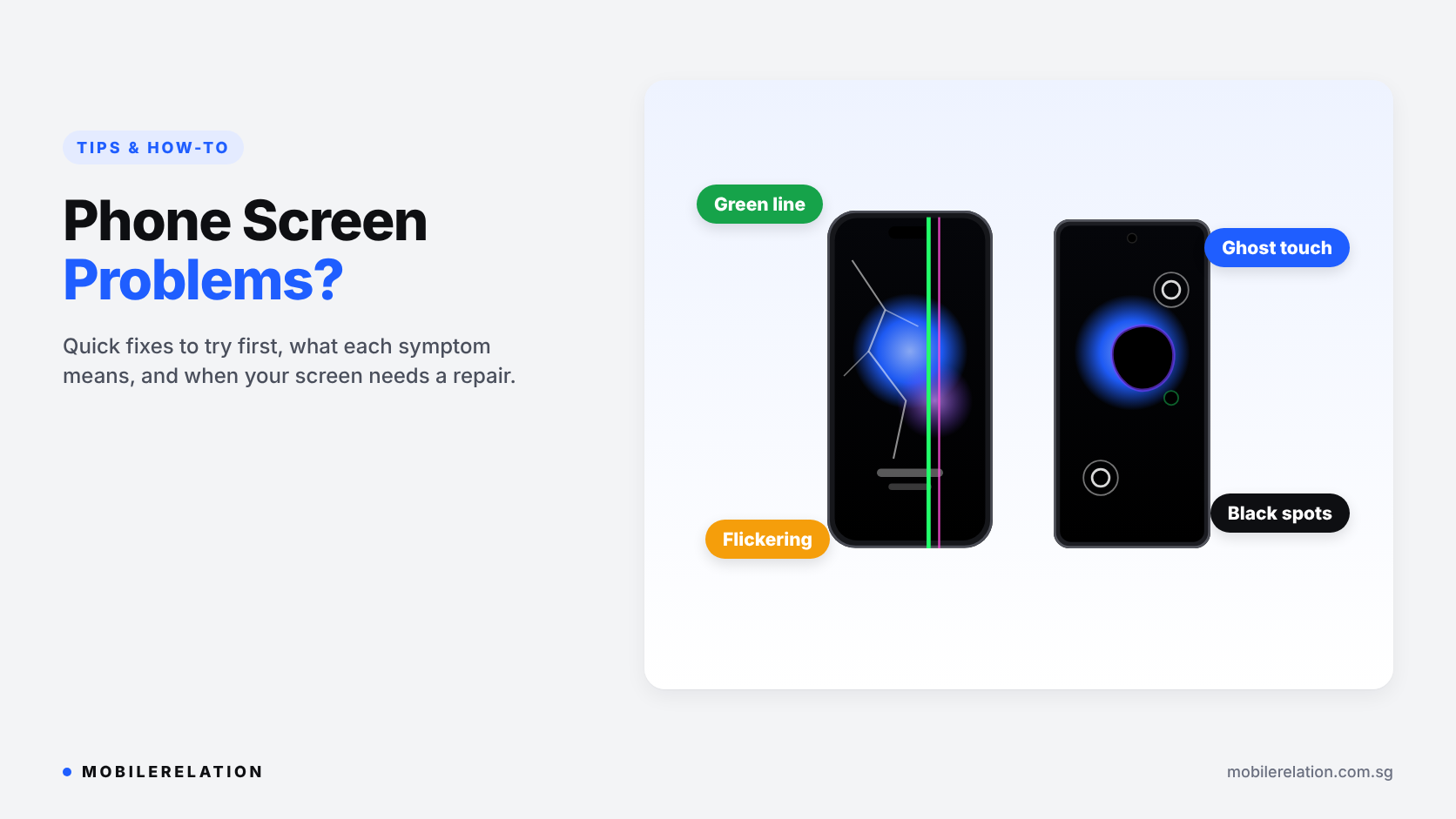
Phone Screen Problems? Common Causes and How to Fix Them in Singapore
Your screen starts flickering, a green line appears out of nowhere, or the phone starts tapping things on its own. Sometimes the screen goes black while the phone still rings.
Phone screen problems are some of the most common issues we see in our outlets. The good news is that many of them are caused by a setting, a screen protector or a software glitch, and you can fix them yourself in a few minutes.
This guide covers quick fixes to try first, what each symptom usually means, and the signs that your phone screen problems need a repair.
Start with a force restart, then remove the screen protector and check your brightness settings. If you see lines, black spots or ink-like patches, or part of the screen does not respond to touch, the display is usually damaged and needs to be checked.
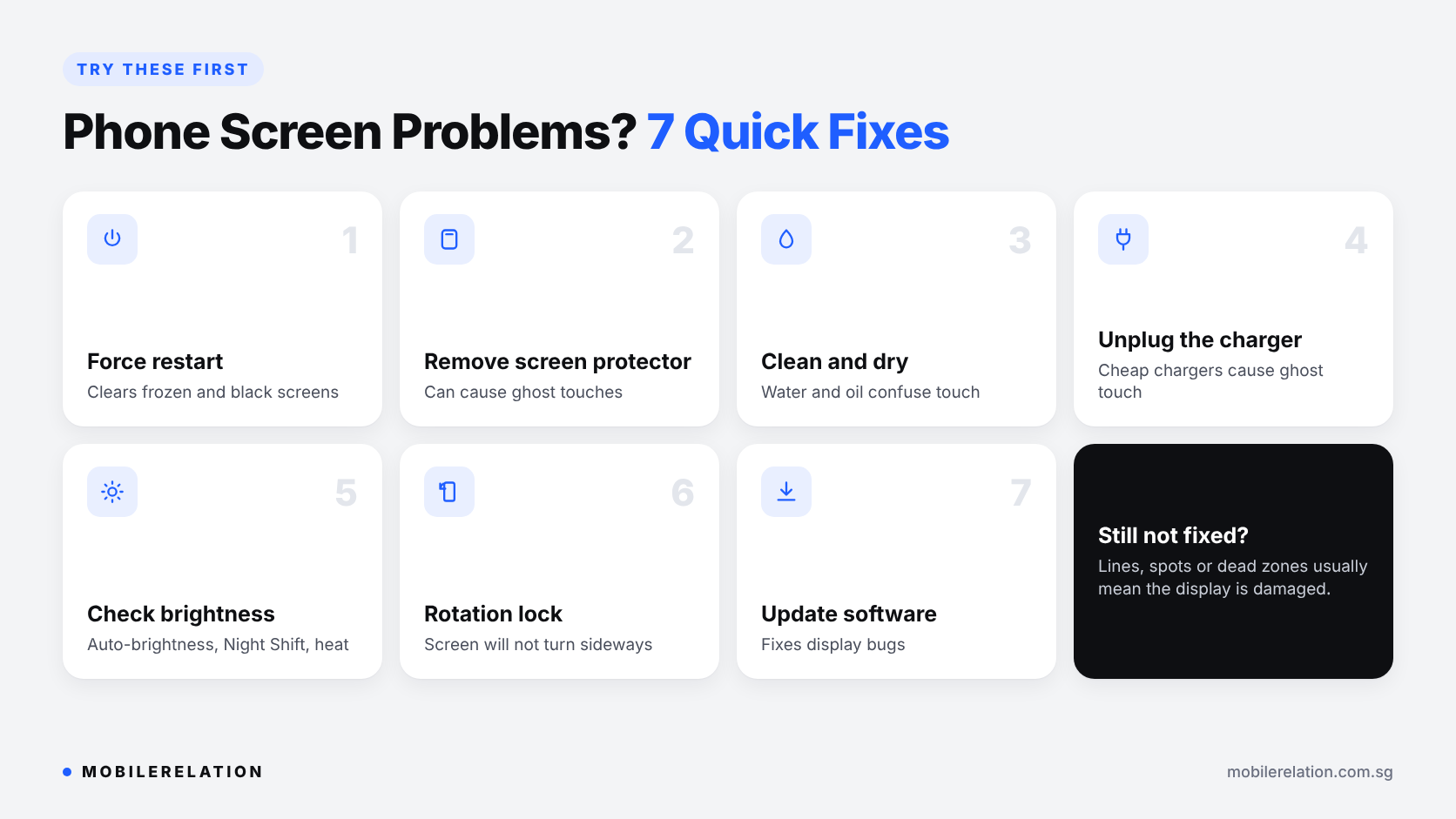
📱 Phone Screen Problems? 7 Quick Fixes to Try First
1. Force restart your phone
A force restart clears many display glitches, including a frozen or black screen.
• iPhone:
press and release Volume Up,
press and release Volume Down,
then hold the Side button until the Apple logo appears
• Samsung:
press and hold the Side key and Volume Down together
for more than 7 seconds until the phone restarts
2. Remove the screen protector
A cracked, lifted or thick screen protector can cause ghost touches or make parts of the screen hard to tap. Take it off and test the screen again.
3. Clean the screen and dry your hands
Water, sweat and oil on the screen can confuse the touch sensor. Wipe the screen with a dry microfibre cloth and make sure your fingers are dry.
4. Unplug the charger
If the screen only acts up while charging, the charger or cable may be the cause. Some low-quality chargers can cause ghost touches. Try a different, certified charger.
5. Check your brightness settings
A screen that keeps changing brightness may just be following auto-brightness. Turn it off to test:
• iPhone:
Settings > Accessibility > Display & Text Size > Auto-Brightness
• Samsung:
Settings > Display > Adaptive brightness
A yellow or warm screen is often Night Shift or True Tone on iPhone, or Eye comfort shield on Samsung. Your phone also dims the screen on its own when it gets too hot, so let it cool down first.
6. Check the rotation lock
If the screen will not turn sideways, open Control Centre on iPhone and turn off Portrait Orientation Lock, or turn on Auto rotate in the Quick Panel on Samsung.
7. Update your software
Some phone screen problems, such as flickering after an update, are fixed in the next software update. Install the latest iOS, One UI or Android update.
🔍 Common Phone Screen Problems and What They Mean
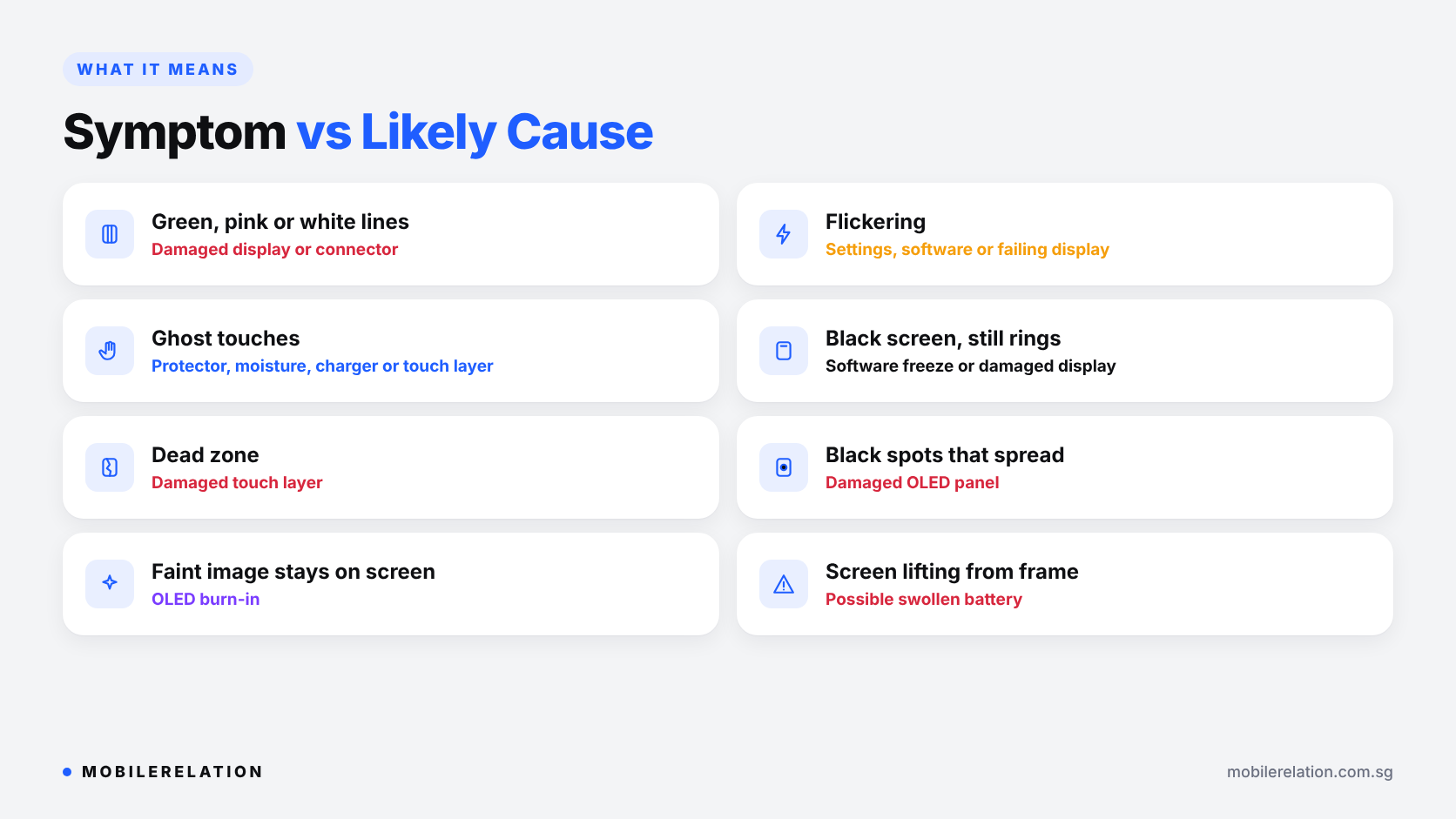
If the quick fixes do not help, the symptom tells you a lot about the cause.
| What You See | Likely Cause |
|---|---|
| Green, pink or white lines | Damaged display or display connector, often after a drop or pressure |
| Flickering | Brightness settings, a software bug or a failing display |
| Ghost touches, the phone taps on its own | Screen protector, moisture, charger or a damaged touch layer |
| Black screen, but the phone still rings | Software freeze or a damaged display |
| Part of the screen does not respond | Damaged touch layer (dead zone) |
| Black spots or ink-like patches that spread | Damaged OLED panel, usually after a drop |
| A faint image that stays on screen | Screen burn-in on an OLED display |
| Screen lifting away from the frame | Possible swollen battery, a safety risk |
Green line on your screen?
A single green, pink or white line that stays in the same place is almost always a hardware problem with the display. It will not go away with a restart or reset, and lines can spread over time.
Screen lifting or bulging?
If the screen is pushing away from the frame, the battery underneath may be swollen. Stop charging the phone, do not press on the screen, and bring it in to be checked as soon as possible.
🛠️ When Phone Screen Problems Need a Repair
If you have tried the fixes above and the problem is still there, the display or touch layer is likely damaged. Common signs include:
• Lines on the screen
that stay after a restart
• Black spots or ink-like patches
that grow over time
• Dead zones
where touch does not work
• Ghost touches
even without a screen protector or charger
• A cracked screen,
even a small crack
• A black screen
after a force restart, while the phone still rings or vibrates
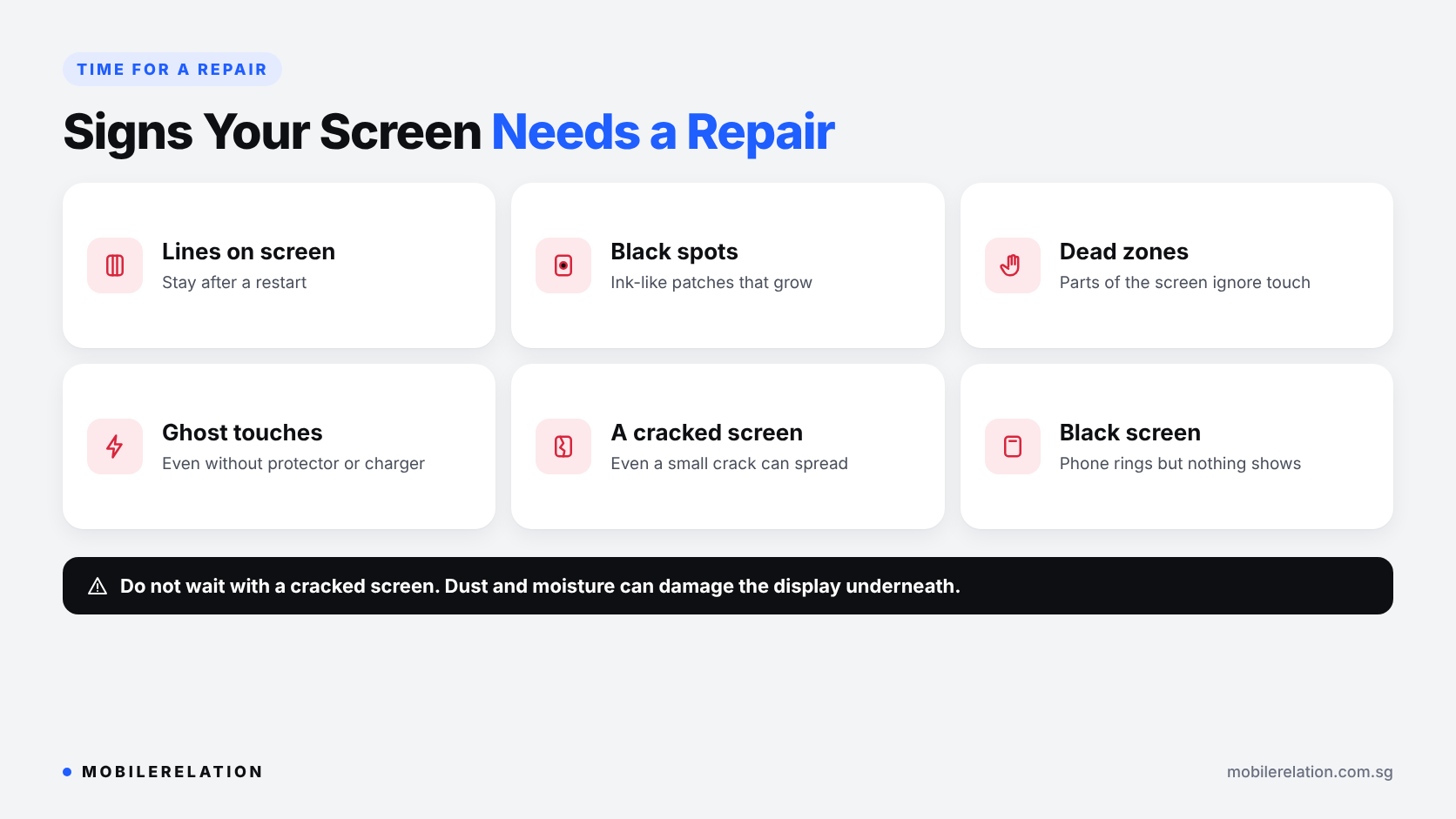
Do not wait too long with a cracked screen. Cracks can spread, and dust and moisture can get in and damage the display underneath.
🔧 How Screen Repair Works at MobileRelation
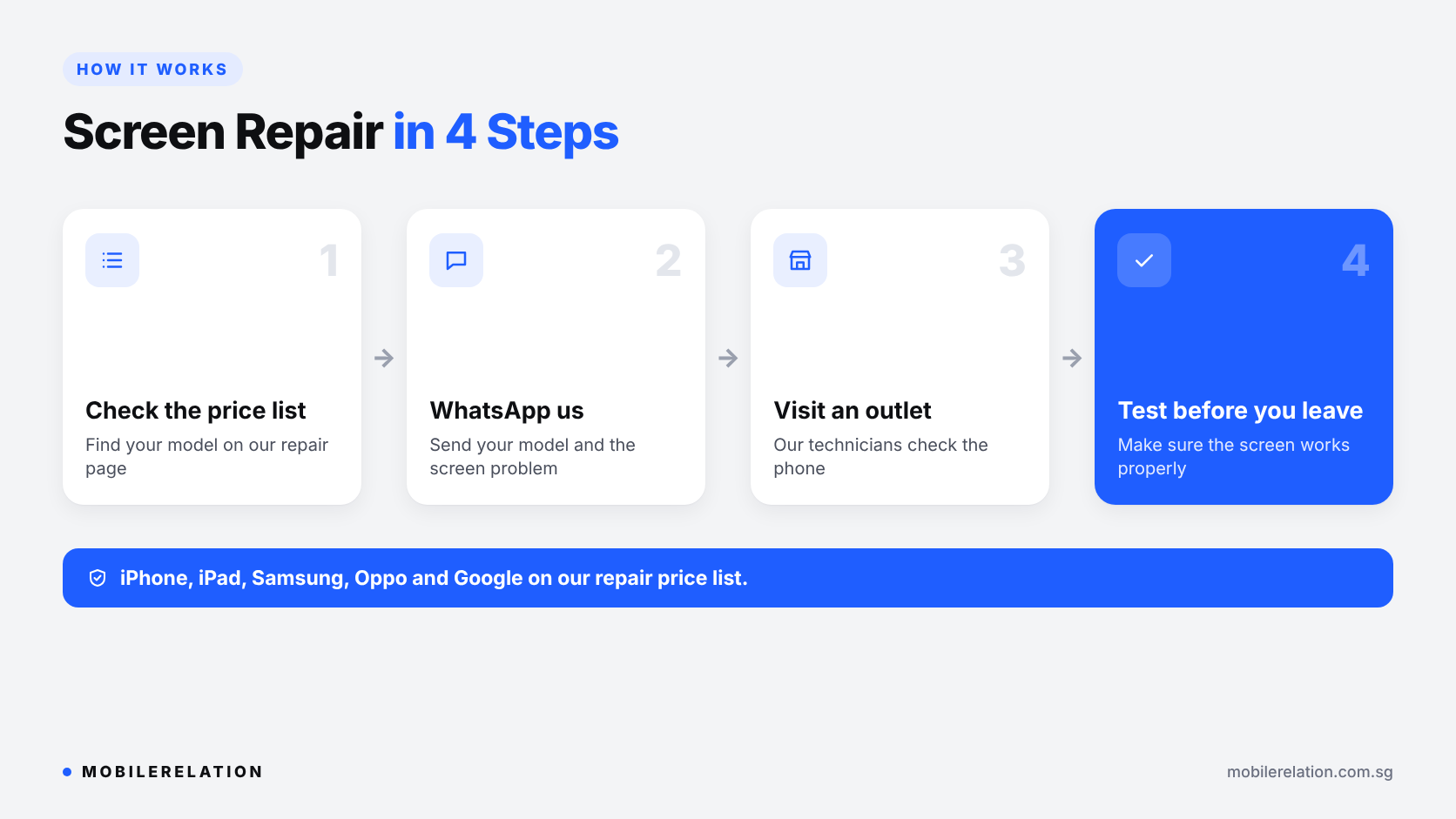
We repair cracked, broken and unresponsive screens. Our repair price list covers iPhone, iPad, Samsung, Oppo and Google devices. If your model is not listed, WhatsApp us and we will let you know whether we can help.
• Step 1: Check our repair price list for your model
• Step 2: WhatsApp us your phone model and the screen problem
• Step 3: Bring your phone to one of our outlets for our technicians to check
• Step 4: Test the screen before you leave to make sure it works properly
If your phone screen problems have no obvious cause, our diagnostics service checks for hidden hardware or software issues before you decide on a repair.
See our repair services and price list →
Read more about screen repair for your phone:
iPhone Screen Replacement in Singapore →
Samsung Screen Replacement in Singapore →
Repair or Upgrade?
If your phone is older and the repair cost is close to its value, trading it in for a newer phone may make more sense.
Read:
Repair or Trade In? What to Do With a Broken Phone →
Screen Still Acting Up?
WhatsApp us your phone model and the problem, or visit one of our outlets to have it checked.
View Repair Prices Trade In Your Phone❓ Frequently Asked Questions
What causes most phone screen problems?
Many are caused by a screen protector, moisture, brightness settings or a software glitch. Lines, black spots and dead zones are usually caused by damage to the display, often after a drop.
Why is my phone screen flickering?
Try turning off auto-brightness, restarting the phone and updating the software. If it still flickers, the display may be failing and should be checked.
Can a green line on my phone screen be fixed?
A green line that stays after a restart is usually a display hardware problem. It is normally fixed by replacing the screen.
Why does my phone screen touch by itself?
Ghost touches are often caused by a screen protector, water on the screen or a low-quality charger. If they continue without any of these, the touch layer may be damaged.
My screen is black but the phone rings. What should I do?
Force restart the phone first. If the screen stays black, the display is likely damaged. Back up your data if you can and have it checked.
Can screen burn-in be fixed?
Permanent burn-in on an OLED screen does not go away by itself. If it bothers you, a screen replacement is the fix.
🏁 Final Thoughts
Many phone screen problems can be fixed at home: force restart, remove the screen protector, unplug the charger and check your brightness and rotation settings.
If you see lines, black spots or dead zones, or the screen is cracked, have it checked before the damage spreads.
Read: